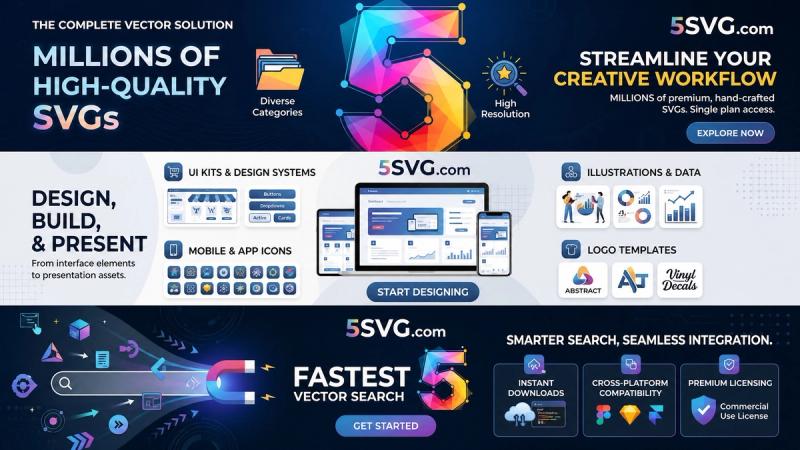
5SVG (5svg.com) is a free online library of over 658 SVG brand logos and icons for crafts, design, and creative projects — browse, search, and download without an account.
What is 5SVG?
5SVG is a web-based library of Scalable Vector Graphics (SVGs) focused on brand logos and icons. Users can browse or search the collection, then copy the SVG code or download the file directly. The platform is independent and not affiliated with the brands shown; logos belong to their respective owners.
Key Features
- 658+ SVG assets — a curated collection of brand logos and icons organized into categories such as Brands, AI, Design, Social, Software, and more.
- No account required — browse, search, and download freely without signup or paywall.
- One-click download — copy the raw SVG code or download the file with a single click.
- Local favorites — heart icons let you save frequently used SVGs locally in your browser on the current device.
- Cross-tool compatibility — SVGs work seamlessly with Cricut, Silhouette, Canva, Figma, Adobe apps, PowerPoint, and any software that accepts vector files.
- Search and filtering — search by name or pick a category to quickly narrow down assets.
What can you do with 5SVG?
- Cutting crafts: download SVGs for vinyl decals, stickers, and iron-on projects using Cricut Design Space or Silhouette Studio.
- Digital design: drop icons directly into Canva, Figma, or PowerPoint presentations without losing quality.
- Print projects: create custom shirts, tags, party decorations, and labels at home with a clean vector file.
- Mood boards and mockups: use real brand logos for educational projects, client presentations, or personal mood boards.
Who is it for?
- Crafters and makers — use the SVGs with cutting machines for personalized home decor, apparel, and gifts.
- Designers and students — quickly access vector logos for web design, print mockups, or school assignments.
- Developers — grab clean SVG code for app interfaces, websites, or prototype demos without attribution burdens.
How does 5SVG work?
- Open the library from the site menu, browse categories, or search by logo name.
- Click on any logo to view its detail page.
- Copy the SVG code to your clipboard or download the
.svgfile directly. - Optionally, click the heart icon to save the logo to your local favorites list.
FAQ
Is 5SVG free?
Yes. All SVGs are free to browse and download with no signup or payment required. Favorites are optional and stored only on your device.
Can I use these SVGs commercially?
Logos and trademarks belong to their respective owners. Use them responsibly for personal, educational, and mockup work. Always check each brand's official guidelines before any commercial use.
What is the difference between SVG and PNG?
SVG is a vector format — it stores shapes as math, so it stays sharp at any size. PNG is pixel-based and becomes blurry when scaled up. SVGs are ideal for logos, icons, and cutting machines.
Do I need an account to save favorites?
No. Favorites are stored locally in your browser using on-device storage. They persist until you clear browser data or manually remove them.
Can I use these SVGs with Cricut or Silhouette?
Yes. Download the SVG file from 5SVG, then import it into Cricut Design Space, Silhouette Studio, or any app that accepts vector files. The vectors are ready to cut.