
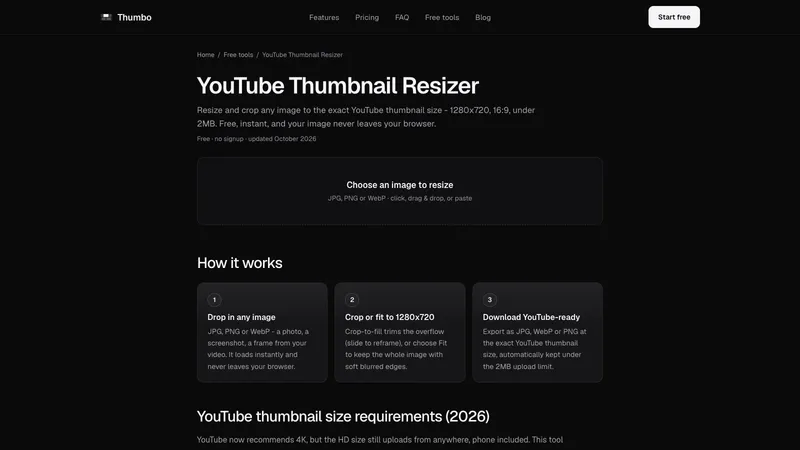
YouTube Thumbnail Resizer turns any image into a YouTube-ready thumbnail: exactly 1280x720, 16:9, under the 2MB upload limit. It runs in your browser, so your image never leaves your device.
How it works
- Drop in any image. JPG, PNG or WebP: a photo, a screenshot, a frame from your video. Click, drag and drop, or paste.
- Crop or fit to 1280x720. Crop-to-fill trims the overflow, with a slider to reframe. Fit keeps the whole image and fills the empty space with soft blurred edges.
- Download. Export as JPG, WebP or PNG at the exact size, automatically kept under 2MB.
Crop to fill or Fit
Crop to fill suits photos and screenshots: the image covers the whole frame and the excess is trimmed. Fit keeps every pixel of the original, which is the better choice when the image has text or a full-body subject that must not be cropped.
Why the 2MB option matters
The YouTube mobile app rejects thumbnail files over 2MB. With the Keep under 2MB option on, the tool searches the JPG or WebP quality and exports the highest quality that still fits, so there is no trial and error with uploads.
The page also includes a table of the YouTube thumbnail requirements: 1280x720 standard HD size, 16:9 aspect ratio, 640 px minimum width, and JPG, PNG or WebP formats. Made by Thumbo, the AI thumbnail maker. Free, no signup, no watermark.


