
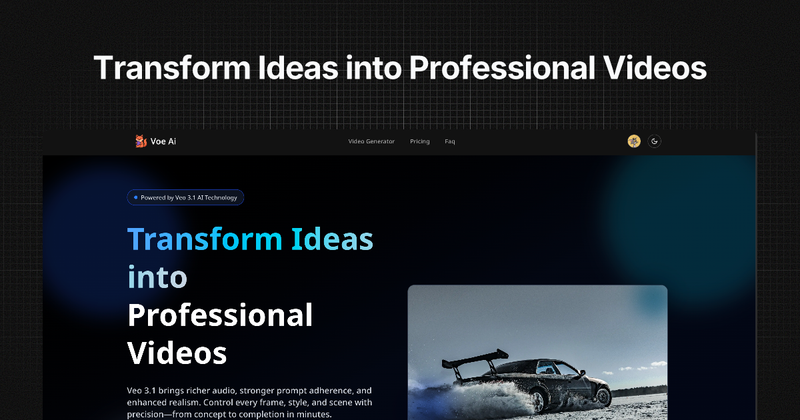
Voe Ai is an AI-powered video generation platform that turns text prompts and images into cinematic 1080p videos with native synchronized audio, powered by Google DeepMind’s Veo 3.1 model.
What is Voe Ai?
Voe Ai is a cloud-based tool that converts text descriptions, uploaded images, or reference frames into 8-second 1080p video clips with multi-layer audio (dialogue, ambient sound, music). It runs entirely in the browser—no software installation or GPU required—and offers both Fast Mode (~30s preview) and Standard Mode (full quality, 1–3 minutes). The platform is built by the team behind Voe31.com and uses Google DeepMind’s Veo 3.1 engine.
Key Features
- First & Last Frame Control — Upload a start and end frame; Veo 3.1 generates the smooth in-between transition for precise narrative control.
- Multi-Image Reference — Upload up to 3 reference images to match color palette, lighting, and composition across generations.
- Text & Image to Video + Native Audio — Every video comes with synchronized lip-synced dialogue, ambient sounds, and background music—no external audio tools needed.
- Scene-Level Creative Control — Direct camera moves, pacing, and story beats in plain English (e.g., “slow dolly-in,” “fast cut to reaction”).
- Version, Test & Iterate Fast — Duplicate scenes, change hooks or colorways, and A/B test multiple variants; Fast Mode delivers previews in ~30 seconds.
- Extend, Insert & Remove — Chain clips up to ~148 seconds, add or remove elements while preserving shadows and lighting.
Who is it for?
- Social media creators — Generate short-form B-roll, transitions, and visual effects for YouTube Shorts, TikTok, or Instagram Reels without a camera.
- E-commerce & product marketers — Turn product photos into 8-second video ads with rotating shots, lifestyle scenes, and unboxing-style reveals.

- Filmmakers & storytellers — Use First & Last Frame Control for pre-visualization, storyboarding, and concept pitches; chain clips for sequences up to 2.5 minutes.
- Educators & content creators — Create explainer visuals, concept demonstrations, and B-roll from text descriptions without hiring animators.
- Designers & creative agencies — Maintain brand consistency using Multi-Image Reference; present style-matched video concepts before full production.
What can you do with Voe Ai?
- Social media creators: Generate eye-catching B-roll and transitions for short-form content in minutes—no filming equipment needed.
- E-commerce teams: Iterate ad creative fast; A/B test 10 video variants for the cost of one traditional shoot.
- Filmmakers: Produce pre-visualization and storyboard pitches with moving images instead of static frames.
- Educators: Turn lesson scripts into animated videos—e.g., “how photosynthesis works”—without animation skills.
- Design agencies: Eliminate “that’s not our brand look” revisions by uploading mood boards as reference.
How does it work?
- Choose your mode — Text-to-Video, First & Last Frame, or Image Reference.
- Describe & upload — Type a brief or upload reference images/start-end frames; include lighting, camera movement, and atmosphere.
- Generate & deliver — Select Fast Mode (~30s preview) or Standard (1080p, 1–3 min). Download as MP4, ready for any platform.
Pricing
Voe Ai operates on a freemium model. New users receive 3 free credits on sign-up plus 1 free credit daily. Paid plans start at Starter ($9.9/month, 60 credits), Pro ($23.9/month, 150 credits), and Studio ($39.9/month, 270 credits). One-time credit packs are also available. No credit card required for trial.
FAQ
Is Voe Ai free?
Yes—you get 3 free credits instantly when you sign up, plus 1 free credit every day you log in. No credit card required. After trial, you can purchase credits or subscribe.
Do I need to sign up to use it?
Yes. Creating a free account takes under a minute and unlocks your trial credits, generation history, saved prompts, and early access notifications for new features (e.g., Veo 4).
What resolution and video length does it support?
Veo 3.1 outputs 1080p at 24 fps, 8 seconds per generation. You can chain clips to extend up to ~148 seconds. Aspect ratios: 16:9 (landscape) or 9:16 (vertical/portrait).
Can I use the videos commercially?
Yes—all generated videos are yours to use commercially, including ads, social media, monetized YouTube content, and client projects. No attribution required.
How long does generation take?
Fast Mode delivers an 8-second preview in ~30 seconds; Standard Mode renders full 1080p with audio in 1–3 minutes. Extension chains take proportionally longer.






