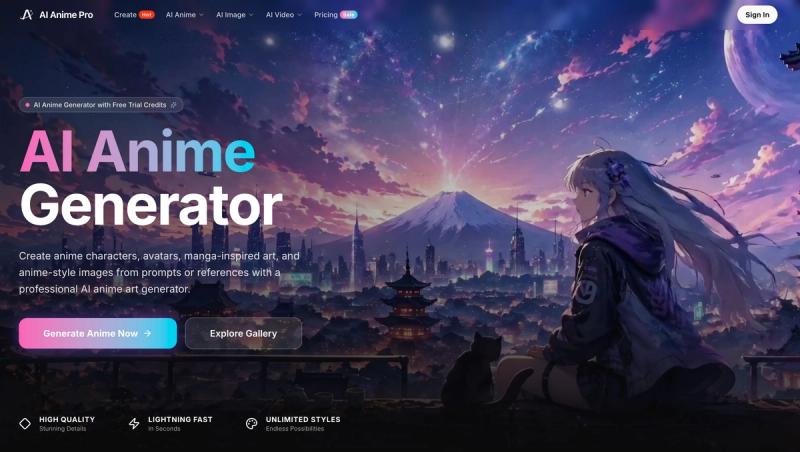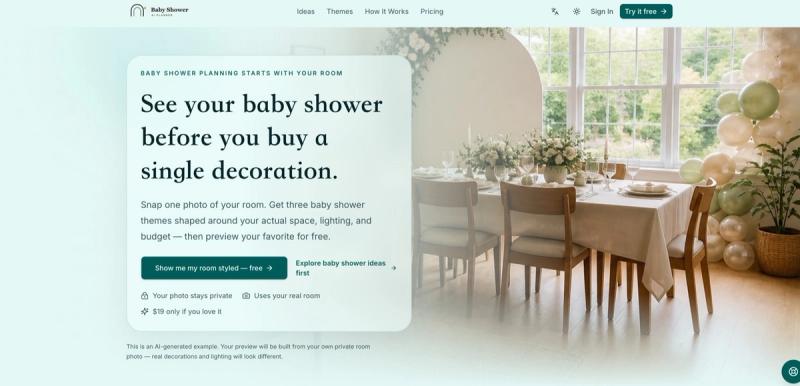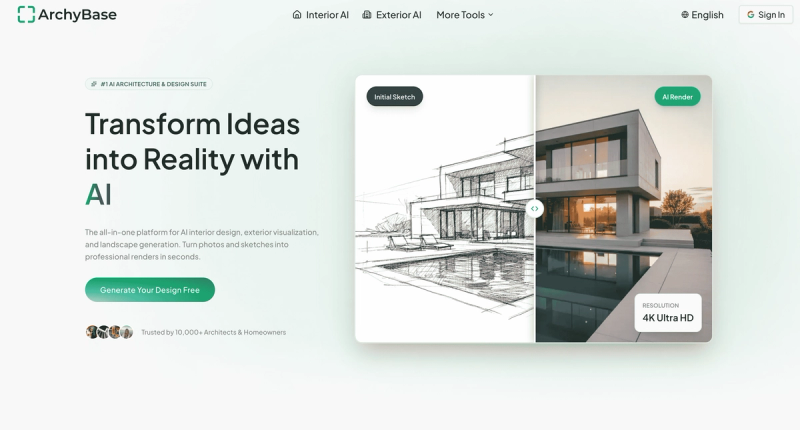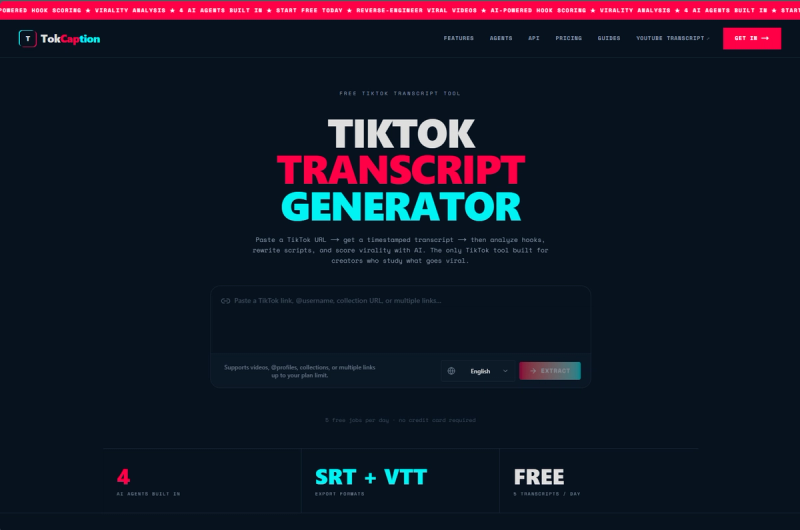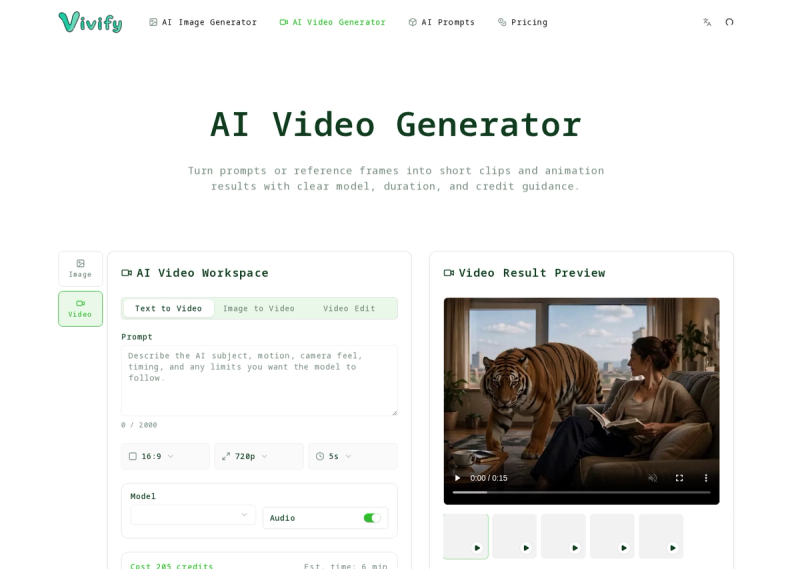
Vivify is an AI-powered creative workspace that generates images, edits via references, and turns strong frames into short videos, all from prompts or uploaded references.
What is Vivify?
Vivify is an online AI image and video generator that lets users create still frames from text prompts, edit using reference images (image-to-image), and generate short videos from text or image inputs. It runs entirely in the browser and is developed by the Vivify team. The platform positions motion as a natural extension of image creation, allowing users to start with a still and move into video workflows.
Key Features
- Text-to-Image — Generate AI images from written prompts, supporting styles from photorealistic to anime and comic art.
- Image-to-Image — Upload a reference image to control composition, style, or product details during generation.
- Text-to-Video — Create short AI video clips by describing the subject, camera movement, and atmosphere.
- Image-to-Video — Turn a still frame, artwork, or reference result into a moving scene with subject motion and camera dynamics.
- Commercial Use — All generated content can be used commercially, with no watermark on any plan.
- Credit System — Use credits across images, edits, and videos; free signup grants 12 credits plus daily check-in rewards.
- Team Seats — Max plan includes 10 team seats with shared credits and API access.
Who is it for?
- Marketers and advertisers — Create ad creatives, product shots, and campaign concepts with readable text and brand styling.
- Game and entertainment artists — Build character keyframes, world concepts, and storyboard video sequences.
- Content creators and social media managers — Generate short video clips, motion tests, and social assets quickly from prompts.
- Freelancers and studios — Collaborate on visual projects with team seats and credit packs for high-volume work.
What can you do with Vivify?
- Advertising: Generate product packaging ads, lifestyle scenes, and motion-ready commercial assets with built-in text overlay.
- Storyboarding: Write a scene brief and produce a storyboard-style video sequence with camera movement and pacing.
- Character and world design: Create character sheets, fantasy landscapes, and game-style scenes that can be turned into motion later.
- Social media content: Produce short, eye-catching video clips for platforms like Instagram, TikTok, and YouTube from a single prompt.
How does Vivify work?
Users choose a workflow based on their starting point: a text prompt, a reference image, or a scene brief. For example, to create a video, describe the scene, camera, and mood in the text-to-video mode, or upload an image to the image-to-video mode to animate it. The platform uses AI models like GPT Image 2, Seedance 2.0, and Live Face Swap, each consuming different credit amounts.
Pricing
Vivify operates on a freemium model. Free tier grants 12 signup credits and daily rewards. Paid yearly plans include Basic ($115/year, 500 credits/month), Pro ($244/year, 2,167 credits/month), and Max ($588/year, 7,000 credits/month with team seats and API access). Monthly plans are also available at higher per-month rates. Users can add credit packs at 30% off.
Start with the AI video generator to create short clips from text or image, or use the AI image generator for still frames and edits.