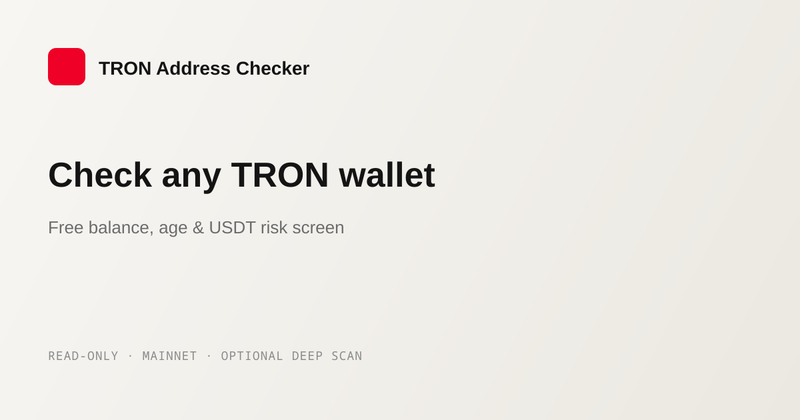
TRON Blacklist Checker is a free web tool that checks any TRON wallet address against Tether's official USDT TRC20 blacklist in under 2 seconds.
What is TRON Blacklist Checker?
TRON Blacklist Checker is a free, independent web service that queries the official USDT TRC20 contract to determine whether a given T-address is blacklisted by Tether. You paste a public TRON address into the input field, and the tool calls the contract's isBlackListed function, returning a listed or clear status along with category, severity, first-seen age, and public balance data. It runs entirely in your browser with no wallet connection, seed phrase, or token approval required. The project is not affiliated with the TRON Foundation or any exchange.
Key Features
- Instant blacklist lookup — Checks any TRON address against Tether's official USDT TRC20 contract (TR7NHqjeKQxGTCi8q8ZY4pL8otSzgjLj6t) and returns a clear status in under 2 seconds.
- Free and read-only — The lookup reads public mainnet data only; nothing is signed and no wallet connection is ever requested.
- On-chain risk signals — For listed addresses, shows severity (e.g., high), category (e.g., Phishing · Wallet drainer), and a preliminary risk score (e.g., 86/100) based on public data.
- Balance and age context — Displays TRX and USDT TRC20 balances and first-seen age from the blockchain alongside the blacklist result.
- Deep scan option — For large or unfamiliar transfers, an optional deep scan traces exposure several hops out and labels the entities behind the address; it requires one wallet confirmation and only costs network fees.
- Independent and transparent — Not affiliated with TRON Foundation or exchanges; clearly states that a clear result is not a safety guarantee.
- Educational resources — Includes guides on spotting phishing, checking before sending, revoking TRC20 approvals, and recovering funds sent to scams.
Who is it for?
- Crypto users making payments — Anyone about to send TRX or USDT TRC20 can paste the recipient's address to see if it's on Tether's blacklist before transferring funds.
- Traders and investors — People receiving funds from unfamiliar counterparties can verify whether the address has been frozen for USDT transfers.
- Security researchers — Analysts investigating phishing or wallet drainer addresses can use the deep scan to map multi-hop exposure.
- Telegram and OTC deal participants — Users dealing with support agents or OTC traders can check addresses involved in potential scams.
What can you do with TRON Blacklist Checker?
- Verify a destination address before sending — Paste the address you plan to pay and see if Tether has blacklisted it for USDT TRC20 transfers, plus its risk category and severity.
- Check for USDT freezes — Determine whether a specific address is frozen on Tether's official contract via the
isBlackListedcall. - Investigate scam reports — Use the deep scan to trace a suspicious address's exposure across multiple hops and identify entities behind it.
- Learn about TRON scams — Browse the built-in guides covering phishing, fake support, wallet drainers, seed phrase scams, and address poisoning.
How does TRON Blacklist Checker work?
The tool walks through three steps: paste a T-address, read the on-chain hit (listed or clear), and optionally run a deep scan for multi-hop exposure. The free check calls isBlackListed on Tether's official USDT TRC20 contract, reads public mainnet balances and first-seen age, and displays the result without requiring any wallet interaction.