
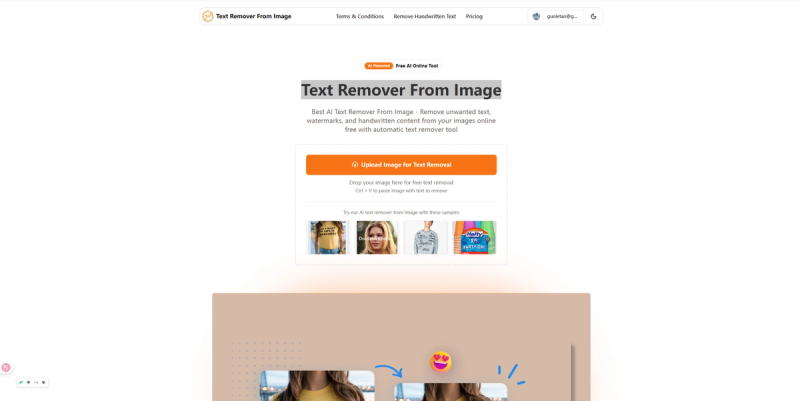
Text Remover From Image is a free online AI tool that automatically removes unwanted text, watermarks, and handwritten content from images without compromising quality.
What is Text Remover From Image?
Text Remover From Image is a web-based AI tool that accepts image uploads in JPG, JPEG, PNG, and WebP formats and outputs clean images with text removed. It runs entirely in the browser with no software installation needed, and the service is free to use without registration.
Key Features
- AI-powered text detection — Automatically identifies and removes text, watermarks, and handwriting with high precision.
- Free to use online — No downloads, subscriptions, or hidden fees; all processing is free.
- Automatic workflow — Simply upload an image and let the AI process it; no manual selection needed.
- HD quality output — Maintains original image resolution and sharpness with zero quality loss.
- Batch processing — Allows multiple images to be processed simultaneously for efficiency.
- Support for common formats — Works with JPG, JPEG, PNG, and WebP formats.
- Instant results — Removes text in seconds, no waiting time.
- Web-based — Operates entirely in the browser, compatible with any device.
Who should use Text Remover From Image?
- Graphic designers — Remove watermarks from stock images or clean up client assets.
- Photographers — Erase timestamps, labels, or logos from photos.
- Content creators — Clean up captions or subtitles from screenshots for social media.
- Business professionals — Redact confidential text from screenshots or documents.







