
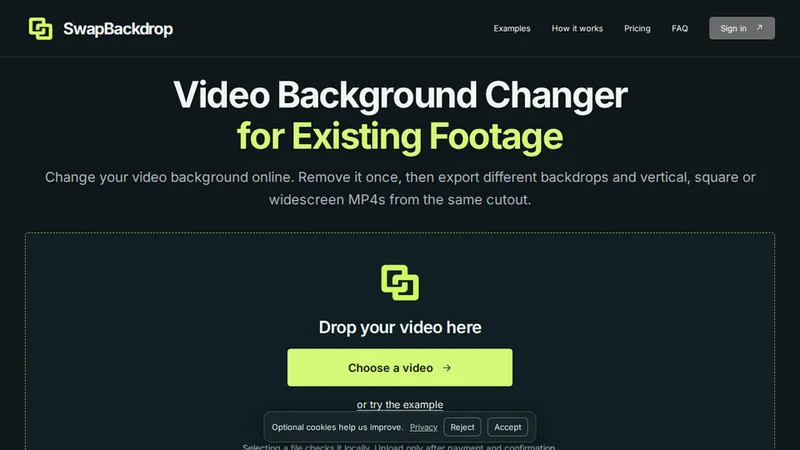
Change the backdrop of footage you already have
SwapBackdrop is a browser-based video background changer for existing recordings. It gives creators a workflow for preparing a cutout and trying different backgrounds and frame layouts without starting a new shoot. Use footage you own or have permission to edit, and inspect the preview before choosing a final export.
Work with one source clip
Choose a video, check that the subject and source framing are suitable, and follow the available preparation steps. After a usable cutout is ready, compare background choices and different output frames. The same subject can be presented in a vertical, square or widescreen composition, depending on the available controls and source quality. Review the current file limits and paid processing offer on the official website.
Who might find it useful
The workflow can help people adapting presenter footage, creator clips and product videos for different destinations. It is particularly useful when the original material is already recorded and the goal is to change the presentation around it. Background changes should support the subject and message rather than hide important source details.
Inspect before publishing
A background change does not guarantee perfect subject edges. Fine hair, motion blur, transparent objects, shadows and low contrast can make a cutout harder to prepare. Review the full motion, not only a single still frame. Check the crop, subject position, background contrast and transitions at the intended output size. Keep the original video and compare the exported version before sharing it. Results depend on the source; preview availability is separate from paid processing and final export eligibility.
Support: [email protected].


