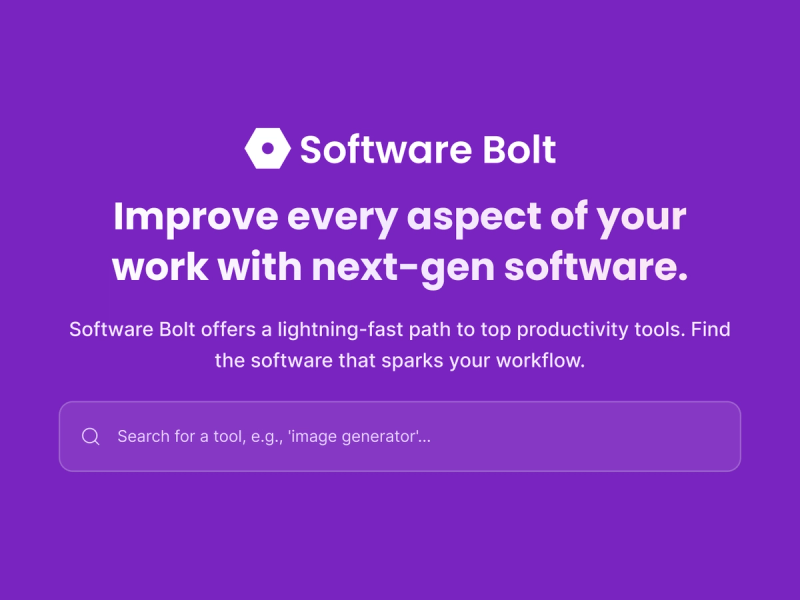
Software Bolt is a software product directory that accelerates discovery and comparison of SaaS, business tools, and fast-moving software products across 50+ categories.
What is Software Bolt?
Software Bolt is a directory of software products organized by category and pricing model, designed for quicker evaluation. It lists tools across categories such as AI Assistants, Marketing, Business & Finance, and more. Users can browse featured products, filter by category, and read concise listings with descriptions, pricing tags (Free, Freemium, Paid, Free Trial), and direct links to product sites. The platform is maintained by an editorial team that updates listings multiple times per week.
Key Features
- Extensive Categorization — Tools are organized into over 50 categories like AI Assistants, Analytics & Data, Marketing, and Web Development, allowing users to narrow by use case.
- Featured Products Section — Highlights top tools like ShadowLock, LocalBasics, and Sinneroggi on the homepage for rapid discovery.
- Pricing Filters — Each product listing shows a pricing tag (Free, Freemium, Paid, Free Trial) so users can quickly filter by budget.
- Product Submission Portal — Developers and companies can submit their own product for review and inclusion in the directory.
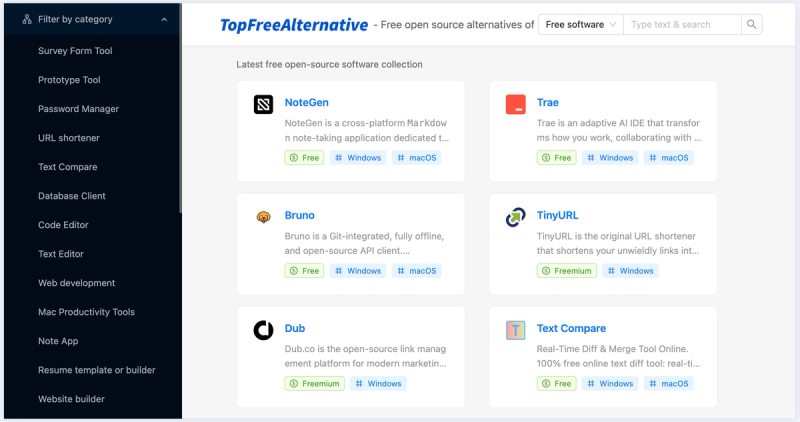
- Concise Listings — Each entry includes a product name, one-line description, category tags, pricing model, and a link to the official site, enabling fast scanning.
- Search Functionality — Allows users to quickly find specific tools by name or functionality.
- Frequent Updates — The directory is updated multiple times per week with new products and revised listings, ensuring current information.
Who is it for?
- Busy founders who need to pick a tool quickly without spending hours on research.
- Freelancers comparing options during a quick break, seeking structured comparisons.
- Team leads who want to shortlist software for their stack without lengthy evaluation.
- Product hunters looking to discover new and trending SaaS tools across categories.
What can you do with Software Bolt?
- Discover tools by category — Browse sections like AI Assistants or Marketing to find products serving specific needs.
- Compare pricing models — Each listing shows if a tool is Free, Freemium, or Paid, enabling budget-conscious decisions.
- Read concise descriptions — Get a one-line summary of what each product does without scrolling through lengthy reviews.
- Visit product sites directly — Click through to the official website to explore further or sign up for free trials.
- Submit your own product — Use the submission form to get your tool listed and reach users making faster software comparisons.
Frequently Asked Questions
What kinds of products does Software Bolt cover?
Software Bolt covers software products across SaaS, apps, business tools, and fast-moving software categories.
How do I compare products on Software Bolt?
Use category and pricing filters to narrow the field, then compare listings serving the same use case or part of your stack.
Who is Software Bolt for?
The directory is useful for people who want a more structured way to discover and compare software with clearer categories and product context.
Can I submit my own product?
Yes. You can submit your own product through the submission page, and it will be reviewed before it is added to the directory.
Is Software Bolt free to use?
Yes. Browsing the directory, viewing listings, and comparing products is completely free. Individual products listed may have their own pricing models, but using Software Bolt to discover and evaluate them costs nothing.
How often is the directory updated?
We add new products and update existing listings multiple times per week. Our editorial team continuously monitors the market to keep the directory current, accurate, and comprehensive.