Newsletter
Join the Community
Subscribe to our newsletter for the latest news and updates
AI signature background remover that converts handwritten signatures into transparent PNG files for documents.
Traffic, search & AI signals for www.signatureclear.online.
Third-party traffic estimate · Updated Sep 9, 2026
Submit your own product to reach creators and founders looking for the next tool to try.
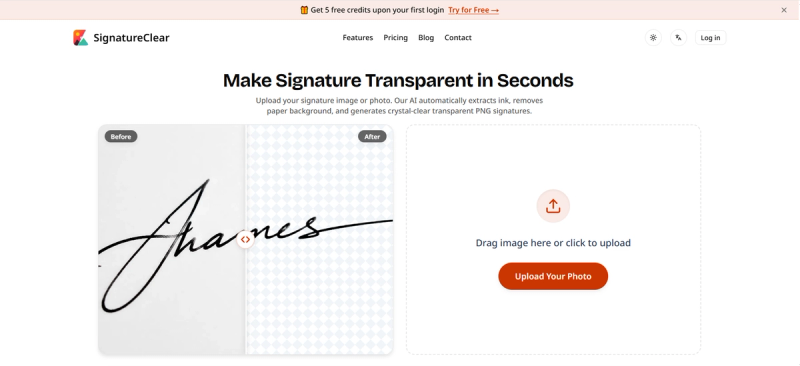
SignatureClear is a web-based AI tool that removes backgrounds from handwritten signatures and photos, converting them into transparent PNG files for use in documents. It extracts ink strokes while eliminating paper texture, shadows, and noise, and runs entirely in the browser.
SignatureClear is a web-based AI tool that removes backgrounds from handwritten signatures and photos, converting them into transparent PNG files. You upload an image or photo of a signature, and the AI extracts the ink strokes while eliminating paper texture, shadows, and noise. The output is a clean transparent PNG that can be inserted directly into Word documents, PDF contracts, or other digital files. The service runs entirely in the browser and requires no special software installation.
The process is direct: drag an image onto the upload area or click to select a file. The AI removes the paper background from the signature, then you download the resulting transparent PNG. The page also mentions a trial counter and history feature, indicating users can track their remaining credits and view past operations.
SignatureClear operates on a freemium model. A free plan with 5 bonus credits is available on sign-in. Paid tiers include Starter at $4.99 per month (100 credits per month, HD transparent PNG export, full 4K resolution) and Pro at $9.99 per month (300 credits per month, ultra priority AI speed, email support). The free plan includes standard AI speed and transparent PNG export, but excludes HD or 4K resolution and priority support.
Yes, SignatureClear offers a free plan that includes 5 bonus credits upon first sign-in. Each credit is used to process one image. After the free credits are spent, you can upgrade to a paid plan.