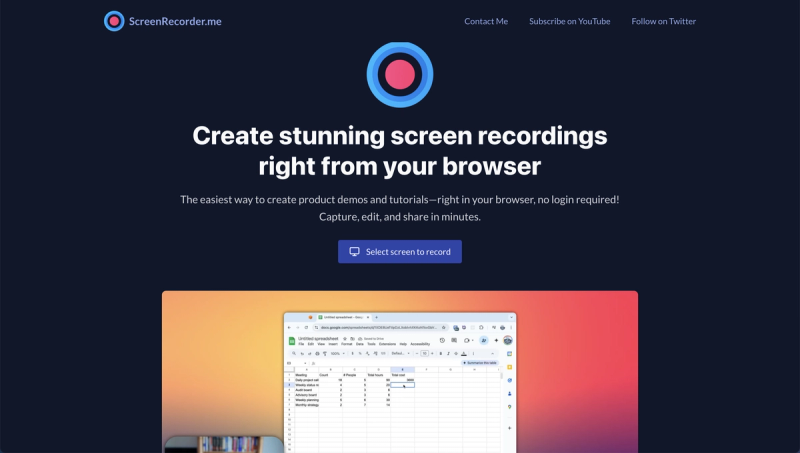
Screenrecorder.me is a free, browser-based screen recording tool for creating product demos and tutorials without requiring a login or installation.
What is Screenrecorder.me?
Screenrecorder.me is a free, web-based screen recording application that lets you capture your screen, add live annotations, and share the resulting video directly from your browser. It accepts any screen area as input and produces high-definition video output. The tool runs entirely in the browser on Windows, macOS, and Linux, requiring no downloads or account creation.
Key Features
- No Installation Required — Record your screen directly in the browser without downloading or installing any software, supporting Windows, macOS, and Linux.
- Live Annotation — Add real-time annotations during recording to highlight key points in your tutorials.
- HD Quality — Capture high-definition screen recordings for clear, professional presentations.
- Instant Sharing — Share your recordings immediately via a generated link, with no upload delays.
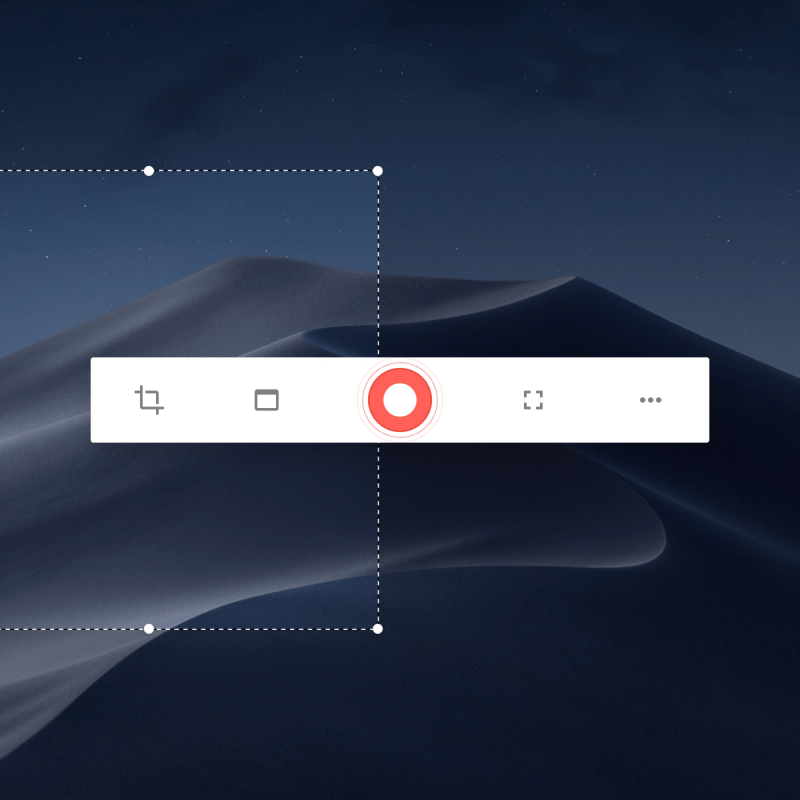
- Screen Selection — Choose to capture the full screen, a specific window, or a custom area for precise targeting.
- Quick Editing — Trim and edit your recordings within the browser before sharing, streamlining your workflow.
- Secure — No data retention ensures your recordings remain private and are not stored on servers.
Who is it for?
Product Managers — Create quick product demos to share with stakeholders or customers without needing video production skills. Content Creators — Produce tutorial videos for blogs, social media, or online courses with minimal setup. Customer Support Teams — Record walkthroughs of features to help customers troubleshoot common issues.
What can you do with Screenrecorder.me?
Creating Product Demos: Record a walkthrough of your software or app's features to showcase to potential customers. Making Tutorials: Produce step-by-step instructional videos for learning platforms or internal training. Bug Reporting: Capture and annotate the steps leading to a software bug to share with developers.
How does it work?
Using Screenrecorder.me requires no sign-up. Simply open the website, click the record button, select your screen area, and start recording. After finishing, you can edit the video and share it instantly via a link.
Pricing
Screenrecorder.me is completely free to use with no hidden costs. There are no paid tiers or subscription plans.
FAQ
Is Screenrecorder.me really free?
Yes, Screenrecorder.me is entirely free. There are no charges, subscriptions, or premium features. All recording, editing, and sharing capabilities are available at no cost.
Do I need to create an account?
No, you can start recording immediately without logging in or providing any personal information.
What platforms does Screenrecorder.me support?
Screenrecorder.me works on any modern browser, including Chrome, Firefox, Edge, and Safari, across Windows, macOS, and Linux.
Can I edit my recordings?
Yes, Screenrecorder.me includes basic editing tools to trim your video before sharing. You can remove unwanted sections and finalize your recording.
Is my recording secure?
Screenrecorder.me does not store your recordings. Once you share or download the video, the file is not retained on their servers, ensuring your privacy.