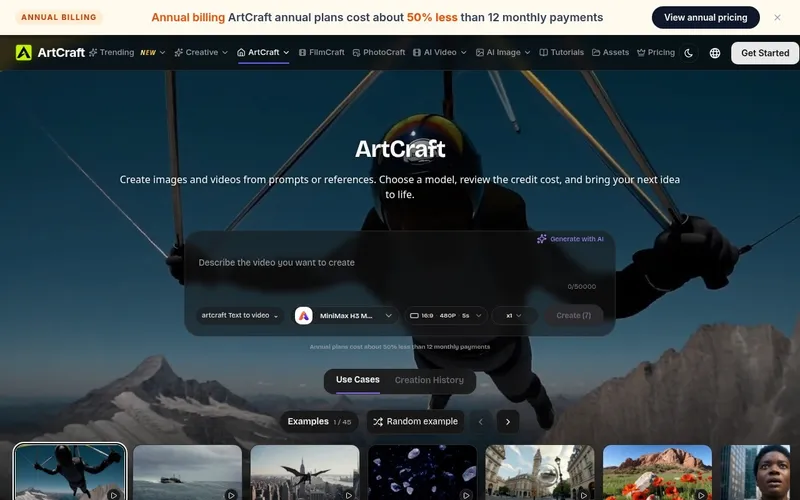
Ray3 AI Video is the world's first reasoning-based video generation model, producing studio-grade HDR videos from text prompts and optional images.
What is Ray3 AI Video?
Ray3 AI Video is a web-based AI video generator developed by Ray3. It takes text prompts and optionally up to three uploaded images (JPG/PNG, max 2MB each) and generates high-quality videos with HDR color, realistic physics, and consistent characters. It runs entirely in the browser at ray3aivideo.com and uses a credit-based system, with a premium tier offering faster generation and higher quality.
Key Features
- World’s First HDR Video Generation – Native 16-bit HDR color for studio-grade visuals with extended dynamic range and cinematic contrast.
- AI Reasoning Engine – Understands user intent, evaluates outputs, and iterates automatically for improved results.
- Draft Mode – Generates previews 5x faster and at 5x lower cost, enabling rapid prototyping before applying Hi-Fi upgrades.
- Hi-Fi Upscaling – Enhances draft videos to 4K HDR resolution with refined details and preserved character consistency.
- Visual Annotations – Draw directly on images to specify exact motion, positioning, and visual elements; the AI interprets them to maintain accuracy.
- Advanced Physics Simulation – Realistic motion, lighting, and material interactions for lifelike animations.
- Character Consistency – Maintains facial features, proportions, clothing, and distinctive characteristics across scenes.
Who is it for?
- Filmmakers and video producers – Create cinematic HDR video sequences for films, commercials, and brand stories with consistent characters and realistic physics.
- Digital artists and illustrators – Animate static artwork into dynamic scenes using visual annotations and draft mode for iterative exploration.
- Marketers and content creators – Quickly generate engaging video content for social media platforms like YouTube, TikTok, and Instagram with professional HDR quality.
- Game developers – Prototype cutscenes or environment animations with advanced physics and consistent character design.
What can you do with Ray3 AI Video?
- Create cinematic videos from text prompts – Describe a scene and let Ray3 generate a full HDR video with realistic motion and lighting.
- Animate uploaded images – Upload a reference image and use visual annotations to control movement, object interactions, and camera angles.
- Iterate rapidly with Draft Mode – Test multiple concepts in minutes before committing to a Hi-Fi 4K render, saving time and credits.
- Produce character-driven narratives – Leverage character consistency to maintain the same character across multiple scenes, ideal for series or storytelling.
How does Ray3 AI Video work?
- Upload an optional image (JPG/PNG up to 2MB) or start with a text prompt.
- Select the Ray3 model (default) and configure settings such as draft mode or Hi-Fi upgrade.
- Click “Generate Video”; each generation costs 100 credits. The video is processed and saved to your account; results can be viewed later.
Pricing
Ray3 AI operates on a credit-based freemium model: each generation costs 100 credits. A premium tier is available via the Pricing page which offers faster generation and higher limits.
FAQ
Is Ray3 AI Video free to use?
Basic usage requires credits; new users may start with a limited number of free credits. Full details are on the Pricing page.
What image formats are supported for upload?
Ray3 supports JPG and PNG images up to 2MB each, up to three images per generation.
How long does video generation take?
Generation time varies. Draft mode is 5x faster than standard generation. Results are saved and can be revisited later.
Can I use Ray3 videos commercially?
Yes, videos created with Ray3 can be exported and shared on social media, websites, and commercial platforms with no restrictions stated on the site.
Does Ray3 maintain character consistency across scenes?
Yes, Ray3’s character consistency technology tracks facial features, proportions, and clothing details across multiple generations, ensuring visual coherence.