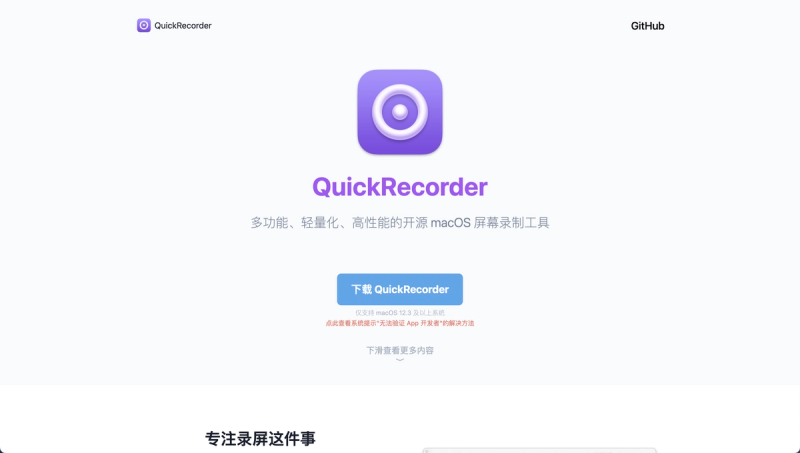
QuickRecorder is a lightweight, high-performance screen recorder for macOS, built on Apple's ScreenCapture Kit, that captures screens, windows, applications, and mobile devices with advanced features like audio loopback and presenter overlay.
What is QuickRecorder?
QuickRecorder is an open-source (AGPL-3.0) screen recording utility for macOS 12.3 and later, developed by lihaoyun6. It takes video input from your display, camera, or connected mobile devices and outputs high-quality recordings in formats such as HEVC with Alpha (for alpha channel support in iMovie and Final Cut Pro). The app is designed to be lightweight with minimal system impact while offering professional-grade features typically found in paid screen recorders.
Key Features
- Audio Loopback — Record system audio without additional drivers or virtual cables; supports independent volume control for system sound and microphone.
- Presenter Overlay — Fully supports macOS 14+'s built-in presenter overlay, overlaying the camera feed onto the recording in real time; on macOS 12/13, uses a floating camera window.
- HEVC with Alpha — Output video with alpha channel support, enabling transparent backgrounds compatible with iMovie and Final Cut Pro.
- Mouse Highlighting & Screen Magnifier — Visually emphasize mouse clicks and zoom in on screen areas during recording, ideal for tutorials.
- Recording Sources — Capture entire screens, specific windows, selected applications, or mobile devices (via wired connection).
- Dual Audio Tracks — Record microphone input to a separate audio track (toggleable in settings) for independent editing in video editors.
- Shortcut Key Support — Uses the KeyboardShortcuts library for customizable hotkeys.
- Lightweight Performance — Based on ScreenCapture Kit with code inspired by Azayaka; minimal CPU usage.
Who is it for?
- Content creators needing a free, high-performance tool for recording software demos, gameplay, or tutorials.
- Developers who want to capture code walkthroughs or app demonstrations with alpha channel support for post-production.
- Educators recording lecture videos or how-to guides with mouse highlighting and screen magnification.
- Mac users who prefer open-source software and want a feature-rich alternative to QuickTime Player's built-in screen recording.
What can you do with QuickRecorder?
- Record a software demo with system audio and optional camera overlay, outputting HEVC with Alpha for transparent background compositing.
- Capture a mobile device screen by connecting your iPhone or iPad via cable and selecting it as a recording source.
- Create a tutorial video with mouse click animations and a magnified view of specific areas, then edit audio tracks separately in Final Cut Pro.
- Record a video call or presentation using presenter overlay to keep your camera feed visible while sharing your screen.
FAQ
Where can I reopen the main panel after closing it?
Click the Dock tile or the menubar icon of QuickRecorder to reopen the main panel at any time.
Why is QuickRecorder not a sandbox app?
QuickRecorder is not distributed through the App Store and therefore does not require sandboxing. It is available via GitHub releases or Homebrew.
How can I independently control system audio and microphone volume in post-production?
Turn off the "Record Microphone to Main Track" option in settings. This records system sound and microphone on separate audio tracks, allowing independent editing.
Is QuickRecorder free?
Yes, it is completely free and open-source under the AGPL-3.0 license. Donations are welcome via the donate link.