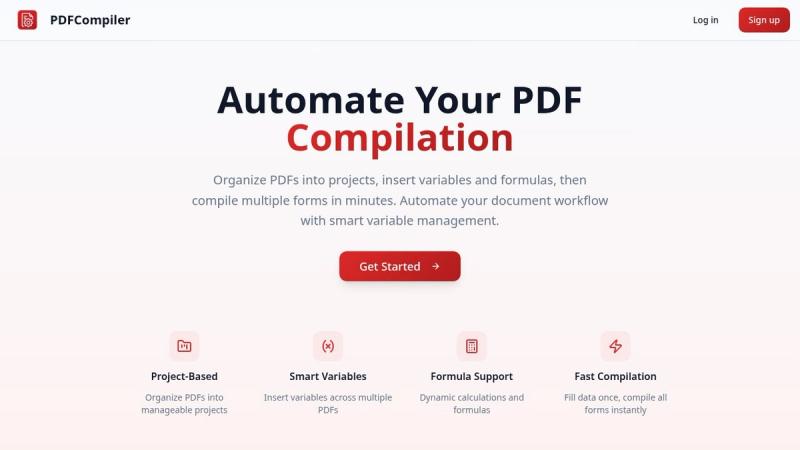
PDF Compiler is a web-based document automation tool that compiles multiple PDF forms from a single data entry, eliminating manual copy-paste across documents.
What is PDF Compiler?
PDF Compiler is a web-based tool that lets users upload PDF templates, place smart fields (inputs, dates, formulas, lists, references, and selections), and compile the documents by entering data once or from an Excel spreadsheet. It runs entirely in the browser, requires no installation, and offers a demo without an account.
Key Features
- Smart field types — Support for 6 variable types: Input, Date, Formula, List, Reference, and Selection, enabling conditional sections and calculations across linked PDFs.
- Data linking across documents — A field value entered once propagates to all PDFs in a project, ensuring consistency and reducing errors.
- Excel mail merge — Batch generate hundreds of PDFs from an Excel spreadsheet, replacing manual copy-paste across dozens of fields.
- No account required for demo — Test the tool with sample PDFs without signing up; full features available after creating a free account.
- Web-based — Works on any device with a browser; no downloads or plugins needed.
Who is it for?
- Accountants and tax professionals — Auto-fill tax declarations, financial statements, and client reports from Excel data, saving hours per client.
- Legal and notaries — Automate contracts, NDAs, and powers of attorney; compile full document sets for real estate closings in seconds.
- Small businesses — Generate invoices, HR onboarding packets, and compliance forms without manually filling the same company data into every PDF template.
- Freelancers and consultants — Send proposals, contracts, and invoices to new clients with one click, all organized by project.
What can you do with PDF Compiler?
- Mail merge for PDFs: Upload an Excel file with hundreds of rows and compile personalized PDFs for each row, like client invoices or membership letters.
- Batch document generation: Create a project with multiple PDF templates (e.g., tax forms, contracts, invoices) and compile them all at once with a single data entry.
- Dynamic document sets: Use formulas and references to compute totals, dates, or cross-document values, updating automatically when data changes.
How does PDF Compiler work?
- Upload PDF templates into a project — any existing PDF files (tax forms, contracts, invoices, etc.).
- Place smart fields by clicking on the PDF to add inputs, dates, formulas, lists, references, or selection toggles; fields work across all files in the project.
- Fill once or upload Excel — enter data manually or upload a spreadsheet; all PDFs in the project compile instantly.
Pricing
Freemium model with a free plan available (no credit card required). Paid tiers unlock higher document volumes and advanced features.
FAQ
Is PDF Compiler free?
Yes, there is a free plan that lets you get started without a credit card. Paid plans are available when you need higher volume.
Do I need an account to try the demo?
No, the demo works without signing up — just open the sample PDFs and see how compilation works.
What types of variables are supported?
Six types: Input (user fills at compile time), Date (auto-formatted), Formula (math with references), List (repeating values), Reference (saved key-value pairs), and Selection (toggle sections on/off).
Can I use Excel data?
Yes, you can upload an Excel spreadsheet with hundreds of rows and batch compile PDFs — mail merge for PDFs.
Is PDF Compiler a desktop app or web-based?
It is entirely web-based, accessible from any browser. No installation required.