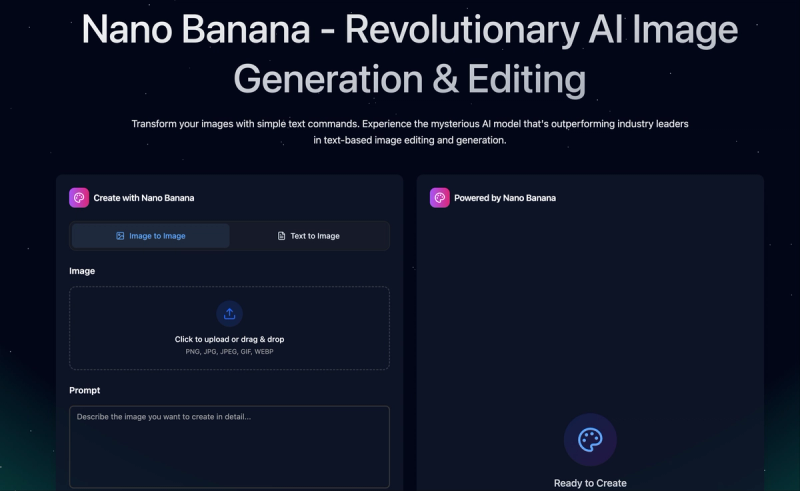
Nano Banana is an AI image generation and editing model within the AI Image Editor platform, designed for fast, prompt-based edits and consistent character outputs. It processes text prompts and optional reference images to produce edited or generated images, supporting both text-to-image and image-to-image workflows.
What is Nano Banana?
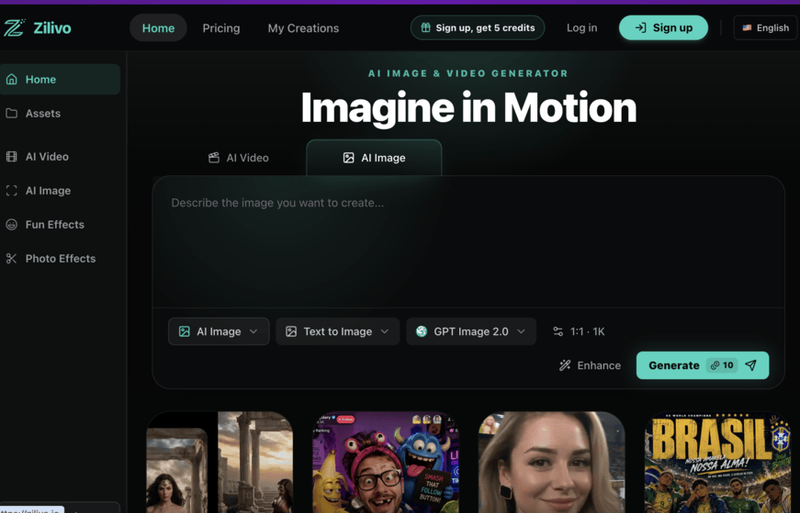
Nano Banana is a model in the AI Image Editor suite, optimized for quick creative iterations and reliable prompt following. It takes a text description and optionally an input image, then outputs a modified or new image. The model is part of a platform that also includes Nano Banana Pro, Nano Banana 2, Seedream, GPT Image, and Flux, each with different strengths. Nano Banana is built for speed and character consistency, making it suitable for rapid drafts and iterative editing.
Key Features
- Fast Edits — Designed for rapid generation, enabling quick creative iterations in under 30 seconds for standard prompts.
- Character Consistency — Uses reference images to preserve a subject's face, outfit, or visual identity across different scenes and edits, ideal for storytelling or campaigns.
- Object Removal — Remove unwanted text, logos, marks, or clutter from images while naturally rebuilding the background.
- Background Replacement — Cut out subjects and place them in new scenes, studio settings, or transparent backgrounds for e-commerce or product visuals.
- Old Photo Restoration — Repair scratches, improve faded scans, and revive portraits with AI-powered detail enhancement.
- Style Transfer — Transform images into new artistic, cinematic, or brand-specific looks using natural language prompts.
- Multi-Image References — Upload one or more reference images (when the model supports them) to guide the output, combining subjects, products, or poses.
- Resolution and Format Controls — Output options include PNG, JPEG, and WebP, with aspect ratios from 1:1 to 21:9 and resolutions up to 2K (4K available in Nano Banana Pro).
Who is it for?
- Digital Artists — Quickly iterate on character designs, test styles, and generate variations while maintaining consistent visual identity.
- Photographers — Remove or replace backgrounds, restore old photos, and apply creative effects without manual masking.
- Content Creators — Generate social media visuals, infographics, and marketing materials with simple text prompts.
- E-commerce Teams — Clean up product photos, remove text or logos, and create lifestyle scenes for listings and ads.
What can you do with Nano Banana?
- Product Cleanup — Remove unwanted logos, text, or clutter from product shots while preserving image quality.
- Character Storytelling — Preserve a character's face or outfit across multiple scenes, poses, and expressions using a single reference image.
- Background Swap — Replace the background of a portrait or product with a new scene, studio setting, or transparent backdrop.
- Photo Restoration — Repair scratches, colorize black-and-white images, and enhance faded details in vintage photographs.
How does Nano Banana work?
- Choose the Nano Banana model in the AI Image Editor interface.
- Upload an image (for image-to-image) or leave blank for text-to-image.
- Enter a text prompt describing the desired edit or generation (up to 5000 characters).
- Select output settings: resolution (1K, 2K, 4K), aspect ratio, and format (PNG or JPEG).
- Click "Generate" — the model processes the request and returns the result in seconds.
Pricing
Nano Banana is included in all AI Image Editor subscription plans and credit packs. Subscription plans: Basic ($9.9/month or $118.80/year), Standard ($19.90/month or $238.80/year), Pro ($49.90/month or $598.80/year). Credit packs: Starter ($29.90 for 1500 credits), Growth ($49.90 for 3500), Professional ($99.90 for 8000), Max ($199.90 for 20000), Super ($599.90 for 70000). Credits never expire and stack with purchases.
FAQ
Is Nano Banana free?
The AI Image Editor offers a limited free tier with a few credits to try the models. Subscription plans provide monthly credits, and credit packs are one-time purchases.
What image formats does Nano Banana support?
Nano Banana outputs PNG, JPEG, and WebP formats. Input images can be PNG, JPG, JPEG, or WebP (up to 8 images per session).
Can I use Nano Banana for commercial projects?
Yes, all subscription plans include a commercial use license, allowing generated images to be used in products, marketing, and other commercial applications.
How do unused credits work?
Subscription credits reset each month; unused credits from the previous month are not rolled over. Credit pack credits never expire and can be used at any time.
Which models are available alongside Nano Banana?
The platform includes Nano Banana Pro, Nano Banana 2, Seedream, GPT Image, and Flux, each with different strengths like 4K quality, text accuracy, or creative style.