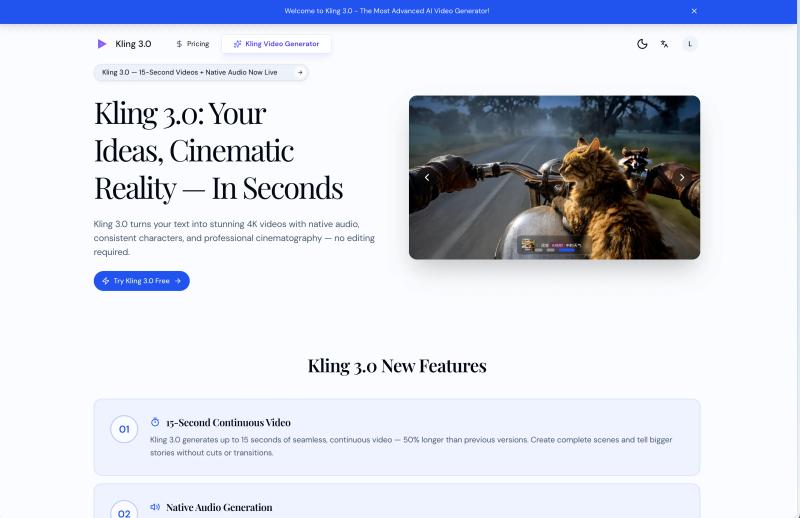
Kling 3.0 is an AI video director that turns text prompts into cinematic 4K videos with native audio in under 60 seconds.
What is Kling 3.0?
Kling 3.0 is an AI-powered video generation platform that converts text or image inputs into continuous 4K video clips with synchronized audio. It outputs up to 15 seconds of seamless video per generation, complete with automatic camera angles, character consistency, and realistic physics. Kling 3.0 runs in a web browser and is developed by Kling AI (kling3-ai.com).
Key Features
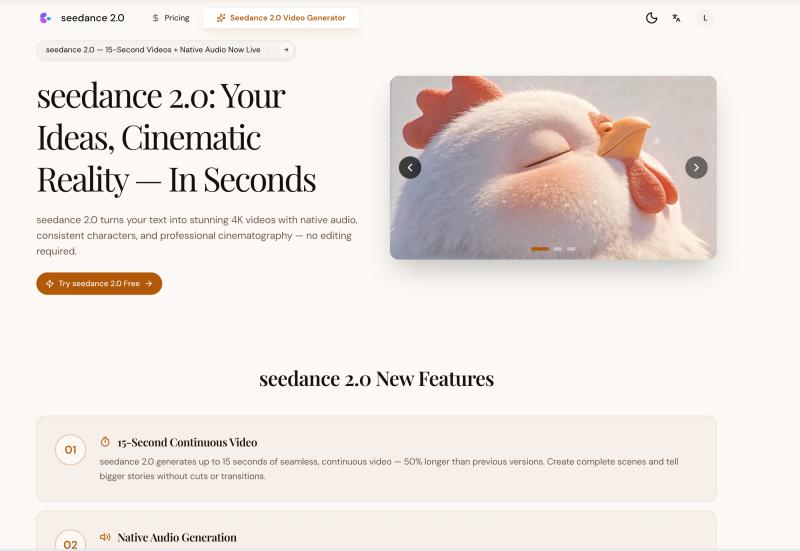
- 15-Second Continuous Video — Generate up to 15 seconds of seamless video, 50% longer than previous versions, enabling complete scenes without cuts.
- Native Audio Generation — Produces dialogue, sound effects, and ambient audio perfectly synchronized with the video, eliminating post-production audio work.
- Cinema-Grade 4K Quality — Every video renders in native 4K resolution with improved physics understanding, natural movements, and realistic lighting.
- Character Lock — Maintain consistent character identity across multiple generations using Kling 3.0 Elements, ensuring the same face in every frame.
- AI Director — Automatically plans camera angles, shot transitions, and pacing based on the script, delivering professional cinematography without manual input.
- Text-to-Video and Image-to-Video — Generate videos from text descriptions or bring static images to life with motion and depth.
- 4K Export and API Access — Export videos in native 4K with no upscaling artifacts; integrate Kling 3.0 into custom workflows via API.
- Text Rendering — Render clear, legible text in videos for titles, captions, and signage.
Who is it for?
- Content creators — Produce social media videos, ads, and storytelling content 10x faster without editing skills.
- Marketers and e-commerce owners — Create product demos and ad creatives that increased CTR by 40% (per user testimonial).
- Educators — Generate engaging lesson visuals that boosted course completion rates by 60%.
- Indie filmmakers — Pre-visualize scenes and present storyboards to investors before production.
What can you do with Kling 3.0?
- Social media creators: Generate consistent character-driven short films or product showcases with synchronized sound, ready for direct upload.
- Shopify store owners: Convert product photos into dynamic video ads with realistic motion and professional lighting.
- Online educators: Transform lesson scripts into animated visual explanations with clear text rendering and character consistency.
- Independent directors: Create detailed pre-visualization sequences with automatic shot coverage and cinematic pacing.
How does Kling 3.0 work?
- Write what you see — Type a description of your scene in plain text (e.g., "A woman walks through a neon-lit Tokyo street at night").
- Watch Kling 3.0 direct — The AI generates the video, automatically planning shots, maintaining characters, and rendering in 4K, usually in under 60 seconds.
- Download and publish — Download the finished video with audio baked in, ready for direct upload to any platform.
Pricing
Kling 3.0 offers a free trial — your first video is free. Additional generations use a credit system (precise credit costs are not specified on the page; the site mentions credits but no dollar amounts). The platform is freemium.
FAQ
How long does Kling 3.0 video generation take?
Generation typically completes in under 60 seconds for a 15-second clip, including 4K rendering and synchronized audio.
What resolution are Kling 3.0 videos?
All videos are rendered in native 4K resolution without upscaling artifacts, providing cinema-grade clarity.
How does Kling 3.0 character consistency work?
Kling 3.0 Elements lock in a character's identity across generations, so they appear identical from frame 1 to frame 450 in a scene.
Is there a free trial for Kling 3.0?
Yes, Kling 3.0 offers a free trial where you can generate your first video at no cost. After that, credits are used per generation.
Can I use Kling 3.0 videos commercially?
Yes, you retain ownership of all videos you create and can use them commercially. The FAQ states you own the videos.
Do I own the Kling 3.0 videos I create?
Yes, all videos generated are owned by you.