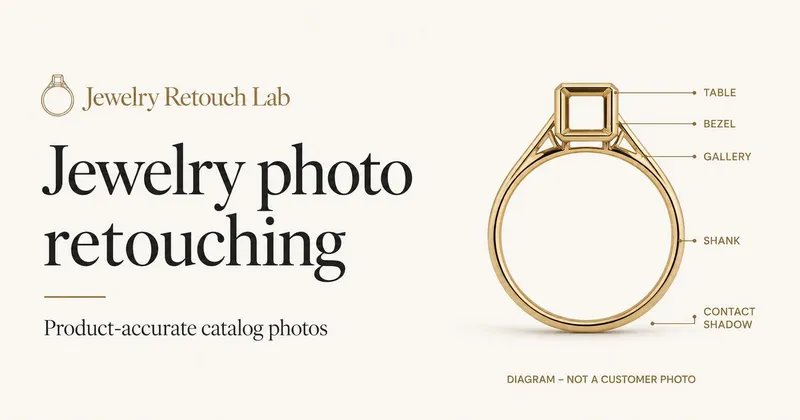
Jewelry Retouch Lab is a web-based jewelry photo retouching service that removes dust and fingerprints and places pieces on a white background for accurate catalog listings.
What is Jewelry Retouch Lab?
Jewelry Retouch Lab is a web-based tool for editing jewelry photos. It takes a photo of a piece of jewelry and produces either a cleaned version with dust and fingerprints removed, or a version on a pure white background with a soft contact shadow, or both. It runs in the browser via a Google sign-in, and the service is made by an independent studio. It's designed for independent sellers, small brands, and photographers who need catalog-ready images without changing the physical item.
Key Features
- Dust and fingerprint cleanup — Removes dust and fingerprints from jewelry photos with a very light exposure lift, without adding sparkle or recoloring metal or gemstones.
- White background with soft shadow — Places the piece on pure white with a soft contact shadow, matching Amazon / Etsy catalog style.
- Two independent operations — Use cleanup or white background alone, or apply both in one job.
- Product-accuracy guardrails — Does not recolor metal or gemstones, does not invent sparkle or fire, and does not remove settings, engravings, or scratches.
- Fast turnaround — Results are usually ready in under a minute after generating; failed runs do not use credits.
- Keeps original and retouch together — Each Studio job stores the original next to the retouched JPEG, so you can open and download them again.
- Privacy-friendly — Photos are not used for public case studies, ads, or training by default.
Who is it for?
- Independent sellers: Turn existing jewelry photos into cleaner, more consistent catalog images.
- Small brands: Align a launch set around clean surfaces and a listable white background.
- Photographers & retouchers: Produce listable clean or white-background catalog photos for clients.
Use cases
- E-commerce listings: Clean up dust and fingerprints on product photos before uploading to Amazon or Etsy.
- Catalog consistency: Apply a uniform white background with a soft shadow across a product line.
- Client deliverables: Retouchers can quickly generate clean catalog images without sending files out for hand retouching.
How does it work?
- Open Studio with a Google account.
- Choose cleanup, white background, or both for one jewelry photo.
- Download the result, comparing the original with the retouch.
The whole process is automated and typically done in under a minute.
Pricing
The service is in early access. Accounts include credits to start, with no credit card and no per-image invoice. There is no public pricing for ongoing use; useful feedback may earn extra credits.
FAQ
Does Jewelry Retouch Lab change the color of gems or metal?
No. The tool does not recolor metal or gemstones. It only removes dust and fingerprints and optionally places the piece on a white background.
Will it add sparkle to diamonds?
No. The cleanup does not add diamond sparkle or invented fire. Only a very light exposure lift is applied to make existing facets easier to see.
What happens to my photos?
Photos are uploaded only when you open Studio to complete a retouch. They are not used for public case studies or training by default, and jobs stay on your account so you can download them again.
How fast is the retouching?
After you generate, a result is usually ready in under a minute. That's typical speed, not a timed SLA. Failed runs do not use credits.
Do I need an account?
Yes, signing in with Google is required to use Studio. Credits and results belong to the account.