Newsletter
Join the Community
Subscribe to our newsletter for the latest news and updates
Free online AI image enhancer that sharpens, unblurs, upscales, denoises, and restores photos in seconds.
Traffic, search & AI signals for imgenhancer.co.
Third-party traffic estimate · Updated Sep 9, 2026
Submit your own product to reach creators and founders looking for the next tool to try.
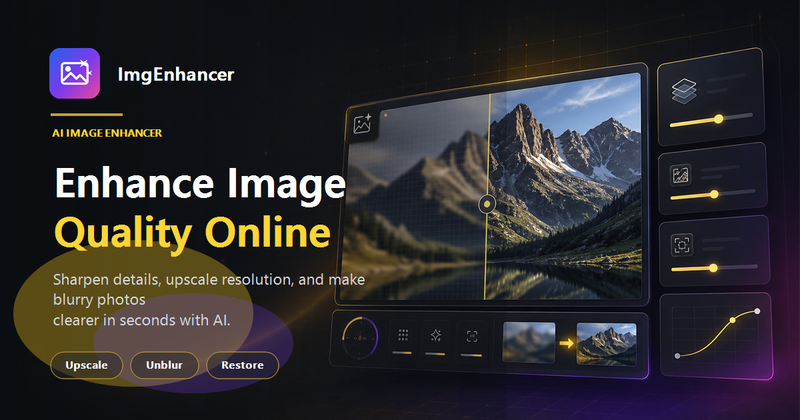
ImgEnhancer is a free online AI image enhancer that sharpens, unblurs, upscales, denoises, and restores photos directly in the browser.
ImgEnhancer is a web-based AI photo enhancement tool powered by the Phota Enhance model (fal-ai/phota/enhance) that improves image quality automatically. It accepts JPG, PNG, or WebP files up to 10 MB and outputs a clearer, sharper, higher-resolution version with enhanced facial detail, edges, and texture. The tool runs entirely online at imgenhancer.co and is designed for users who want quick results without manual retouching.
The workflow is three steps: upload a JPG, PNG, or WebP image (up to 10 MB), let the AI enhancer automatically improve clarity, sharpness, resolution, and noise, then preview the before-and-after result and download the enhanced file. A sample image is also available to try the tool without uploading your own.
New users get 25 free credits, enough for one free enhancement, with no credit card required. More enhancements or advanced features are available through paid plans.
ImgEnhancer supports JPG, PNG, and WebP files up to 10 MB in size.
Yes. Uploaded images are processed securely, are not published publicly, and are not placed in a public gallery.
It can improve many blurry photos by sharpening visible details and enhancing clarity, though very heavily blurred images may have limited recovery.
ImgEnhancer aims to keep results natural. Very low-quality sources can still show AI artifacts, so starting with the best original image is recommended.