
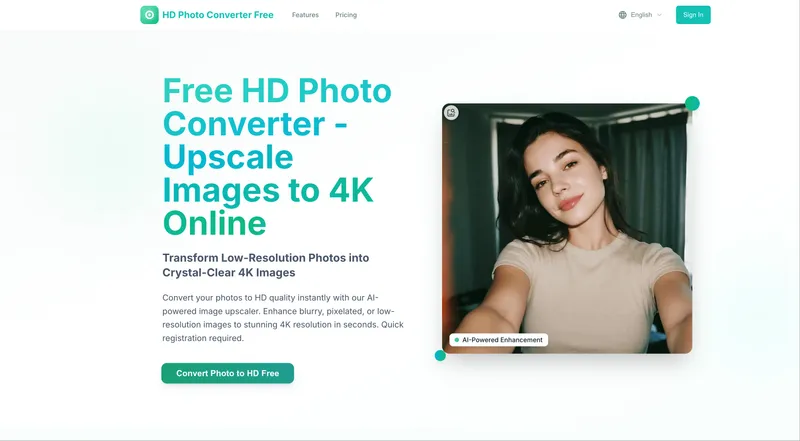
HD Photo Converter is a free AI-powered tool that transforms low-resolution photos into stunning 4K HD images instantly.
What is HD Photo Converter?
HD Photo Converter is a web-based platform that uses advanced AI algorithms to upscale low-resolution images to 4K quality. It accepts JPG, PNG, WEBP, JPEG, and BMP files up to 10 MB each, and outputs enhanced HD images. The tool is developed by an undisclosed team and operates entirely online, requiring only a free registration to use.
Key Features
- AI-Powered Detail Enhancement — Reconstructs lost details and textures, perfect for restoring old photos or enhancing portraits with facial feature recognition.
- Smart Noise Reduction — Automatically removes grain, compression artifacts, and digital noise while preserving natural textures.
- Color & Contrast Optimization — Enhances saturation, dynamic range, and contrast for vibrant, lifelike images.
- Portrait-Optimized Enhancement — Applies targeted enhancements to maintain natural skin tones and sharp facial features.
- Privacy-First Processing — All uploaded images are automatically deleted after conversion; no permanent storage on servers.
- Lightning-Fast Processing — Converts photos to 4K in under 30 seconds with no queues or waiting periods.
- Batch Upload Support — Upload up to 10 images at once for simultaneous processing.
- 4X Upscaling — Increases resolution up to four times the original, delivering print-ready 4K outputs.
Who is it for?
- Photographers — Restore old, faded photos or enhance portraits for client delivery.
- E-commerce sellers — Upscale product images to 4K for listing pages, improving visual appeal without retouching.
- Social media enthusiasts — Convert blurry or low-res images into crisp HD visuals for Instagram, Facebook, or Twitter.
- Content creators — Improve image quality for YouTube thumbnails, blog posts, or marketing materials.
What can you do with HD Photo Converter?
- Restore old family photos — Upload scanned or faded images and recover lost detail, color, and sharpness for printing or digital sharing.
- Enhance product photography — Upscale and clean low-resolution product shots to meet 4K standards for e-commerce platforms like Amazon or Shopify.
- Prepare images for print — Convert digital images to 4K resolution suitable for large-format prints, posters, or canvas.
- Boost social media visuals — Improve the quality of images taken with older cameras or smartphones to make them stand out in feeds.
How does HD Photo Converter work?
- Upload your image — Drag and drop or click to select a file (supports JPG, PNG, WEBP, JPEG, BMP; max 10 MB; up to 10 images).
- AI processing — The tool analyzes the image, enhances resolution, sharpens details, and removes noise automatically in seconds.
- Download result — Receive your enhanced 4K image instantly, ready for use on social media, print, or professional projects.
Pricing
HD Photo Converter operates on a freemium model. A free tier is available for basic use. Paid plans include:
- Professional — $4.9/month (billed annually at $58.8) for 200 HD conversions per month, portrait mode, Ultra Clean AI upscaling, and priority email support.
- Business — $7.9/month (billed annually at $94.8) for 500 HD conversions, batch processing API access, and priority support.
- Enterprise — $9.9/month (billed annually at $118.8) for 3,000 HD conversions, advanced API access, and dedicated support.
FAQ
Is HD Photo Converter really free?
Yes, the tool offers a free tier that allows a limited number of conversions. For higher volume or advanced features like batch API access, paid plans start at $4.9 per month.
Are my photos stored on the servers?
No, all uploaded images are automatically deleted after conversion. The platform processes images with a privacy-first approach and does not retain them permanently.
What image formats are supported?
The converter supports JPG, PNG, WEBP, JPEG, and BMP files, each up to 10 MB in size.
How long does it take to convert a photo?
Most conversions complete in under 30 seconds, thanks to lightning-fast AI processing. There are no queues or waiting times.
Will I lose image quality when upscaling?
No, the AI upscales images up to 4X their original resolution while enhancing details and reducing noise, resulting in sharper, clearer outputs than the original.


