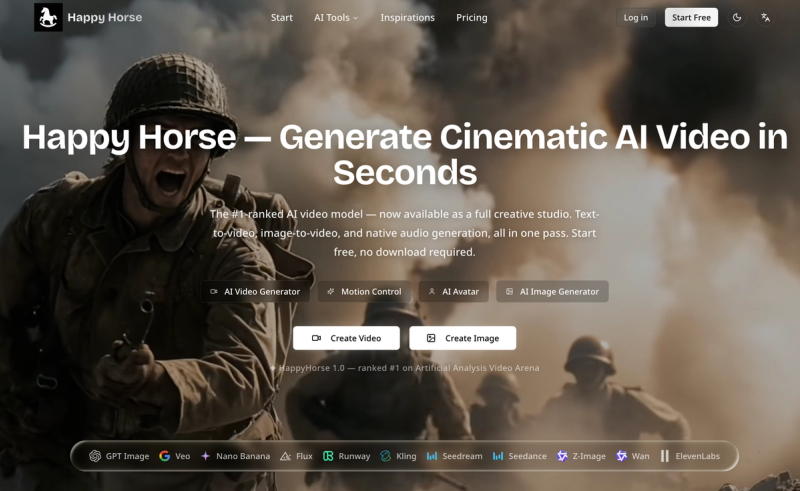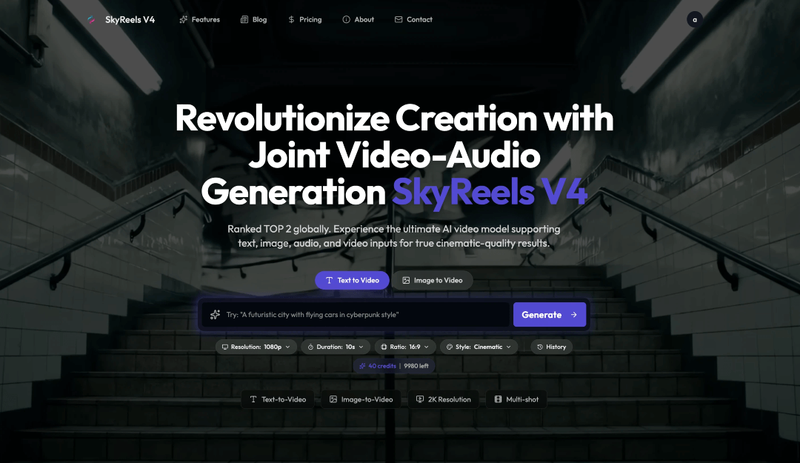
Happy Horse AI Video Generator is an online platform that converts text or images into cinema-grade videos with synchronized soundtracks using its native joint audio-video generation model.
What is Happy Horse AI Video Generator?
Happy Horse AI Video Generator is a cloud-based AI platform developed by HappyHorse.AI that takes text prompts or uploaded images as input and produces videos up to 2K resolution with automatically generated, perfectly synced audio. It runs on the company's proprietary Happy Horse foundation model (versions 1.1 and 1.0) and also integrates other leading generative AI models like Seedance 2.0 and GPT Image 2. The platform is accessible via web browser at HappyHorse.AI.
Key Features
- Text-to-Video & Image-to-Video — Generate videos from detailed text descriptions or start from an image; supports multiple aspect ratios including 16:9, 9:16, and custom (up to 2K resolution).
- Joint Video-Audio Generation — Produces lip-synced speech, ambient sound, and sound effects in a single pass without post-production audio editing.
- Multi-modal Input Control — Combine text, images, video clips, audio tracks, and masks to precisely orchestrate scenes and characters.
- Professional Video Editing — Perform inpainting/outpainting, replace specific subjects, remove watermarks or logos, and extend or modify existing video segments.
- Subject & Action Consistency — Use reference images and action guidance to maintain character appearance and physical realism across multi-shot sequences.
- Resolution & Quality — Output up to 2K resolution with authentic material textures, lighting composition, and physically accurate motion.
Who is it for?
- Content creators and YouTubers — Generate cinematic intros and scene transitions that previously cost thousands of dollars, in minutes.
- Marketing directors — Produce professional-quality ad campaigns with consistent branding and multi-shot storytelling.
- E-commerce sellers — Batch-produce crisp product showcases with zero video editing background.
- Social media managers — Quickly create engaging 9:16 vertical videos for TikTok, Instagram Reels, and YouTube Shorts.
What can you do with Happy Horse AI Video Generator?
- Indie filmmakers: Visualize set structures and storyboard scenes before shooting, saving production time.
- Animation studio owners: Explore anime, stop-motion, and claymation styles with specialized rendering options.
- Social media marketers: Generate multiple video variations for A/B testing ad creative with different prompts.
- Product designers: Create demonstration videos that highlight product features with cinematic lighting and motion.
How does Happy Horse AI Video Generator work?
The workflow follows four simple steps: 1) Describe your vision with a text prompt or upload an image as starting point; 2) Customize settings – choose style (e.g., cinematic, anime), duration, aspect ratio, enable audio generation; 3) Generate and preview the video, which renders in a fraction of standard production times; 4) Download in your chosen resolution or share directly to social media.
Pricing
Happy Horse AI Video Generator operates on a freemium model. New users receive free credits upon sign-up (no credit card required). Each video generation consumes credits (e.g., a standard 1080p video costs 50 credits). Paid plans are available for higher usage and resolution needs; exact pricing is visible on the pricing page.
FAQ
Is Happy Horse AI free to start?
Yes. You can sign up for free and receive initial credits to generate videos. No credit card is required for the free tier.
Does the platform generate synchronized audio?
Yes. Happy Horse produces joint video-audio output, including lip-synced dialogue, ambient sound effects, and music, all synchronized in a single generation step.
What video resolutions and aspect ratios are supported?
Up to 2K resolution. Supported aspect ratios include 16:9 (landscape), 9:16 (vertical), and custom ratios suitable for different social platforms.
Can I control character appearance across multiple shots?
Yes. By providing reference images and action guidance (e.g., prompts describing motion), you can maintain consistent character appearance and physical behavior across different scenes.
What input formats are accepted?
You can input text prompts, JPEG/PNG images, existing video clips, audio files, and masks – and combine them in any combination for precise creative control.