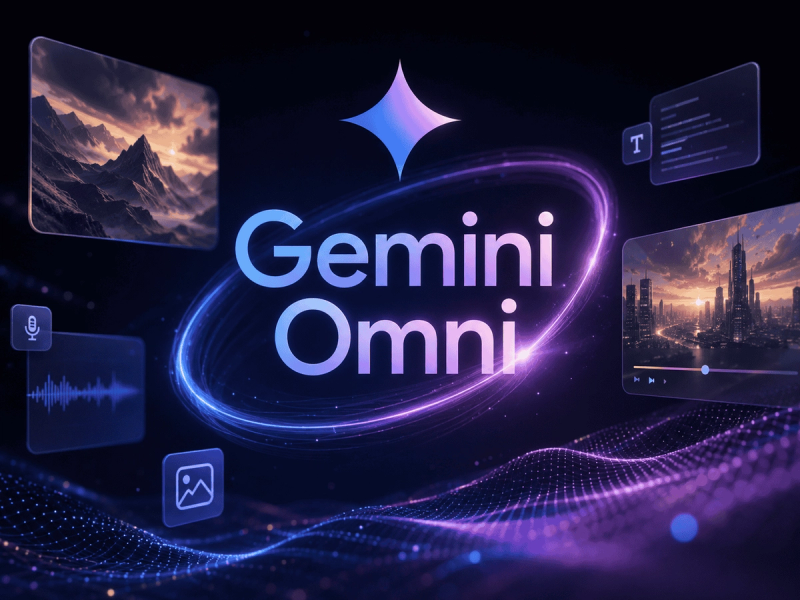
GemOmni is a Gemini Omni AI video editor agent that turns text prompts, images, videos, audio, or sketches into cinematic AI video clips in seconds.
What is GemOmni?
GemOmni is a web-based AI video generator powered by Google's Gemini Omni model. It produces cinematic video clips from text descriptions, uploaded images, video references, audio clips, or sketches. The platform supports multiple AI models including Veo 3.1, Seedance 2.0, and Gemini Omni, and offers conversational editing — users can refine videos by describing changes in plain English without manual timeline editing.
Key Features
- Conversational Video Editing — Adjust lighting, backgrounds, camera movement, or scene mood by typing natural language instructions; no keyframes or timelines needed.
- Multiple Input Types — Generate videos from text prompts, single images, existing videos, audio clips, or hand-drawn sketches.
- Text to Video — Describe any scene and get a 4-second 720p clip (or longer with more credits) with physics-aware motion.
- Image to Video — Upload a static image and animate it into a dynamic sequence with coherent motion.
- Smart Scene Enhancement — Auto-applies cinematic color grading, smooth transitions, and quality improvements without manual editing.
- Multiple Aspect Ratios — One-click switch between square (1:1), landscape (16:9), and vertical (9:16) for different platforms.
- Reference-Based Editing — Use images, videos, or audio as references to guide object replacement, action changes, or scene consistency.
Who is it for?
- Social media creators — Generate consistent short-form videos for TikTok, Instagram Reels, and YouTube Shorts without a production team.
- Product marketers — Turn product photos into dynamic showcase videos and ad creatives in minutes.
- Educators and trainers — Transform static lesson content into engaging visual explanations that illustrate complex concepts.
- Filmmakers and artists — Pre-visualize scenes, generate VFX elements, or create art pieces quickly without costly traditional production.
What can you do with GemOmni?
- E-commerce sellers — Generate product demos, lifestyle shots, and ad creatives 10x faster than traditional video production.
- Indie creators — Create animated shorts, storyboards in motion, or experimental visuals that would take a studio weeks.
- Brand teams — Scale visual content for social campaigns, A/B test multiple ad variants instantly.
How does GemOmni work?
- Describe or upload — Type a text prompt or upload an image/video/audio/sketch. The AI understands natural language.
- AI generates — Gemini Omni processes the input and produces a video clip in seconds (4s at 720p by default). Users can review and request changes conversationally.
- Download and use — Export the video in your preferred format and resolution for social media, ads, presentations, or projects.
Pricing
GemOmni offers a free trial with 45 credits (enough for about 11 standard videos). Paid plans start at $9.9/month (Basic, billed annually) with 1,800 credits/year, or $29.9/month (Pro) with 10,800 credits/year. All plans include access to all AI models, API access, and parallel task execution. Annual subscriptions save up to 50% compared to monthly.
FAQ
Is GemOmni free?
Yes, GemOmni is free to start — no credit card required. New users get 45 credits to try the service. Paid plans unlock higher credit limits, faster generation, commercial licenses, and no-watermark outputs.
What models does GemOmni use?
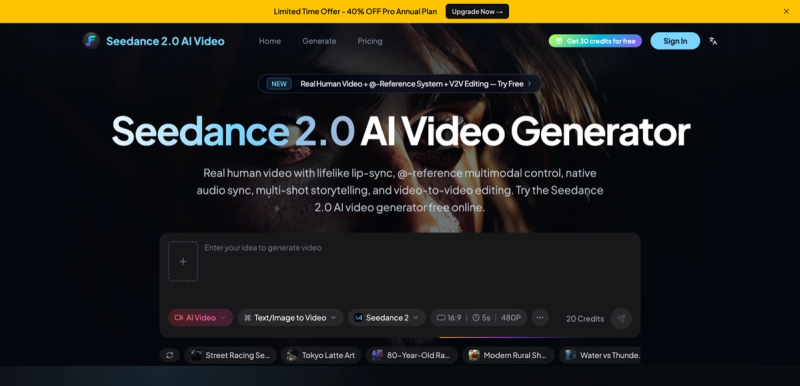
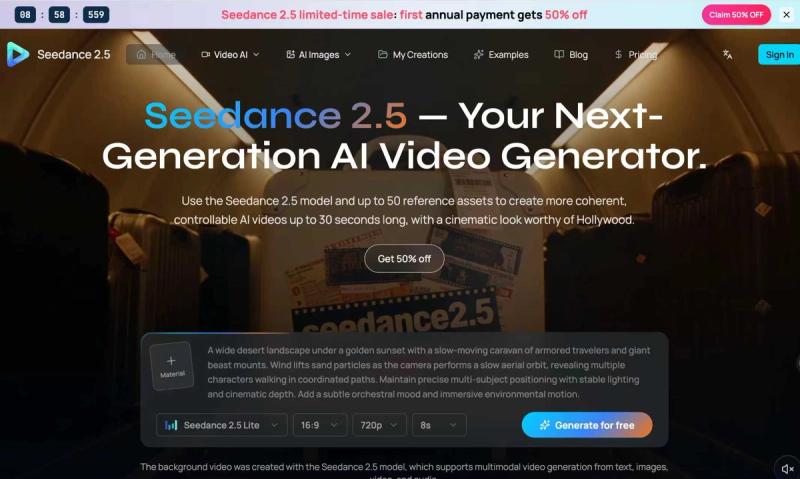
GemOmni provides multiple AI video models: Gemini Omni, Veo 3.1 (standard and fast/lite variants), Seedance 2.0 (standard and fast), Seedance 1.5 Pro, and Seedance 1.0 Pro Fast. Users can select the model that best suits their quality and speed needs.
Can I edit videos after generation?
Yes, via conversational editing. After generating a clip, you can describe changes — such as "change the background to a beach at sunset" or "make the camera zoom in slowly" — and the AI applies them without manual editing.
What are the output specifications?
Default output is 4-second clips at 720p resolution. Aspect ratio can be switched between 16:9 (landscape), 9:16 (vertical), and 1:1 (square). Higher resolution and longer clips may require more credits or higher-tier plans.
What payment methods are accepted?
GemOmni accepts major credit cards (Mastercard, Visa, American Express, JCB, UnionPay), PayPal, Apple Pay, Google Pay, Alipay, and WeChat Pay.