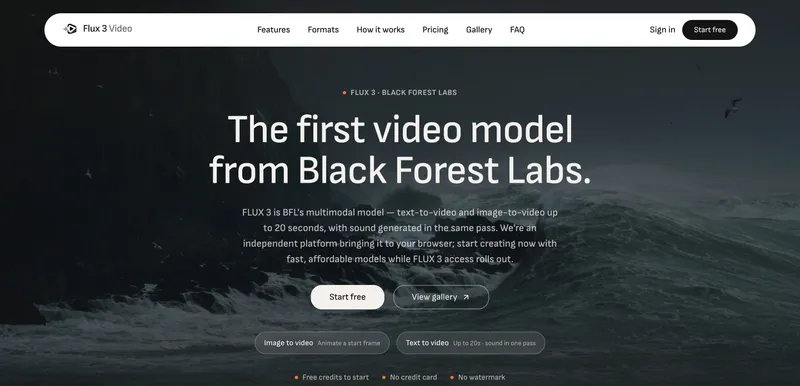
Flux 3 Video is an independent web-based AI platform that lets you generate video clips from text prompts or reference images using Black Forest Labs' FLUX 3 model and other models like WAN 2.2 and Seedance 2.0.
What is Flux 3 Video?
Flux 3 Video is a multimodal AI video generator that accepts text descriptions or uploaded images as input and produces video clips with synchronized audio. It runs entirely in the browser and is offered by an independent third party, not affiliated with Black Forest Labs. The platform currently supports generating with WAN 2.2 (from 30 credits) and Seedance 2.0 (from 54 credits), with FLUX 3 access rolling out soon.
Key Features
- Cinematic realism — Physically plausible light, texture, and motion, making footage look captured rather than rendered.
- Precise control — Camera movements like pans, pushes, and orbits respond to prompt directions.
- World understanding — Objects persist and physics stay coherent across time, keeping scenes consistent shot to shot.
- Truly multimodal — Image, video, and audio come from one unified model, not separate systems.
- No watermark — All outputs are free of watermarks, usable directly in projects.
- Free credits to start — New accounts receive 30 free credits without requiring a credit card.
- Reference image support — Upload a photo to use as a start frame or style reference, maintaining character or product consistency.
- Flexible output options — Choose resolution, duration, aspect ratio, and number of takes; credits scale with resolution and duration.
Who is it for?
- Content creators — Generate background clips or b-roll for videos, saving time on shooting and licensing.
- Filmmakers — Create concept visuals or animatics from text descriptions, with controlled camera moves.
- Marketers — Produce product-focused animations from a product photo, ensuring brand consistency.
- Indie developers — Create custom video assets for games or apps without hiring a 3D artist.
Use cases
- Short-form video creators: Generate visually coherent clips for social media posts, complete with audio, in minutes.
- Product designers: Upload a product shot and animate it to showcase features from different angles.
- Storyboard artists: Turn a sentence describing a scene into a moving storyboard to communicate cinematic intent.
- Educators: Create illustrative video demonstrations from text for lessons or tutorials.
How does it work?
- Describe the scene — Write a sentence or two covering subject, action, mood, and camera.
- Set the output — Choose resolution, duration, aspect ratio, and how many takes to generate.
- Generate & export — Render and download the clip with synchronized audio, ready to use.
FAQ
Is this an official Black Forest Labs product?
No. Flux 3 Video is an independent third-party product and is not affiliated with, endorsed by, or connected to Black Forest Labs. "FLUX 3" is referenced descriptively.
What can I generate?
You can generate image-to-video from a reference frame, guided by a plain-language prompt. You can pick the model, resolution, duration, and aspect ratio. Seedance 2.0 adds native synchronized audio.
Which models can I use?
Today you can generate with WAN 2.2 (from 30 credits) and Seedance 2.0 (from 54 credits). FLUX 3, Black Forest Labs' first video model, is rolling out on the platform.
Are there output limits?
Current models support up to 720p and up to 15-second clips depending on the model. FLUX 3 targets text-to-video and image-to-video up to 20 seconds with sound generated in the same pass.
Can I use a reference image?
Yes. Upload a photo to use as a start frame or style reference so a character, product, or look stays consistent across generations.