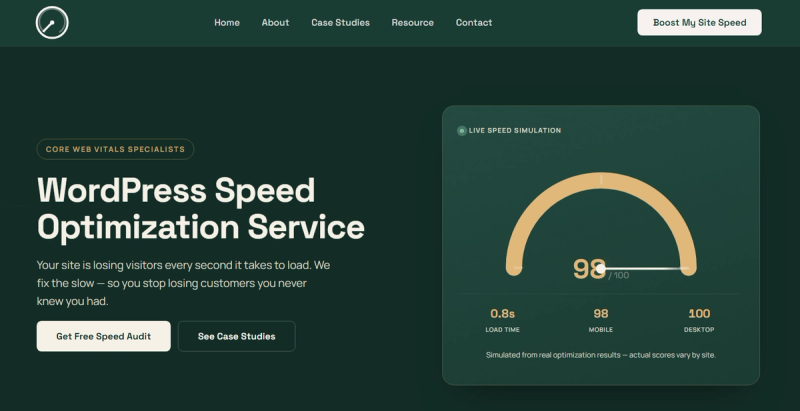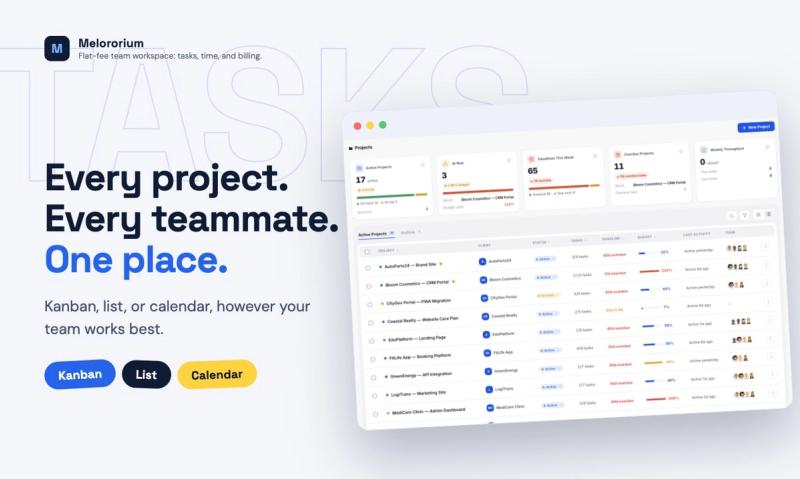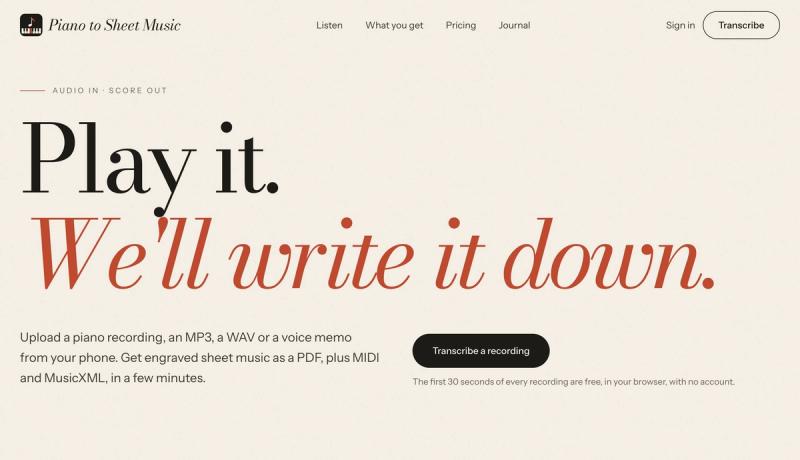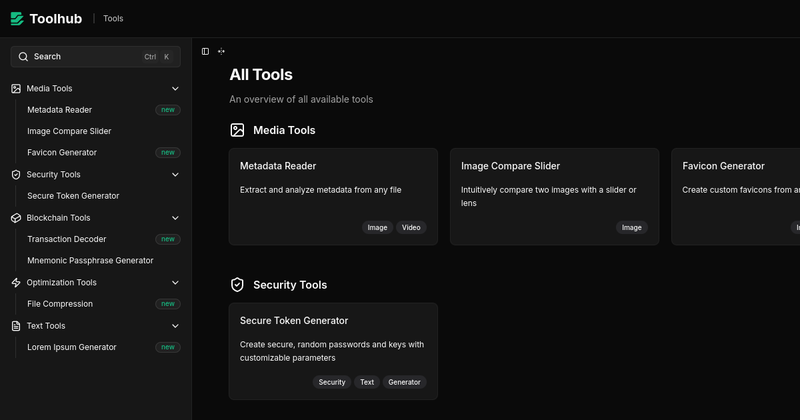
Export to Figma is a Chrome extension that lets you capture any live website and paste it directly into Figma as fully editable layers. Instead of rebuilding from screenshots, you get instant editable UI with preserved typography, colors, spacing, images, structure, and responsive auto-layout.
What is Export to Figma?
Export to Figma is a browser extension (available for Chrome and other Chromium browsers) that captures any website or UI element and converts it into editable Figma layers. It takes a live page or selected element as input and produces a Figma frame with correct layer hierarchy, styles, and nested components. The tool is developed by an independent team (no company name given) and marketed primarily through the Chrome Web Store.
Key Features
- One-Click Capture — Click any element on any website to capture it instantly with pixel-perfect accuracy. No manual selection or screenshots needed.
- Layer Structure Preservation — Maintains proper layer hierarchy and naming, making it easy to edit in Figma.
- Style Preservation — Colors, fonts, shadows, borders, and effects are captured exactly as they appear on the live site.
- Typography Match — Font families, sizes, weights, line heights, and letter spacing are accurately replicated.
- Image Extraction — Automatically extracts and embeds images at their original quality, including SVGs.
- Responsive Auto-Layout — Captures responsive design properties and Figma auto-layout constraints from the page.
- Instant Export — Process takes seconds; paste into Figma via clipboard.
- AI-Generated Website Support — Works with modern AI-built apps from tools like Claude Code, Lovable, Bolt, v0, Replit, and ChatGPT.
Who is it for?
- UI/UX Designers — Recreate any web layout in seconds without tracing screenshots or manually rebuilding.