Newsletter
Join the Community
Subscribe to our newsletter for the latest news and updates
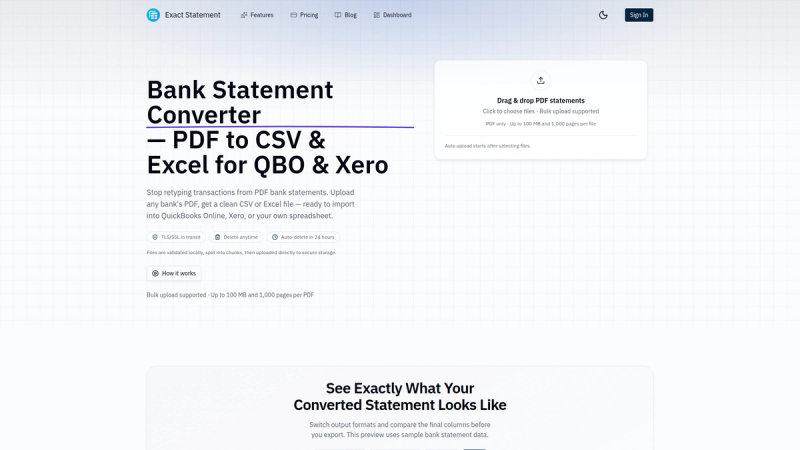
Convert bank statement PDFs to CSV and Excel files ready to import into QuickBooks Online and Xero.
Traffic, search & AI signals for exactstatement.com.
Third-party traffic estimate · Updated Aug 9, 2026
Submit your own product to reach creators and founders looking for the next tool to try.

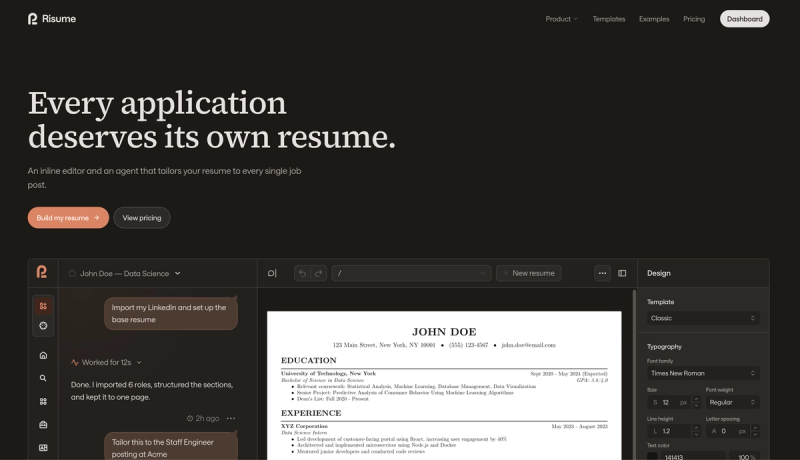
Most hiring tools organize candidates. Oryx structures how you interview and evaluate them: interview guides per stage, live scorecards during the call, and side-by-side team scoring so decisions rest on evidence, not gut feel.

Create AI images and videos with leading AI models.

TradingPal finds wedges, trendlines, and consolidation breakouts across stocks, crypto, and ETFs - each with a historical track record.
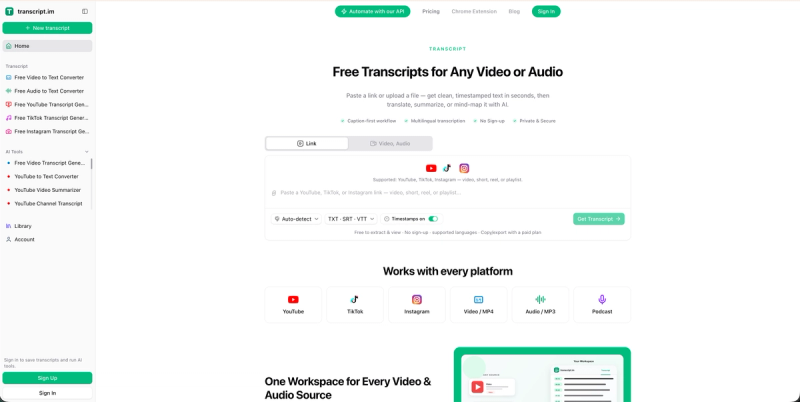
Free Transcripts for Any Video or Audio
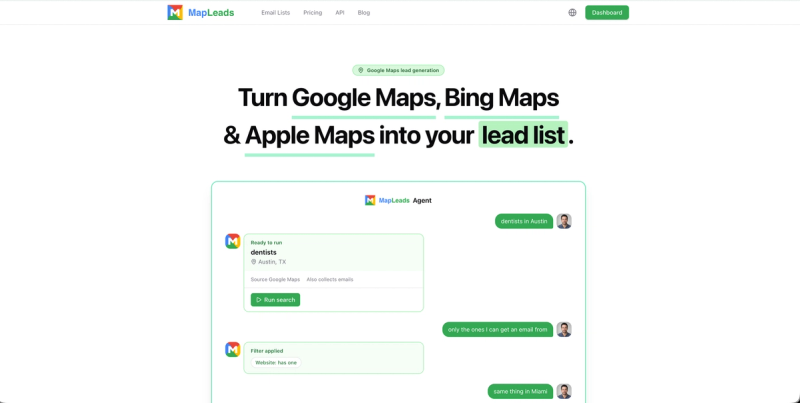
Extract and enrich business leads from Google Maps, Apple Maps, and Bing Maps with emails, social profiles, and more.
Exact Statement is a web-based tool that converts bank statement PDFs to CSV and Excel formats for import into QuickBooks Online and Xero.
Exact Statement is a specialized converter for bank statement PDFs, producing CSV or Excel files ready for import into QuickBooks Online and Xero. It runs as a web application, requires no installation, and handles PDFs up to 100 MB and 1,000 pages per batch. The tool is made by Exact Statement and is available in English.
Users upload one or more PDF bank statements, the tool extracts and normalizes transaction data (dates, descriptions, amounts), and then presents a preview for verification. After confirming accuracy, users choose the desired output format (CSV for QuickBooks, CSV for Xero, or Excel) and download the file.
Exact Statement operates on a freemium model. The free tier accommodates PDFs up to 100 MB and 1,000 pages, with data auto-deleted after 24 hours. Paid tiers likely offer higher limits and additional features, but specific pricing details are not publicly listed.
Yes, it offers a free tier with processing limits (up to 100 MB and 1,000 pages per batch). For higher volumes, paid plans may be required.
It outputs CSV (with separate formats for QuickBooks Online and Xero) and Excel (.xlsx).
Yes, all uploads are transferred via TLS/SSL encryption. Files are stored temporarily and can be manually deleted or are auto-deleted within 24 hours.
Yes, batch upload supports multiple PDFs in a single session, up to 1,000 pages total.