
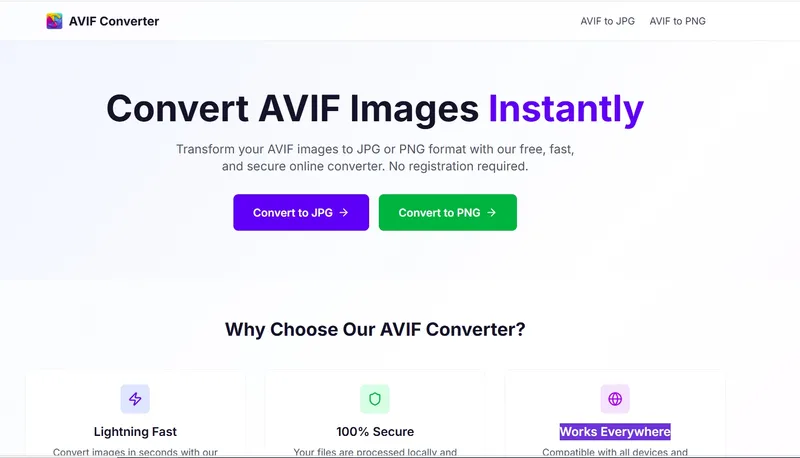
AVIF Converter is a free, web-based tool that transforms AVIF images into JPG or PNG format without requiring registration or software installation.
What is AVIF Converter?
AVIF Converter is an online image conversion service that accepts AVIF, HEIC, and WebP files as input and outputs JPG or PNG images. The tool processes files locally and deletes them immediately after conversion, ensuring privacy. It is developed by an independent team and accessible from any modern browser on any device.
Key Features
- Lightning Fast Conversion — Optimized processing engine converts images in seconds, supporting batch uploads of up to 10 files at once.
- 100% Secure — Files are processed locally and automatically deleted after conversion; no data is stored on servers.
- Multiple Format Support — Input formats include AVIF, HEIC, and WebP; outputs are JPG or PNG. Specific converters: AVIF to JPG, AVIF to PNG, HEIC to JPG, WebP to JPG.
- Batch Conversion — Upload up to 10 images (each under 10 MB) and download them as a single zip file.
- No Registration Required — All features are free and accessible without signup.
- Cross-Platform — Works on all devices and browsers; no software installation needed.
- Privacy Focused — Images are used solely for conversion and purged immediately after processing.
Who is it for?
- Web developers needing to convert AVIF images to widely compatible JPG or PNG for use on websites.
- iPhone users who want to convert HEIC photos to JPG for sharing on social media or with Android users.
- Designers requiring transparency support by converting AVIF or WebP to PNG for graphics and logos.
- General users looking for a quick, free way to convert WebP images from web downloads to JPG for offline viewing.
What can you do with AVIF Converter?
- Convert AVIF to JPG — Make AVIF images compatible with older browsers or platforms that lack AVIF support.
- Convert AVIF to PNG — Preserve transparency when using AVIF images in design projects.
- Batch convert multiple images — Upload and convert up to 10 files at once, downloading them as a zip.
- Convert HEIC to JPG — Easily share iPhone photos with users who cannot open HEIC files.
- Convert WebP to JPG — Use WebP images from the web in applications that only accept JPG.
How does AVIF Converter work?
- Upload or drag your AVIF, HEIC, or WebP images to the converter interface.
- Choose the output format (JPG or PNG) and click the convert button.
- Download the converted image(s) individually or as a zip file for batch conversions. The tool processes files instantly and deletes them from the server immediately after delivery.
FAQ
Is AVIF Converter free?
Yes, AVIF Converter is completely free to use with no hidden fees or registration required.
What input formats are supported?
Currently, AVIF, HEIC, and WebP are supported as input. Output formats are JPG and PNG.
Are there any file size or quantity limits?
Each image must be under 10 MB, and you can upload up to 10 images at a time in batch mode.
Are my images stored on the server?
No, images are used only for conversion and are deleted immediately after processing. They are not stored or accessible after the session.
Which output format should I choose?
Choose JPG for maximum compatibility across devices and platforms; choose PNG if you need transparency support.


