
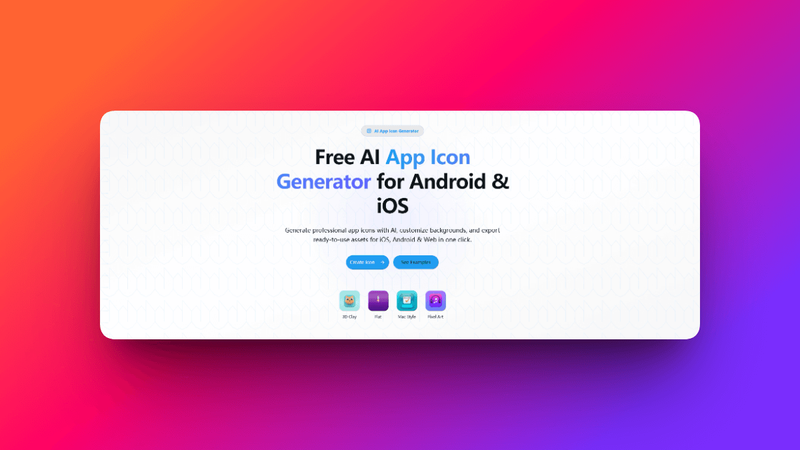
AppIconKitchen is a professional AI-powered app icon generator that creates production-ready icons for iOS, Android, and web/PWA projects from a single design concept.
What is AppIconKitchen?
AppIconKitchen is a web-based tool that takes a text prompt as input and outputs platform-specific icon assets. It uses AI to generate icons in multiple styles, then provides a workbench to refine them. The tool exports complete asset packs for Xcode (AppIcon.appiconset with Contents.json), Android adaptive icons (mipmap-anydpi-v26 structure with foreground/background layers), and web/PWA bundles (favicon, apple-touch-icon, manifest icons). It is developed by AppIconKitchen team and runs entirely in the browser.
Key Features
- 7 Icon Styles — Choose from 3D Clay, Flat, Mac Style, Pixel Art, Glassmorphism, Neon Glow, and Minimal. Each style is optimized for different app aesthetics, from playful consumer apps to premium utility icons.
- AI-Powered Background Removal — Automatically separate foreground from background for Android adaptive icons, enabling launcher-ready assets with proper layer support.
- Live Preview — See your icon on simulated iPhone home screen, Android launcher, Google Play listing, and browser tabs before exporting.
- iOS Export — Generates a complete AppIcon.appiconset folder with Contents.json and all required sizes from 20px to 1024px, including App Store submission assets.
- Android Export — Produces full mipmap structure (mdpi to xxxhdpi) with adaptive icon support, including round icon variants and Google Play Store size.
- Web & PWA Export — Outputs favicon.ico, apple-touch-icon, PWA icons (192px and 512px), and a ready-to-use manifest.json.
- Batch Generation — Pro users can generate four icon variants at once to increase the chance of finding a design they love.
Who is it for?
- — Quickly generate and export AppIcon.appiconset for iOS or adaptive icon assets for Android without manual resizing.







