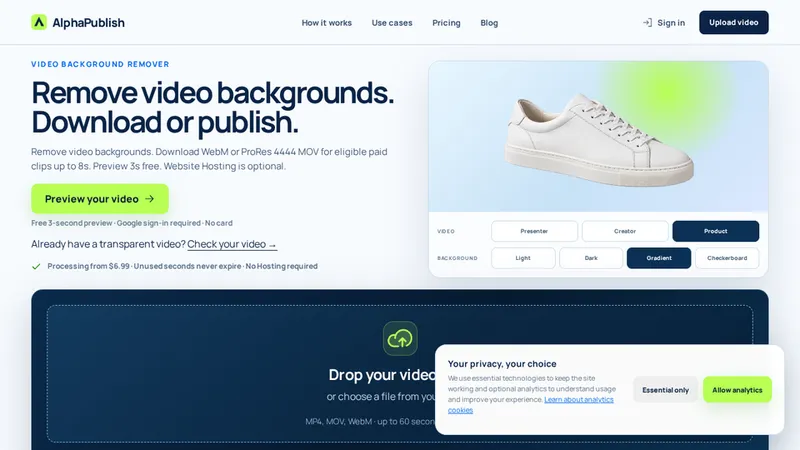
Prepare transparent video from existing footage
AlphaPublish is a web tool for creators who want to remove a video background and use the resulting subject in another composition or on a website. It supports transparent-video preparation and delivery workflows, with paid options and source eligibility described on the official website.
Begin with a preview
Choose footage you own or have permission to edit and use the available preview workflow to inspect the subject cutout. Look at motion, fine edges and partly transparent details rather than judging only a single still frame. If the source and preview are suitable, choose an eligible download or publishing option. Current duration limits and purchase eligibility depend on the workflow and should be checked before paying.
Download or publish
A transparent download can be useful for editing, creator clips and product presentations. Web publishing is a separate decision: check the delivery format, browser behavior and how the video looks on the actual page background. Existing-alpha video can also be checked before choosing a supported publishing path. Do not assume that a file with an alpha channel is automatically ready for every website or browser.
Review the finished output
Fine hair, motion blur, reflections and similar subject/background colors can affect background removal. Inspect light and dark backgrounds, check the complete motion and confirm that exported dimensions and duration fit the destination. Keep the original source and compare it with the final result. Hosting, transparent downloads and additional processing are distinct choices; review the current offer and eligibility on the official site rather than assuming a preview includes every delivery option.
Support: [email protected].