
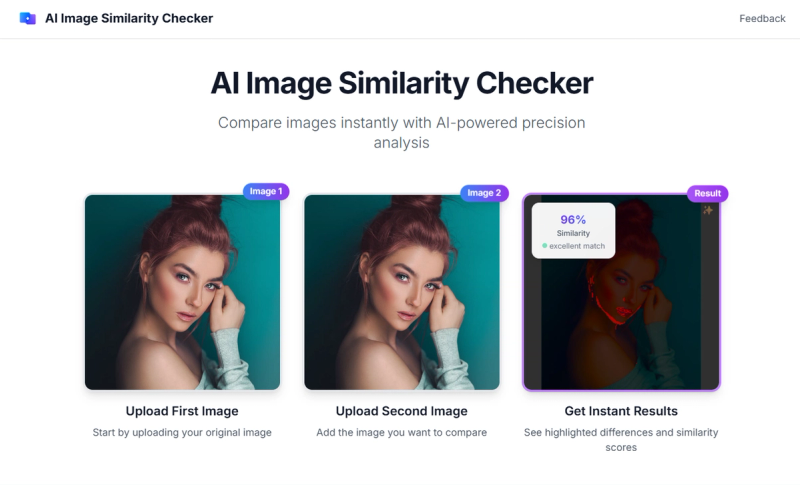
AI Image Similarity Checker is a free web-based tool that compares two images using AI and mathematical algorithms, returning a similarity percentage and visually highlighting differences.
What is AI Image Similarity Checker?
AI Image Similarity Checker is a web-based tool that takes two images (JPEG, PNG, or WebP, up to 10 MB each) and outputs a similarity score (a percentage) along with confidence ratings (high, medium, low) and visual difference overlays. It runs entirely in the browser and is hosted at aiimagesimilaritychecker.com (no company name provided).
Key Features
- Smart Image Comparison — Uses deep learning AI, cosine similarity, and Euclidean distance algorithms to compute accurate similarity scores.
- Visual Difference Detection — Highlights differences with color-coded overlays in Diff mode for instant identification.
- Interactive Slider — Provides side-by-side comparison with a draggable slider for before/after analysis.
- Multiple Formats Supported — Accepts JPEG, PNG, and WebP images, each up to 10 MB.
- Confidence Ratings — Reports confidence level (high, medium, low) for each similarity result.
- Diff and Slider Modes — Two comparison modes: Diff (overlay highlights) and Slider (side-by-side sliding).
- Download Results — Download the difference image or slider snapshot, preserving brightness adjustments and slider position.
- Mobile-Friendly — Responsive design works on most devices with touch support.
- Drag-and-Drop Upload — Upload images by dragging and dropping or clicking to select files.
Who is it for?
- Photographers — Compare original and edited photos to verify changes and assess retouching accuracy.







