Lovart is an AI-powered design platform that provides drag-and-drop tools, real-time collaboration, and an integrated asset library to help creators produce professional visuals for web, print, and social media.
What is Lovart?
Lovart is an AI-powered design platform that takes your ideas and transforms them into finished designs. It accepts input such as text prompts, images, and template selections, and produces exportable design files in multiple formats including PNG, PDF, and SVG. It runs as a web application accessible from any browser. Lovart is developed by the company behind the Lovart brand.
Key Features
- AI-Enhanced Creativity — Lovart’s AI suggests color palettes, font pairings, and layout options based on your content and preferences.
- Drag-and-Drop Interface — The visual editor lets you place elements without coding, supporting layers, resizing, and alignment tools.
- Real-Time Collaboration — Share projects with team members or clients and receive on-canvas annotations for instant feedback.
- Vast Asset Library — Access millions of high-quality stock photos, icons, illustrations, and fonts directly within the platform, curated and updated regularly.
- One-Click Export — Export designs in formats optimized for web (JPEG, PNG, WebP), print (PDF, SVG), and social media (specified dimensions) with a single click.
- Responsive Design Previews — Preview how your design appears on desktop, tablet, and mobile screens without leaving the editor.
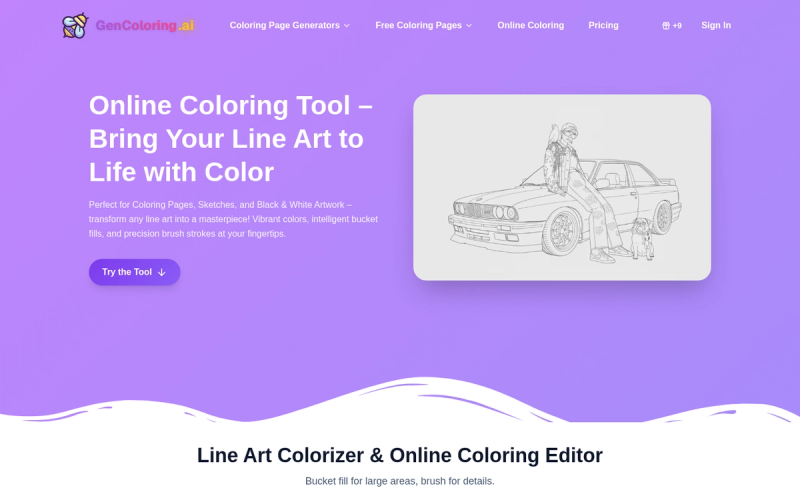
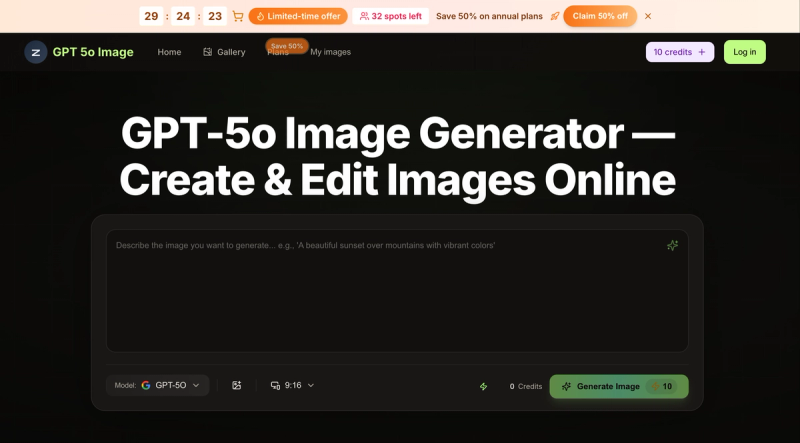
- AI Tool Suite — Separate specialized tools include AI Image Generator, AI Logo Design, GPT-4o Image, AI 3D Image Generator, AI Video Generator, and Background Remover.
Who is it for?
- Freelance graphic designers — create brand assets, social media graphics, and client presentations faster with AI suggestions.
- UI/UX designers — prototype responsive interfaces and iterate using collaborative annotations and component libraries.
- Marketing specialists — produce campaign visuals, banners, and email headers using pre-built templates and stock assets.
- Creative teams and agencies — manage multi-user projects with shared asset libraries, permissions, and a dedicated account manager on the Teams plan.
What can you do with Lovart?
- Design social media visuals — create posts, stories, and ads for platforms like Instagram and Facebook using built-in templates and export presets.
- Generate AI-powered logos — input a business name and style preferences; Lovart’s AI Logo Design tool produces multiple logo concepts in seconds.
- Remove image backgrounds — upload any photo to the Background Remover tool for automatic, precise background removal.
- Create short animations — use the AI Video Generator to turn images and text prompts into brief video clips.
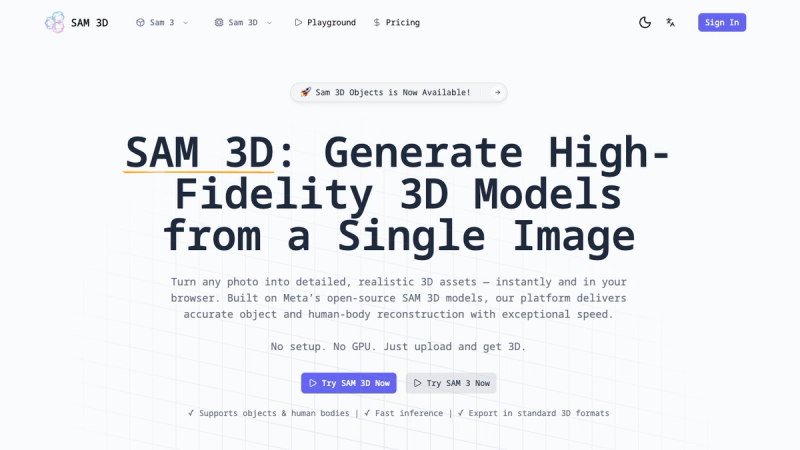
- Develop 3D visuals — generate 3D renders from text prompts using the AI 3D Image Generator.
How does Lovart work?
- Sign up for a free trial or paid plan on the Lovart website.
- Choose a professionally designed template or start from a blank canvas.
- Use the drag-and-drop editor to arrange elements; activate AI features for suggestions on colors, fonts, and layouts.
- Invite collaborators to view and annotate the project in real time.
- Export the final design in your desired format or publish directly from the platform.
Pricing
Lovart offers three pricing tiers:
- Starter at $19/month — includes basic AI design tools, limited asset library access, standard export options, and community support.
- Pro at $49/month — adds advanced AI suite, full asset library, real-time collaboration, priority support, and all export options.
- Teams — custom pricing with all Pro features plus multi-user accounts, dedicated account manager, custom integrations, and API access; contact sales.
FAQ
What is Lovart?
Lovart is an AI-powered design platform that helps users create professional visuals for web, print, and social media. It offers drag-and-drop editing, an integrated asset library, and real-time collaboration features.
How does the AI assist in design?
The AI suggests color palettes, font pairings, and layout options based on your input. It can also generate design elements such as logos and images through separate AI tools like the AI Image Generator and AI Logo Design.
Can I collaborate with my team?
Yes. Lovart allows sharing projects with team members or clients. Collaborators can add comments directly on the canvas, and changes sync in real time.
What kind of assets are included?
The library contains millions of stock photos, icons, illustrations, and fonts. These are curated and updated regularly.
Is Lovart suitable for responsive design?
Yes. Lovart includes a preview feature that shows how your design will look on desktop, tablet, and mobile screens. You can adjust layouts accordingly.