Newsletter
Join the Community
Subscribe to our newsletter for the latest news and updates
Free online tool for professional AI-powered background blurring with privacy-focused local processing.
Traffic, search & AI signals for www.blurbg.com.
Third-party traffic estimate · Updated Sep 9, 2026
Submit your own product to reach creators and founders looking for the next tool to try.
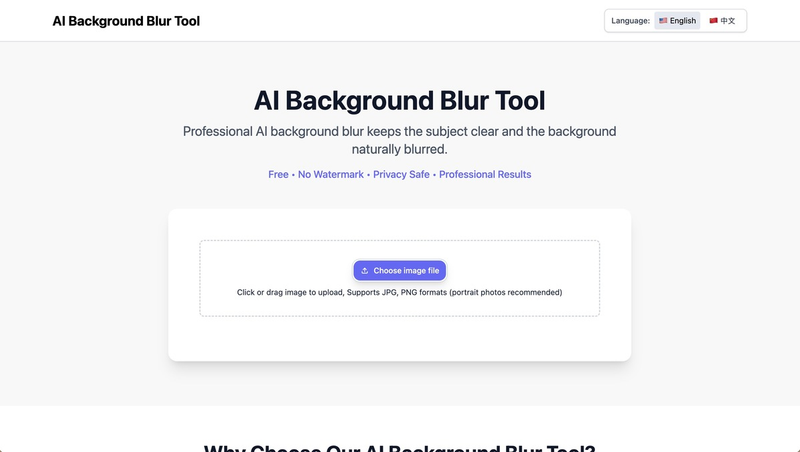
The AI Background Blur Tool is a free web-based application that uses MediaPipe AI to automatically separate subjects from backgrounds and apply professional-quality blur effects entirely in the browser.
The AI Background Blur Tool is a free online tool that blurs the background of portrait and product photos while keeping the subject sharp. It takes an image (JPG, JPEG, or PNG) as input and outputs a blurred background image with adjustable blur intensity. Processing happens locally in the user's browser—no images are uploaded to any server. The tool is developed and maintained by BB Image Tools (blurbg.com).
The workflow is simple: (1) Upload an image by clicking the upload button or dragging and dropping a file. (2) Adjust the blur intensity using the slider. (3) Click the "Blur Background" button to process the image. (4) After a few seconds, download the blurred result with the "Download Blurred Image" button.
Yes, absolutely. There are no hidden costs, no registrations, no watermarks, and no limits on usage.
No. All processing happens locally in your browser using JavaScript. The tool does not transmit or store any image data.
The tool supports JPG, JPEG, and PNG formats. For best results, use portrait photos with a clear subject.
Yes. A slider control lets you adjust the blur strength before processing.
The output image retains the original quality; there is no compression or loss introduced by the tool.