
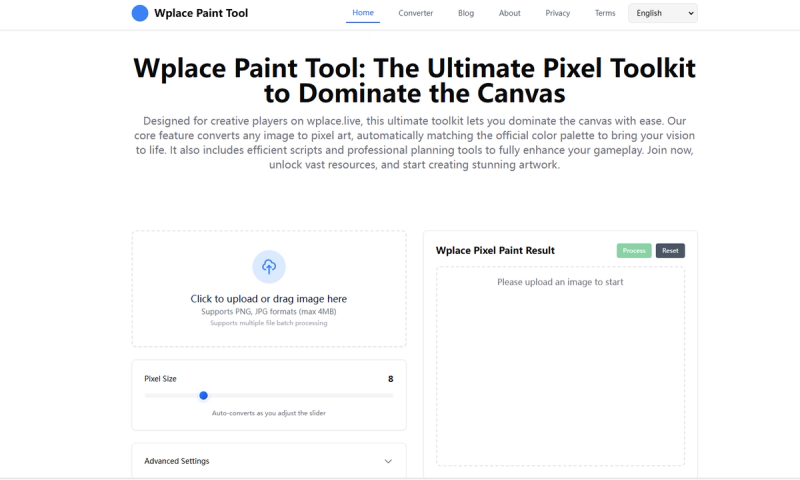
Wplace Paint Tool is a free, AI-powered pixel art converter and planning toolkit designed for the wplace.live canvas platform.
What is Wplace Paint Tool?
Wplace Paint Tool is a specialized pixel art utility that converts any image into pixel art, automatically matching the official wplace.live color palette. It runs as a web-based tool on wplace.live, taking standard image formats as input and producing pixel art ready for canvas placement. The tool is developed specifically for the wplace.live community, offering both conversion and planning capabilities.
Key Features
- Image to Pixel Art Conversion — Converts any uploaded image into pixel art, automatically mapping colors to the official wplace.live palette for seamless integration.
- Script Automation — Provides efficient scripts to automate repetitive tasks, such as placing large patterns or filling areas, saving time on large projects.
- Professional Planning Tools — Includes tools to plan and preview your canvas layout before execution, enabling precise coordination for team builds.
- Multi-Language Support — Fully supports both Chinese and English interfaces, catering to the global wplace.live user base.
- Free to Use — The entire toolkit is offered at no cost, with no hidden fees or premium tiers.
Who is it for?
- wplace.live Players — Use the tool to convert reference images into pixel art for canvas placement, allowing you to recreate logos, characters, or designs with perfect color matching.
- Community Creators — Plan and execute large-scale community projects, using the planning tools to coordinate multiple users on the same canvas.
- Pixel Artists — Quickly transform digital art into pixel art format, leveraging the automatic palette conversion to maintain fidelity to the wplace.live aesthetic.







