Newsletter
Join the Community
Subscribe to our newsletter for the latest news and updates
Free online tool to convert images to pixel art using Wplace's official 64-color palette with instant processing.
Submit your own product to reach creators and founders looking for the next tool to try.
5iles.com is a free, browser-based toolkit with 80+ tools for converting, merging, compressing, and editing PDFs, Word, Excel, images, and more — no software installs, no account required for most tools.
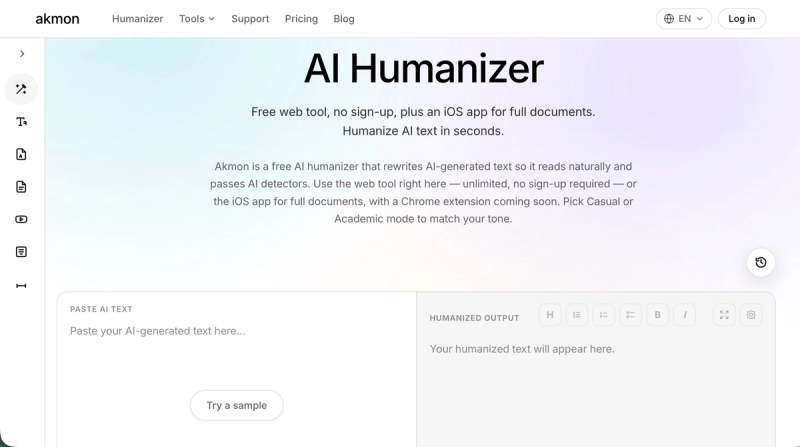
Free AI humanizer that rewrites AI-generated text so it reads naturally. Plus Math Solver, Paraphraser, PDF tools, YouTube summarizer, and more
conscious events is a plattform for booking and hosting events in meditation, yoga, breathwork and more.
A Google Maps scraper that extracts business data like names, addresses, phone numbers, and emails to CSV/Excel/JSON.
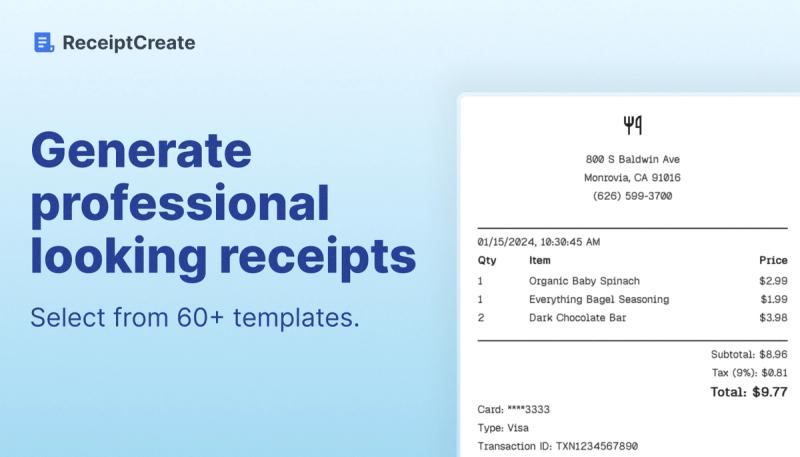
Free online receipt maker for printable PDFs with 100+ brand-specific templates, no signup required.
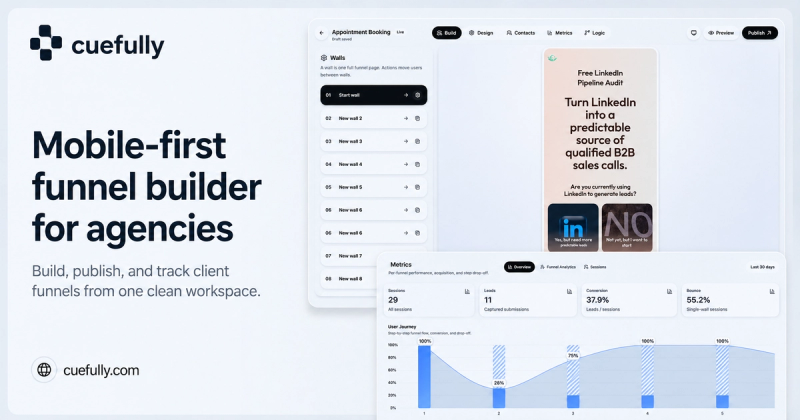
Mobile-first funnel builder for agencies to turn ad clicks into booked leads with sub-second loading.
Wplace Paint Tool is a free, browser-based pixel art converter that transforms uploaded PNG, JPG, or SVG images into pixel art using Wplace's official 64-color palette, with all processing done locally in your browser.
Wplace Paint Tool is a free online pixel art converter and editor. It accepts image uploads in PNG, JPG, and SVG formats, converts them to pixel art using the Wplace 64-color palette, and exports the result as a PNG. The tool runs entirely in the browser on desktop and mobile devices, requires no registration, and also includes a dedicated Pixel Planner for drawing pixel art from scratch on 16×16, 32×32, or 64×64 canvases.
The converter combines an easy upload-adjust-export workflow with advanced options like dithering and multiple scaling algorithms.
Wplace Paint Tool is designed for game developers, digital artists, beginners, and r/place enthusiasts who need clean, consistent pixel art. Game developers can generate assets using the official Wplace palette for a unified style; digital artists can quickly convert existing illustrations into pixel art; beginners can learn by uploading an image and playing with settings; and r/place contributors can plan their grid using the built-in planner and official colors.
From converting photos to planning r/place canvases, this tool supports a range of pixel-art workflows.
The workflow is a simple four-step process: upload an image, adjust parameters, choose a palette, and download the result. Specifically: (1) click or drag a PNG, JPG, or SVG file into the upload area; (2) use the pixel size slider and select a scaling algorithm (Nearest Neighbor, Bilinear, Lanczos); (3) pick a palette from the presets or import a custom one; and (4) preview the pixel art and click the download button to save it as a PNG.
Wplace Paint Tool is free to use with no registration, no watermarks, and no paid tiers. The only optional cost is the 32 premium colors in the Wplace 64-color palette, which require purchasing Droplets on the official Wplace website.
The most common questions about Wplace Paint Tool involve price, privacy, formats, and palettes.
Yes, every feature of Wplace Paint Tool is free — no registration, no watermarks, and no subscription. The only payment option is optional: unlocking the 32 premium colors in the Wplace palette requires Droplets on the official Wplace site.
You can upload PNG, JPG, or SVG files with no size limit, and the pixel art result is exported as a PNG. This covers most still images, icons, and vector graphics.
No. All image processing is done locally in your browser using JavaScript, so your images never leave your computer or mobile device.
The tool includes Wplace Free (32 colors), Pico-8 (16), Lost Century (8), Sunset 8 (8), Twilight 5 (5), and Hollow (4). You can also import or create custom palettes for complete control.
Yes, the site is cross-platform and works on both desktop and mobile browsers, so you can convert and draw pixel art on the go.