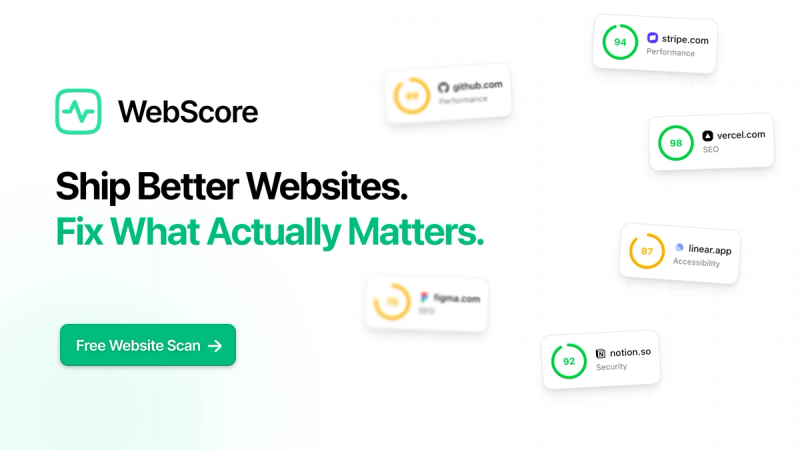
WebScore is an AI-powered website auditing platform that scans any URL and delivers prioritized, actionable fixes for performance, SEO, accessibility, security, best practices, domain metrics, and UI/UX issues — all in under 60 seconds.
What is WebScore?
WebScore is a unified website analysis platform that takes a URL as input and produces a detailed report with scores, issues, and step-by-step fix instructions across seven audit modules. It runs entirely in the cloud via a web dashboard and also offers an MCP server for integration with AI agents like Claude, Codex, and Cursor. The platform is developed by WebScore and is available at webscore.now.
Key Features
- Seven‑in‑One Audits — Performance (Core Web Vitals: LCP, CLS, INP), SEO (meta tags, structured data, sitemaps, robots.txt), Accessibility (WCAG 2.1 AA/AAA with plain‑English fixes), Security (SSL, security headers, SPF/DKIM/DMARC, safe browsing), Best Practices (console errors, deprecated APIs), Domain Metrics (Moz DA, Ahrefs DR, Majestic trust/citation flow, backlinks), and AI UI/UX Audit (desktop + mobile screenshots reviewed by Claude).
- AI‑Powered UI/UX Audit — Claude captures and analyzes screenshots of your site across devices, generating 12–15 design and usability recommendations with impact scoring.
- MCP Server for AI Agents — Connect WebScore as an MCP server to Claude Desktop, Claude Code, Cursor, Codex, or Grok. Agents can scan sites, list websites, toggle monitoring, and read issues with fixes directly from the chat.
- Google Search Console Integration — See real clicks, impressions, and query data alongside audit findings to prioritize SEO fixes based on actual traffic.
- Automated Monitoring & Alerts — Schedule daily or weekly rescans for up to 10 websites (Lifetime plan). Get email alerts when scores drop or new issues appear.
- Priority‑Ranked Fix Suggestions — Issues are sorted by impact, helping you tackle the most important fixes first.
- Public Leaderboard — Browse scored websites to see how yours compares.
Who should use WebScore?
- Web developers who need to pinpoint performance bottlenecks and get exact file-level fix recommendations for LCP, CLS, and INP.
- SEO specialists looking for a single report that covers technical SEO, on-page elements, and real Search Console insights.
- Product managers and business owners who want a simplified, prioritized action plan to improve site speed, accessibility, and trust signals without juggling multiple tools.
- Digital agencies managing multiple client sites: use free previews to win work and $3 reports or Lifetime access to deliver comprehensive audits.
What can you do with WebScore?
- Audit any website in seconds — Enter a URL, see preview scores for free, then unlock the full report for $3 to get every issue and fix.
- Integrate with your AI coding tool — Connect WebScore as an MCP server and have Claude or Cursor automatically scan sites, pull domain metrics, and fix issues during development.
- Monitor site health over time — With Lifetime access, set up daily/weekly monitoring for up to 10 sites and receive alerts when scores regress.
- Generate a public trust page — Get an embeddable badge and a public score page that links back to your site, boosting visitor trust and earning backlinks.
How does WebScore work?
- Enter your URL — Paste any website address and sign in with a free account (no credit card required). The scan starts immediately.
- Review preview scores — In under 60 seconds, you see scores across all seven modules. Full details are hidden until you unlock the report.
- Unlock and fix — Pay $3 per report (or buy Lifetime access for $29.99) to see every issue ranked by priority, with step-by-step fixes. Track progress and re‑scan as needed.
Pricing
- Free — Unlimited websites and scans with preview scores. No credit card required.
- Pay per report — $3 for a single fully detailed report including all issues, fixes, and exports.
- Lifetime — $29.99 one‑time payment unlocks unlimited scans, full reports, monitoring for up to 10 sites, 10 AI UI/UX audits per month, Google Search Console integration, MCP server access, unlimited PDF exports, and email alerts. 14‑day money‑back guarantee.
FAQ
Is WebScore free?
Yes, you can create a free account and scan unlimited websites to see preview scores across all modules. You only pay when you want the full detailed report ($3 per report) or choose Lifetime access ($29.99).
What does the AI UI/UX Audit include?
WebScore takes desktop and mobile screenshots of your site and sends them to Claude AI for visual analysis. The result is 12–15 recommendations with annotated screenshots, impact scoring, and suggested copy improvements.
Can I use WebScore with my AI assistant?
Yes. Lifetime access includes an MCP server that works with Claude Desktop, Claude Code, Cursor, Codex, Grok, and any MCP client. Your AI can scan sites, read issues and fixes, manage monitoring, and more directly from the chat.
How does the MCP server work?
Configure your MCP client with a JSON block containing the server URL (https://webscore.now/api/mcp) and your API key from Settings → API & MCP. Then your AI can run audits, list websites, switch monitoring, and retrieve domain metrics on command.
What happens to the sites I scan?
Sites you scan are automatically added to your dashboard for easy re‑scanning and monitoring. You can remove them anytime.