
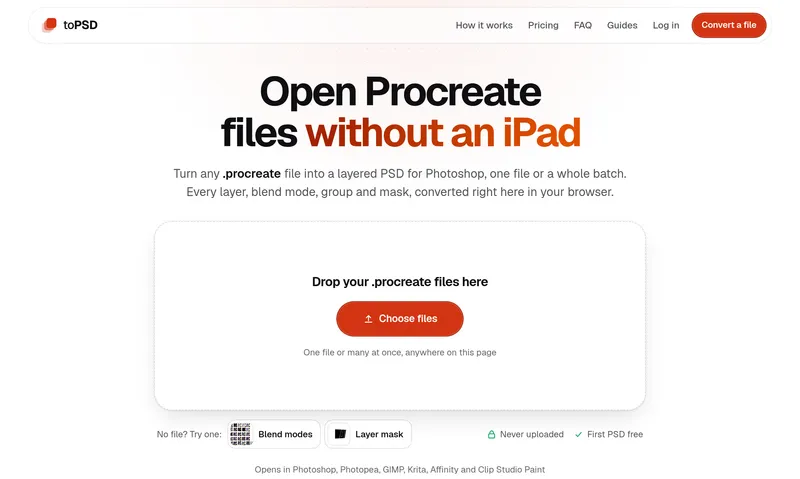
toPSD opens Procreate .procreate files on any computer, no iPad needed. It saves them as a layered PSD, TIFF or Krita file, or as a flat PNG, JPG or PDF, with layers, groups, masks and blend modes kept. Everything runs in the browser, so the artwork never leaves your machine.
The site also has 28 free tools for artists, all in the browser: a PSD viewer, PSD to PNG and JPG, Krita and Clip Studio to PSD, an ABR brush viewer, a DPI checker and converter, print sizes for wall art, DTF prep (semi-transparent pixels, halftones), a value checker, palette tools and an emote resizer.
Free: preview, flat PNG/JPG/PDF, time-lapse and every tool, plus the first layered file with an account. Layered files are $3.90 each, or $24.90 once for unlimited.
Who it is for: artists who work in Procreate and need their files on a computer, clients and art directors who receive .procreate files and do not own an iPad, print shops and embroidery digitizers who need a clean PNG or layered PSD, and VTuber riggers who need separate layers for Live2D. The free tools cover other files people get stuck on: PSD and PSB files without Photoshop, Krita and Clip Studio Paint files, Photoshop brushes, color palettes, and DPI and transparency checks before printing.
Privacy: the converter is written in Rust and compiled to WebAssembly, and every tool runs inside the browser tab. Files are read from your disk and the results are written back to it; nothing is sent to a server. It works in Chrome, Edge, Firefox and Safari on Windows, Mac, Linux and Chromebook, with nothing to install.


