
What is SparkIconAI?
SparkIconAI is a professional AI-powered icon generator and management platform that lets you create, organize, and export high-quality icons in seconds. It takes text prompts (and optional reference images) as input and outputs crisp 1024×1024 icons in PNG, ICO, WEBP, or SVG formats. The platform runs entirely in the browser and is developed by the team behind SparkIconAI.
Key Features
- Advanced AI Models — Powered by multi-provider models including GPT Image 2 and Nano Banana, with prompt optimization for consistent results.
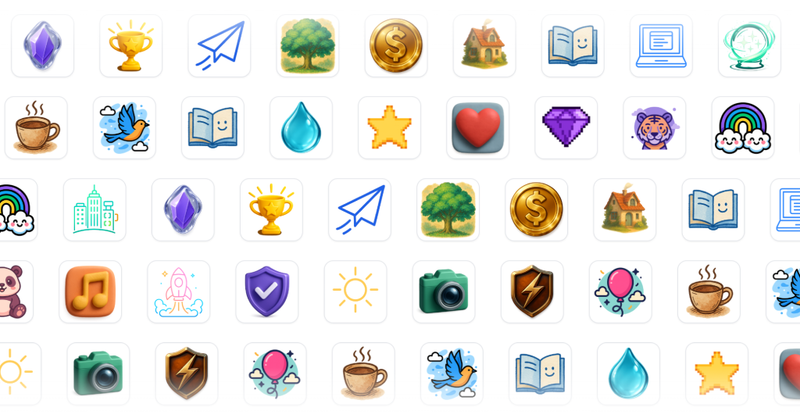
- 10+ Icon Styles — Choose from Hand-Drawn, 3D, Neon, Pixel, Ghibli, Minimalist, and more, each with distinct visual characteristics.
- Reference Image Guidance — Upload a brand asset or sketch, and the AI aligns composition, colors, and mood to your reference.
- Project-Based Organization — Group generated icons into projects with version tracking, metadata, and instant previews for easy collaboration.
- Built-In Tools — One-click background remover and image compressor for cleaning and optimizing icons without leaving the platform.
- Smart Export Presets — One-click presets for Favicon, PWA, iOS, Android, and social media; batch export supported.
- Icon Gallery & Packs — Browse community-created icons, preview details, and purchase icon packs using credits to add directly to your projects.
Who Is It For?
- UI/UX designers — Rapidly prototype icons for web and mobile interfaces without manual vector work.
- Developers — Generate app icons, favicons, and platform-specific assets (iOS, Android, PWA) in the correct sizes with one click.
- Brand teams — Create consistent icon sets across multiple styles, maintain brand guidelines with reference image guidance.

What Can You Do With SparkIconAI?
- Generate single icons or variants — Describe an icon in plain language and get multiple variations; also supports batch generation of up to 10 prompts at once.
- Organize by project — Keep all icons for a specific app or campaign in one project, with batch-level version history.
- Refine with built-in tools — Remove backgrounds automatically or compress images to reduce file size while preserving quality.
- Export in multiple formats — Download as PNG, ICO, WEBP, or SVG with presets for common platforms, or use custom dimensions.
How Does It Work?
- Choose a model (e.g., Nano Banana) and a style from 10+ options.
- Enter a text prompt (or upload a reference image for composition/color guidance).
- Select quantity (up to 10 per batch) and click Generate.
- View results, manage in projects, or refine with built-in tools before exporting.
Pricing
SparkIconAI operates on a freemium model. Free users get core icon generation features; Pro unlocks HD export, more presets, batch generation/export, and higher variant quotas. No dollar amounts are disclosed on the site.
FAQ
What makes SparkIconAI different from other AI icon generators?
SparkIconAI is an end-to-end platform: you can generate, organize by projects, browse a curated gallery, refine with tools (background remover, image compressor), and export with smart presets — all in one unified workflow.
Can I use the generated icons for commercial purposes?
Yes, icons generated with SparkIconAI are yours to use commercially, including in products and for resale.
How do projects and asset management work?
Group icons created with SparkIconAI into projects, track versions and batches, and manage all assets together in one interface. Each generated batch gets a version number and preview.
What export formats and sizes are supported?
Export as PNG, ICO, WEBP, and SVG. Presets include Favicon (16×16 to 32×32), PWA (192×192, 512×512), iOS, Android, and common social media sizes. Batch export is available for Pro users.








