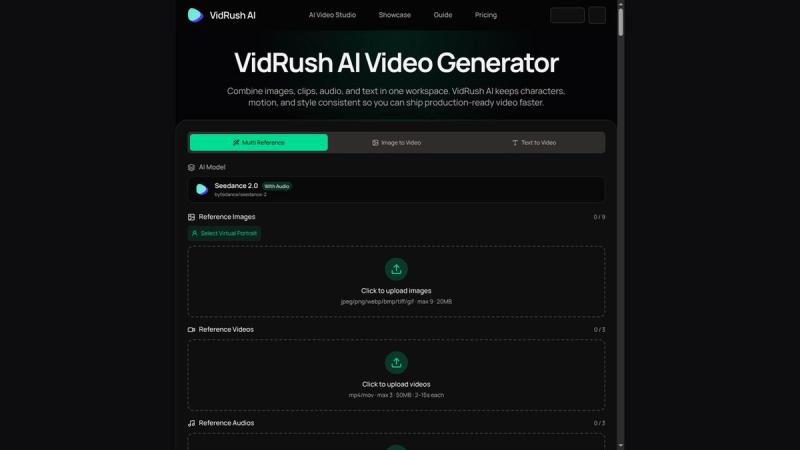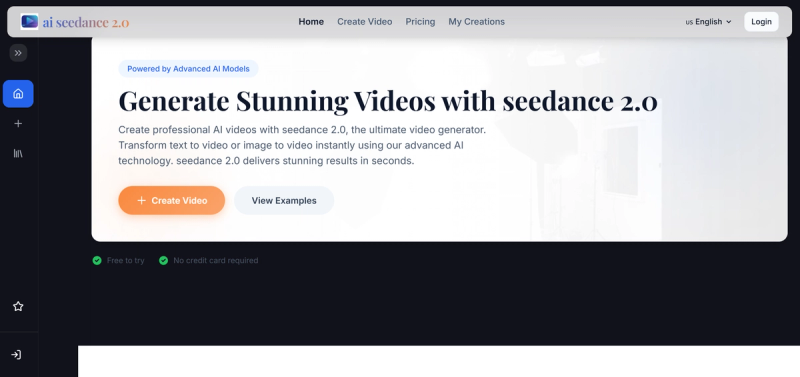
Seedance2 Video Generator is an AI-powered web tool that uses ByteDance's Seedance 2 model to generate short, stylized videos from text prompts or uploaded images in seconds.
What is Seedance2 Video Generator?
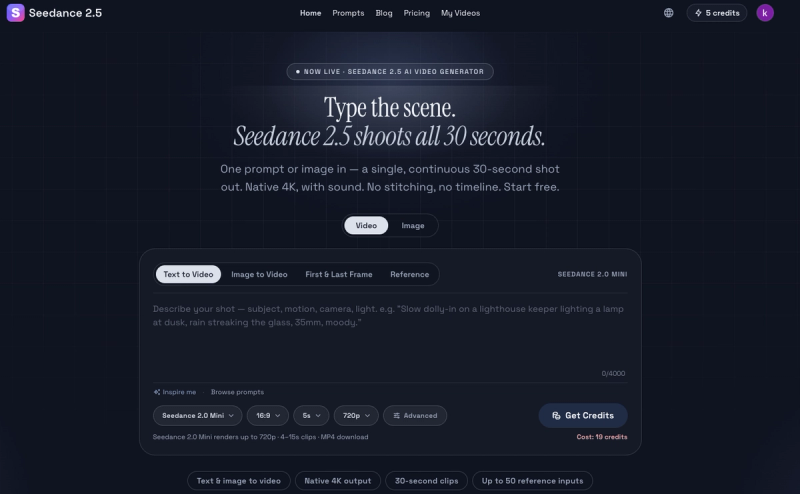
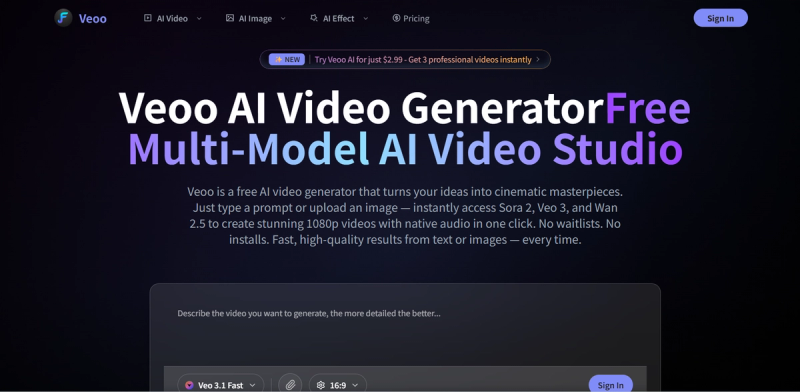
Seedance2 Video Generator is a browser-based platform that converts text descriptions (up to 20,000 characters) or reference images into 5-second, 720p videos at 16:9 aspect ratio. Built on ByteDance's Seedance 2 AI model, it also integrates other models like Kling to offer varied creative styles. The tool is designed for rapid iteration and lightweight content creation, requiring no software installation or credit card to start.
Key Features
- Text to Video — Generate videos by describing scenes, actions, and styles in natural language with up to 20,000 characters per prompt.
- Image to Video — Upload an image (e.g., a photo or graphic) to animate it into a coherent video with consistent composition.
- Style Transfer — Apply cinematic looks (e.g., "Mountain sunrise cinematic", "Ocean waves sunset") to match specific moods.
- Multiple AI Models — Access Seedance 2 and additional models like Kling for diverse output aesthetics.
- Fast Generation — Videos are produced in minutes via an optimized pipeline, supporting rapid experimentation.
- Export Flexibility — Choose from multiple resolutions and aspect ratios (including 16:9 and 9:16) for social media, marketing, or professional use.
- Free Tier — Use the tool immediately without a credit card; a freemium model is in place.
Who is it for?
- Content creators — Produce social media reels and shorts in 9:16 with stable motion and consistent style across multiple clips.
- Marketing teams — Generate ad variations, product demos, and landing page videos from a single concept.
- Educators and trainers — Create visual sequences for lessons and tutorials without video editing expertise.
- Filmmakers and animators — Prototype shots, camera movements, and story beats for pre-visualization before full production.
What can you do with Seedance2 Video Generator?
- Marketing videos and ad variations — Quickly produce multiple hooks and visual styles from one concept to test different creatives.
- Social media reels and shorts — Create short-form clips optimized for 9:16 ratio with consistent style.
- Product demos and landing videos — Turn screenshots into animated product moments and explainer clips.
- Film pre-visualization — Prototype shots and pacing to refine visual direction before committing to full production.
How does Seedance2 Video Generator work?
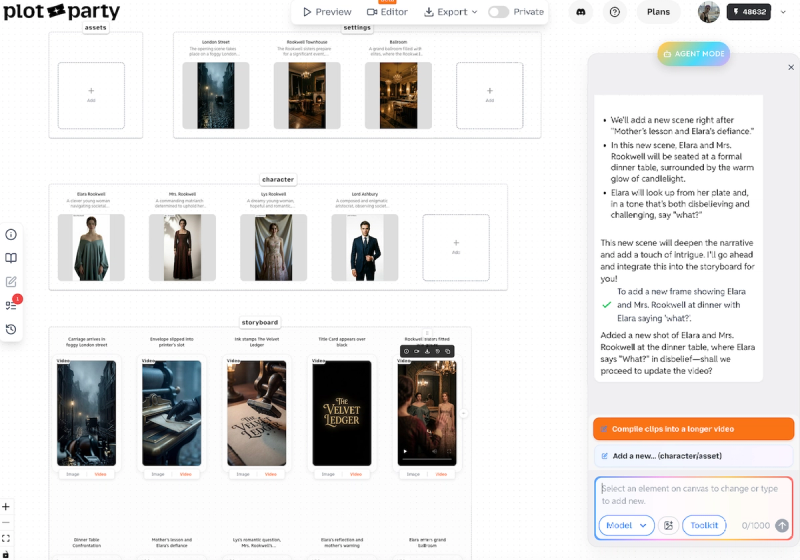
The workflow follows four steps: 1) Write a prompt describing the scene, action, and style in one or two sentences. 2) Optionally add a reference image to anchor composition and identity. 3) Optionally paste a simple script to shape beats and transitions for story-like pacing. 4) Export the video at your chosen ratio and resolution. Everything runs in-browser with no local processing.
Pros and cons
- Pros: Free to start; fast generation; supports both text and image inputs; outputs maintain visual consistency; multiple export options.
- Cons: Video length is capped at 5 seconds; maximum resolution is 720p; no offline mode or desktop app.
Pricing
Seedance2 Video Generator operates on a freemium model. The free tier allows immediate use without a credit card; premium tiers may offer higher resolutions or longer videos (details not specified on the site).
FAQ
Is Seedance2 Video Generator free?
Yes, it offers a free tier that requires no credit card. Users can start generating videos immediately.
What models does Seedance2 Video Generator use?
It primarily uses ByteDance's Seedance 2 model and also integrates other models like Kling for different creative styles.
What are the output specifications?
Generated videos are 5 seconds long at 720p resolution and default 16:9 aspect ratio. Other ratios and resolutions may be available for export.
Can I use my own images as input?
Yes, the Image to Video feature allows you to upload an image to animate it into a video.
Is there a character limit for text prompts?
Text prompts can be up to 20,000 characters long.