
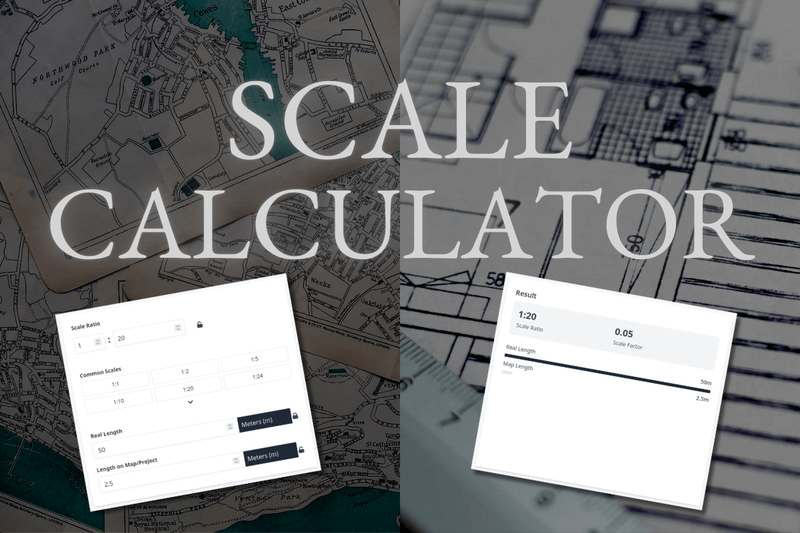
The Scale Calculator is a free online tool for converting real-world measurements to scaled dimensions and determining scale ratios, designed for use with maps, architectural plans, and scale models.
What is Scale Calculator?
The Scale Calculator takes a real length and a scale ratio (or two known lengths to compute the ratio) and outputs the corresponding scaled length and the scale factor (e.g., 0.05 for a 1:20 scale). It runs entirely in a web browser, is fully responsive on all devices, and is provided by calculatescale.com.
Key Features
- Scale ratio calculation — Input any two known lengths (real and scaled) and the tool instantly computes the scale ratio (e.g., 1:20) and scale factor, eliminating manual math.
- Multi-unit support — Works with millimeters, centimeters, meters, kilometers, inches, feet, yards, miles, and nautical miles, with automatic conversion between any pair.
- Common scale presets — One-click access to presets for models (1:1 to 1:87), architecture (1:20 to 1:500), and maps (1:25000 to 1:500000) to speed up common workflows.
- Lock icon controls — Open lock lets you change units freely; closed lock fixes the unit and auto-converts values to maintain consistent measurements.
- Scale ruler visualization — Displays a calibrated ruler showing real and scaled distances; includes screen calibration options for specific device models (iPhone, iPad, MacBook, monitors, etc.).
- Responsive design — Works seamlessly on desktops, tablets, and phones without any app download.
- Multilingual interface — Available in 25+ languages, making it accessible to a global audience.
Who is it for?
- Architects and engineers — Convert blueprint dimensions between scale and real-world sizes for precise design and planning.
- — Determine map scale from known distances or compute map lengths from real-world measurements.







