
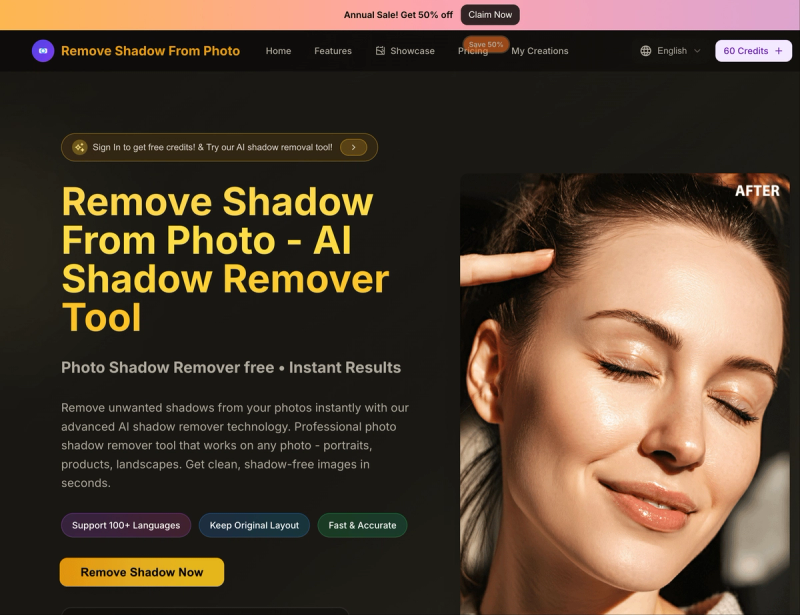
Remove Shadow From Photo is a web-based AI tool that removes unwanted shadows from uploaded photos in seconds, producing studio-quality shadow-free images.
What is Remove Shadow From Photo?
Remove Shadow From Photo is an online AI-powered shadow removal tool. It takes input images in JPG, PNG, or WebP format (max 5 MB) and outputs shadow-free versions with preserved detail. The platform runs entirely in the browser and is developed by an unnamed team behind removeshadowfromphoto.org.
Key Features
- Quick Mode — Processes images instantly in your browser for simple shadows; no waiting.
- Premium Mode — Uses advanced AI for complex shadows; takes 10–30 seconds for higher quality.
- 4K Resolution Support — Handles images up to 4K resolution for professional output.
- Multi-Format Export — Downloads resulting images in JPG, PNG, and WebP formats.
- Facial Shadow Removal — Specialized algorithm removes shadows from faces while preserving skin tone and detail.
- No Sign-Up Required for Basic Use — New users get 10 free credits without registration; sign-up for more.
Who is it for?
- E-commerce sellers — Remove distracting shadows from product photos to create clean professional images for online stores.
- Portrait photographers — Eliminate unflattering shadows on faces for headshots, passports, and social media profiles.
- Content creators — Quickly clean up shadowed backgrounds in event photos or social media visuals.
- Real estate agents — Remove shadows from property photos to make interiors and exteriors look brighter.







