
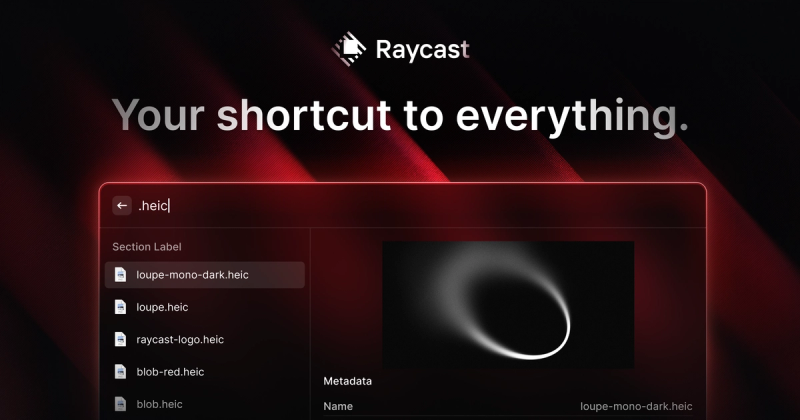
Raycast is a blazing-fast, extensible productivity launcher for macOS (and Windows beta) that replaces Spotlight with keyboard-first efficiency, AI-powered assistance, and thousands of community-built extensions.
What is Raycast?
Raycast is a native macOS productivity launcher that serves as a central interface for searching files, launching apps, running commands, and automating workflows. It takes keyboard input and produces instant results—be it a file, a web search, a clipboard entry, or a system action. Developed by Raycast Inc., it runs on macOS 13+ and is available in beta for Windows. The app replaces the default Spotlight with superior speed (<100ms responses) and a 99.8% crash-free rate, as claimed on the site.
Key Features
- AI-Powered Quick AI — Ask questions, get answers, and automate tasks using built-in AI models, accessible anywhere in the OS. Includes chat and custom AI Commands. Learn more
- Extensible Extension Store — Thousands of community-built extensions for tools like Linear, JIRA, Notion, Spotify, and 1Password, all controllable without opening the native app. Browse the store
- Clipboard History — Remember everything you copy; supports text, images, files, links, and colors, with search and pinning. Details
- Window Management — Snap windows to preset positions (left half, right half, quarters, etc.) with keyboard shortcuts. Details
- Snippets — Create text shortcuts to quickly insert frequently used phrases, addresses, or code. Details
- Quicklinks — Launch URLs, apps, or specific functions with a keyword; assign hotkeys or aliases.







