From idea to finished visual
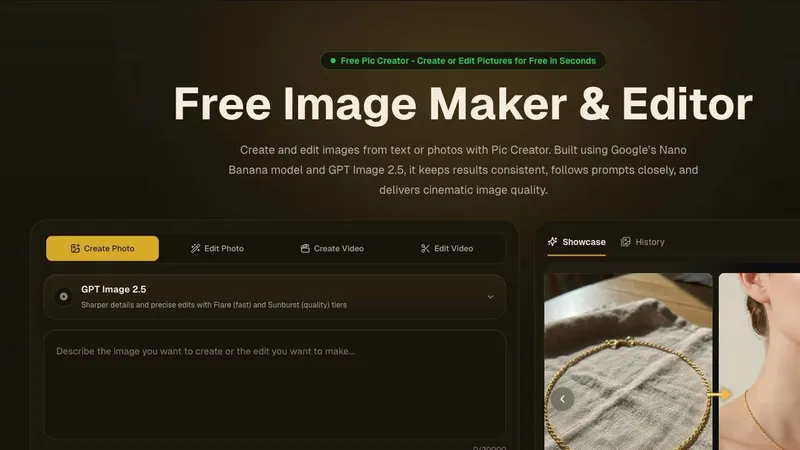
Pic Creator helps people who create content turn an image idea into a usable asset. Write a prompt to generate a new picture, or upload a photo and describe the change you want. The same workspace supports practical edits such as replacing a background, clearing an unwanted object, and retouching a portrait. You can start with a rough concept, test a result, and keep refining without switching to a separate editing tool.
Built for everyday production
Different creative tasks need different approaches. Pic Creator offers multiple image models, so you can explore alternatives when a prompt calls for a particular look or more precise editing. Its batch editor helps with groups of images that need similar work. The site also supports AI video creation and editing, giving creators another format to explore alongside still images.
A product seller can improve a photo for a listing; a marketer can prepare a campaign visual; a social media creator can test variations of an idea. Portrait retouching and object cleanup are useful when an existing image is almost right but needs focused changes. These practical jobs sit next to prompt-based generation rather than being scattered across separate services.
Start simply
Open the website, choose image creation or editing, and describe the visual you want. Upload a source photo when you need to preserve the original subject, or start from text when you are building an image from scratch. Review the output, adjust your instruction, and export a result for your project. New users receive free starter credits. Paid plans add more capacity for regular creative work, with current options shown on the official pricing page.