
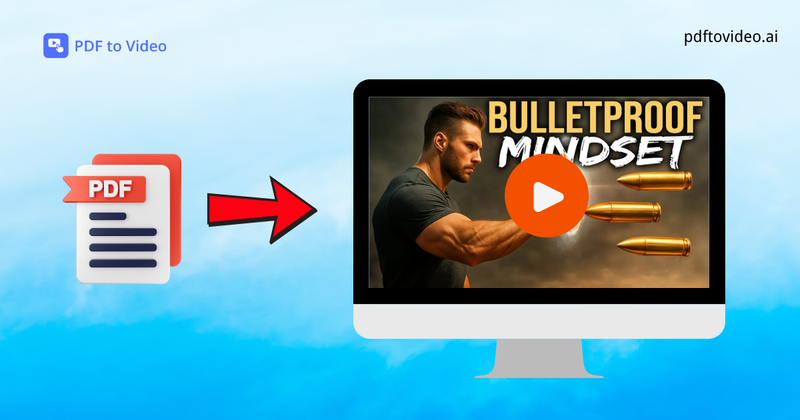
PDF to Video is an AI-powered online tool that transforms static PDF documents into professional explainer videos with no editing skills required.
What is PDF to Video?
PDF to Video is a free online platform that converts PDF files—such as reports, manuals, or training materials—into dynamic videos with animations and AI-generated voiceovers. Users upload a PDF (up to 80 pages) and receive a ready-to-share video that can be customized with aspect ratio, duration, and narration language. The tool is developed by the team at PDFtoVideo.ai and runs entirely in the browser without requiring account creation.
Key Features
- AI-Powered Conversion — Automatically analyzes PDF content (text and layout) and generates a smooth video with scene transitions and animations.
- No Sign-Up Needed — Start converting immediately without creating an account or providing personal information.
- Free & Online — Completely free to use from any modern web browser; no software installation.
- Customizable Output — Adjust aspect ratio (16:9 by default), video duration (0–1 minute range), narration language (English supported, with multiple languages), and toggle watermark on/off.
- Fast Processing — Most videos are ready within minutes, depending on PDF file size and complexity.
- Voice Narration — AI-generated voiceovers in multiple languages; users can select from available voices.
- Download & Share — Export the final video for download or direct sharing on social media platforms.
Who is it for?
- Teachers & Trainers — Convert lesson materials and training manuals into interactive video content for students or employees.
- Marketing Professionals — Turn product brochures and reports into quick, engaging explainer videos for social media or presentations.







