Opus55video
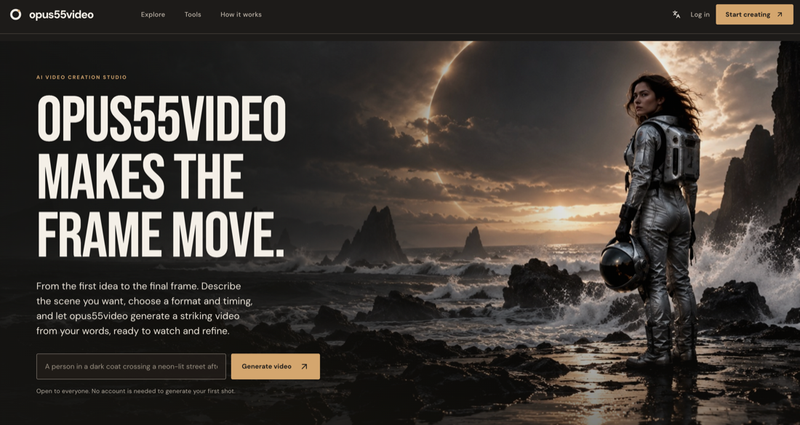
Opus55video turns written ideas into cinematic motion. Start with a description of the scene you want to see, then choose the format and duration that fit your project. In just a few steps, you can move from a written idea to a striking video.
Bring a written idea into motion
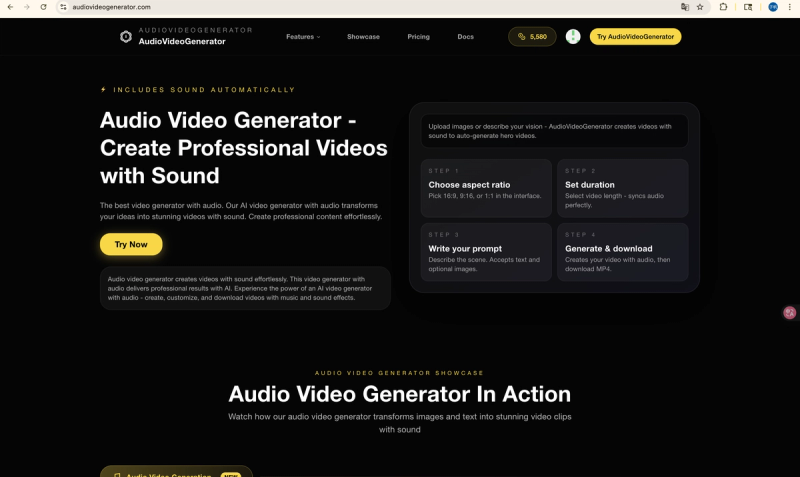
A written concept can be short or detailed. Describe the scene in your own words and use Opus55video as a focused starting point for shaping that idea into motion. The workflow is built around a clear progression: write what you want to create, choose the format, select the duration, and create the video.
A simple creative workflow
Opus55video keeps the process direct. You do not need to begin with a finished production plan. Begin with the idea, make the choices that matter for the output, and create a video that gives the concept a visual form. This makes it useful when you are exploring a visual direction, preparing a concept, or turning a written prompt into a cinematic result.
Choose the output that fits
Format and duration are part of the creation process, so you can make choices that match the way you want to use the result. Whether you are testing an idea or developing a more polished visual concept, the same few-step workflow keeps the starting point easy to understand.
Your idea. In motion.
Opus55video is a freemium product available at https://opus55video.net/. Describe a scene, choose the format and duration, and create a striking video in just a few steps.