
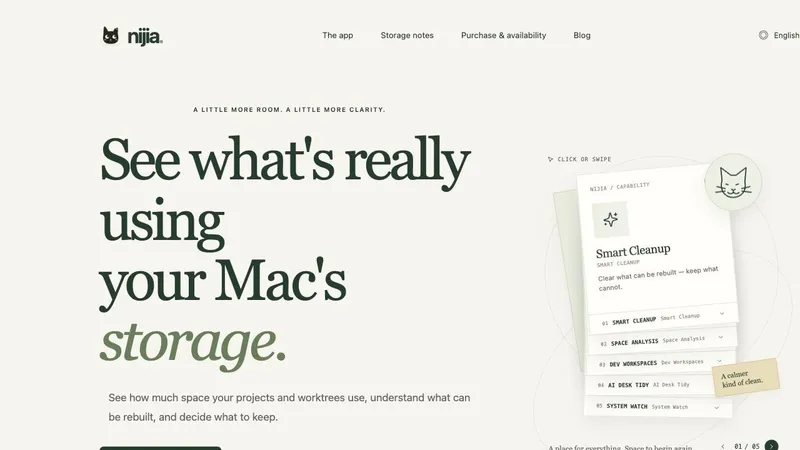
Nijia is a macOS utility for understanding storage before you decide what to clean. It helps people who use their Macs for work, development, and large personal libraries see where space is going and review cleanup candidates with context.
Space Analysis maps disk and folder usage so a large number is connected to a real location. Smart Cleanup identifies selected rebuildable files—such as caches and build outputs—and explains why they can be regenerated. Dev Workspaces adds context for Git repositories, worktrees, dependency folders, and development artifacts, making it easier to distinguish generated data from source projects and work that is still in progress.
Nijia keeps inspection and cleanup separate. A scan is read-only; it does not make cleanup decisions or delete files on its own. Users review individual candidates and choose what to move to Trash. Personal files are not treated as automatic garbage, and active applications are skipped during ordinary cleanup.
The product is designed for Mac users who want a clearer picture of storage without a one-click sweep. It is especially useful when build caches and multiple worktrees make disk usage hard to interpret. Nijia also includes optional AI Desk Tidy features, but its core product is storage analysis, cleanup review, and developer-workspace context.
Nijia is a paid Mac app. New users can try every feature for seven days without a payment card or automatic charge. Download and product details are available at nijia.app.


