
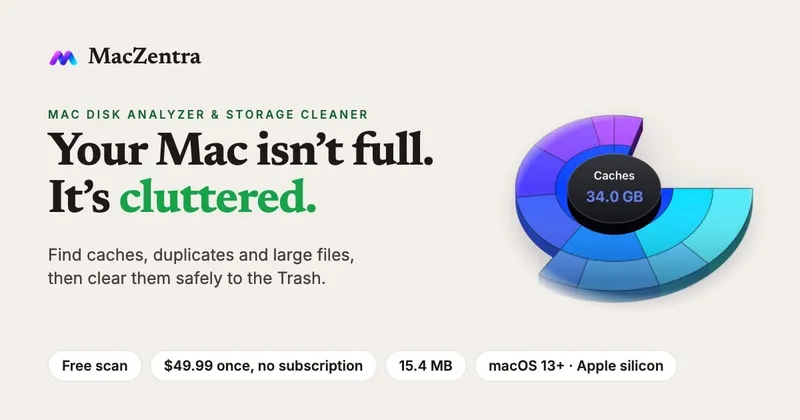
MacZentra is a native Mac disk analyzer and storage cleaner for Apple silicon Macs running macOS 13 Ventura or later. It shows you what is using space on your Mac, so you can decide what to remove instead of guessing.
Scanning runs locally on your Mac, and your files are not uploaded anywhere. The scan builds a picture of your disk in several views, including a Treemap, a Sunburst and a Tree View, so large folders and forgotten downloads are easy to spot.
MacZentra finds the things that usually fill a drive: caches, large files, duplicate files and leftovers from apps you no longer use. Duplicate detection always keeps the last copy of any file, so you do not lose your only copy by accident.
There is also a Developer Junk cleanup for Xcode DerivedData, node_modules folders, Docker.raw and Conda environments. A command-line tool, msc, offers a dry-run preview so you can see what would be removed before anything changes.
Safety is built in. System locations such as /System and /usr cannot be deleted, a protected folder list is skipped by the scanner and cleaner, and risky items are not pre-selected. Removed files go to the Trash first, so they can be restored.
Scanning is free. Cleaning is a one-time purchase of $49.99 with no subscription, and a 7-day free Pro trial is available with no card required. The license is verified offline, so you do not need an account. The app is code-signed and notarized by Apple.
A 256 GB drive scans in about 15 to 20 seconds on Apple silicon. Disks with millions of small files take longer. The app is about 15.4 MB installed.
Learn more at https://maczentra.com, including the features page, pricing and blog posts on clearing caches and system data safely.