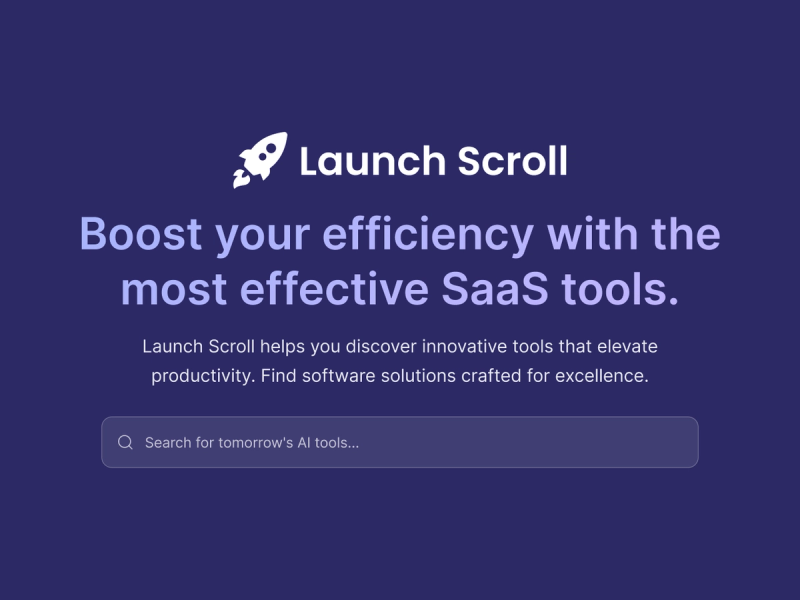
Launch Scroll is a product launch directory for SaaS launches, app launches, and fresh software releases, letting users browse, compare, and track new tools organized by category, pricing, and recency.
What is Launch Scroll?
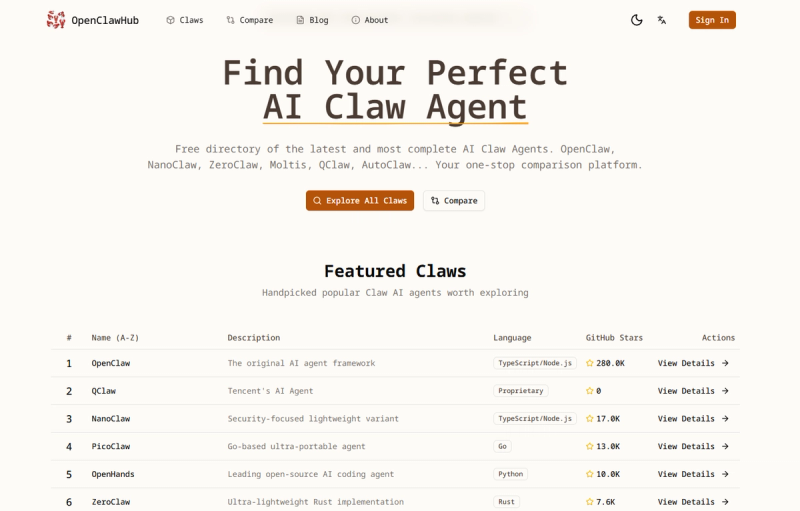
Launch Scroll curates new software products across dozens of categories such as AI Assistants, Software, and Design Tools. Each listing includes a description, category tags, pricing model (Free, Paid, Freemium, Free Trial), and a direct visit link. The directory is updated multiple times per week by an editorial team and features a scroll-based feed that prioritizes the latest additions.
Key Features
- Curated Tool Discovery — Browse handpicked AI and productivity tools across over 50 categories, from AI Assistants to Web Development.
- Detailed Tool Profiles — Each listing shows a thumbnail, description, category links, pricing label, and a "Visit" button to the external product site.
- Category Organization — Tools are neatly categorized by function and industry, with dedicated category pages (e.g., AI Assistants, Content Creation, Business & Finance).
- Featured Section — Highlights a rotating set of products on the homepage for immediate visibility.
- Submission Portal — Creators can submit their own SaaS, app, or software release for editorial review and inclusion.
Who is it for?
- Product hunters tracking new releases to evaluate before they become mainstream.
- Founders benchmarking competitors entering their space.
- Early adopters exploring the latest tools in categories like Productivity, Marketing, or Design.
- Professionals building a shortlist of new products to test for their workflows or teams.
What can you do with Launch Scroll?
- Discover new tools — Scroll through the latest products in order of arrival, filtered by category or pricing model.
- Compare launches — Use category and pricing filters to narrow the field, then compare products serving the same use case or audience.
- Track market trends — Monitor which categories have the most new activity and which pricing models (free, freemium, paid) are common.
- Submit your own product — Get your launch reviewed and listed for visibility among early adopters.
How does Launch Scroll work?
Users browse products directly on launchscroll.com, where products are displayed in a scroll-based feed. Each card shows a thumbnail, name, brief description, category links, and a pricing tag. Clicking "Visit" opens the product's external site. Creators submit their own launches via a submission page, and the editorial team reviews and adds them multiple times per week.
Pricing
Browsing the directory, viewing listings, and comparing products is completely free. Individual products listed may have their own pricing models (Free, Freemium, Paid, Free Trial), but using Launch Scroll to discover them costs nothing.
FAQ
What kinds of launches does Launch Scroll cover?
It covers new launches across SaaS launches, app launches, and new software releases.
How do I compare launches on Launch Scroll?
Use category and pricing filters to narrow the field, then compare new products serving the same use case or audience.
Can I submit my own launch?
Yes. Submit your launch through the submission page; it will be reviewed before being added to the directory.
Is Launch Scroll free to use?
Yes. Browsing the directory, viewing listings, and comparing products is completely free.
How often is the directory updated?
Launch Scroll adds new products and updates existing listings multiple times per week.