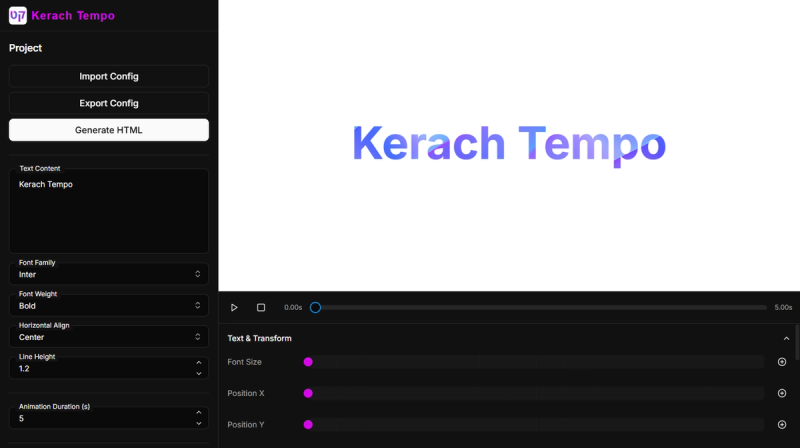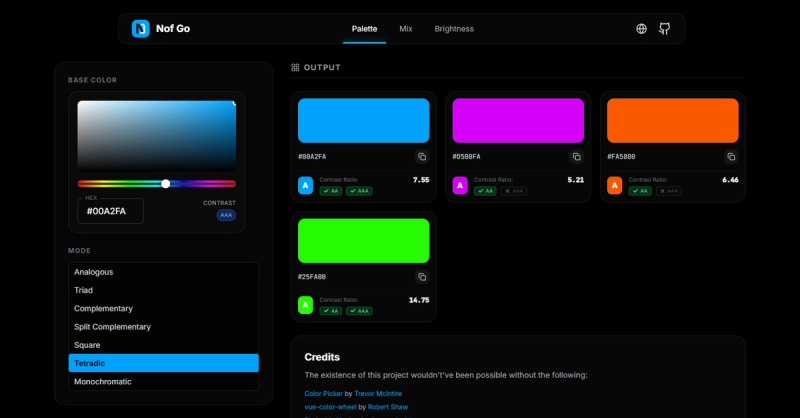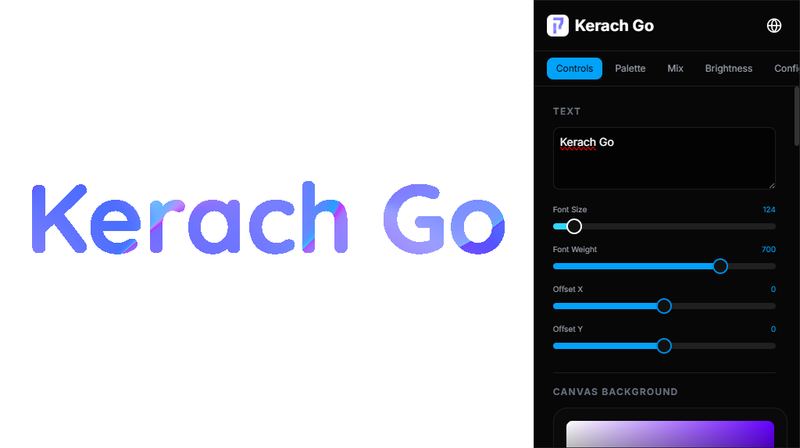
Kerach Go is a petite open-source text shaderer whose entire code fits into a single HTML file, allowing users to apply visual effects to text directly in the browser.
What is Kerach Go?
Kerach Go is a web-based tool that takes user-input text and applies real-time shader effects to render stylized text on screen. It runs entirely from one standalone HTML file, requiring no server or external dependencies beyond a web browser. The project is created by Northstrix and is available on GitHub and SourceForge, with a live demo at this page. It supports multiple languages including English, Chinese, and others, making it accessible globally.
Key Features
- Single-file deployment — The entire application is contained in one HTML file, making it easy to download, share, and run locally without installation.
- No external dependencies — Operates without any server-side processing or third-party libraries beyond loaded fonts from Google Fonts.
- Open source — Code is publicly available on GitHub under an open-source license, inviting community contributions and customization.
- Beginner-friendly — Simple interface and minimal setup; ideal for learning about shader effects on text.
- Multi-language support — Interface available in English, Chinese, and other languages as per its tags.
- Free to use — No cost, no account required, and works offline after download.
Who is it for?
- Web developers interested in experimenting with text shaders without complex setup.
- Designers looking for quick text effect prototypes in the browser.
- Hobbyists and learners exploring computer graphics and shader programming.
- Educators demonstrating shader concepts in a minimal, portable environment.
What can you do with Kerach Go?
- Create stylized text graphics for social media or presentations by applying real-time shader effects.
- Test shader code on text inputs before integrating into larger projects.
- Learn about fragment shaders by examining the single-file implementation and modifying it.
FAQ
Is Kerach Go free?
Yes, it is completely free and open source. No registration or payment is required.
What file formats does Kerach Go support for export?
The page does not specify export formats; output is rendered on screen and can be captured via screenshot.
Does Kerach Go work offline?
Yes, as a single HTML file it can be saved and opened locally without internet, though fonts from Google Fonts require an initial load.
How do I get started?
Download the HTML file from the GitHub repository or SourceForge, or use the live demo. Open the file in any modern browser.