
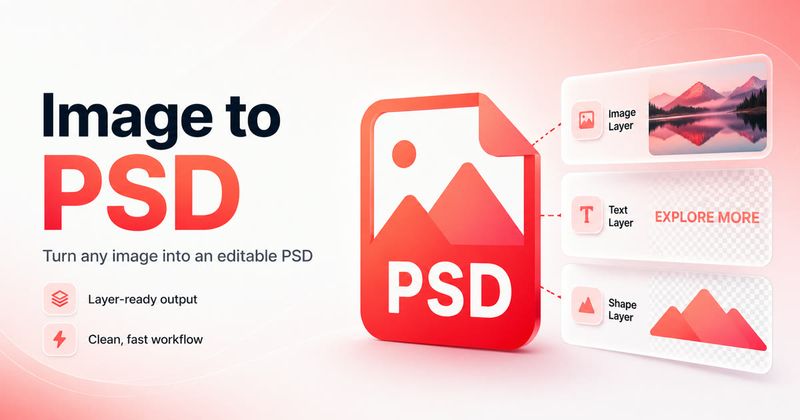
ImageToPSD is an online AI-powered converter that turns flat JPG, PNG, PDF, WebP, HEIC, or AVIF images into real layered PSD files with editable Photoshop layers, and also converts PSD files back to PNG or JPG.
What is ImageToPSD?
ImageToPSD is a web-based tool that converts images to PSD with actual editable layers, not just a renamed file. You upload a flat image (JPG, PNG, WebP, HEIC, AVIF, or PDF), and its AI separates the content into distinct layers — background, subjects, text, logos, and product areas — then outputs a real layered PSD. It also provides reverse conversion tools: PSD to PNG and PSD to JPG. The service runs entirely in the browser, no software installation is needed.
Key Features
- AI layer separation — Automatically identifies and isolates background, subjects, text regions, logos, and product areas into separate Photoshop layers.
- Multiple input formats — Accepts JPG, PNG, WebP, HEIC, AVIF, and PDF, with a maximum file size of 10 MB and support for uploading multiple files at once.
- Adjustable layer count — You can specify the number of layers the AI should produce, up to 10 layers.
- Prompt-assisted conversion — Add an optional text description of the image to help the AI separate regions more accurately.
- PSD export tools — Dedicated converters for PNG to PSD, JPG to PSD, PSD to PNG, and PSD to JPG, all accessible from the same dashboard.
- Broad PSD compatibility — The output opens in Photoshop, Photopea, Affinity Photo, and other PSD-compatible editors.
- Free credits on signup — Get 5 free credits immediately, with no credit card required.
Who is it for?
ImageToPSD is aimed at anyone who needs a layered PSD but only has a flat file. Product teams use it to convert product photos into layered PSDs so they can swap backgrounds, update pricing labels, and produce regional variants without re-shooting. convert UI mockups or reference screenshots into layered PSDs to extract individual elements and rebuild layouts. turn PDF pages into layered PSDs to isolate headlines, images, logos, and body copy, enabling last-minute edits without InDesign.







