
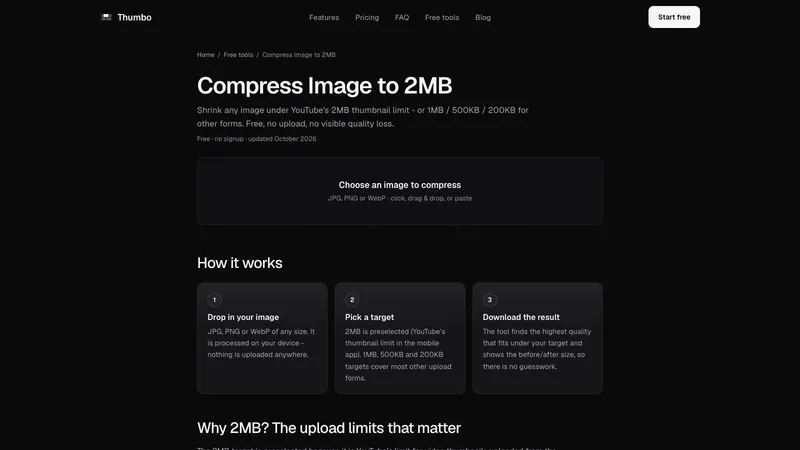
Compress Image to 2MB shrinks any image under YouTube's 2MB thumbnail limit, or to 1MB, 500KB or 200KB for other upload forms. It runs entirely in your browser: nothing is uploaded anywhere.
How it works
- Drop in your image. JPG, PNG or WebP of any size. Click, drag and drop, or paste.
- Pick a target. 2MB is preselected, because it is YouTube's limit for thumbnails uploaded from the mobile app. 1MB, 500KB and 200KB targets cover most other upload forms.
- Download the result. The tool finds the highest quality that fits under your target and shows the before and after size, so there is no guesswork.
Which target for what
- 2MB: YouTube video thumbnails from the mobile app, many CMS and forum uploads
- 1MB: podcast cover hosts, job and visa application portals
- 500KB: web performance budgets, newsletter images
- 200KB: avatars, government and banking forms
How the compression works
JPG and WebP have a quality dial from 0 to 100. Instead of making you guess, the tool encodes the image a few times at different qualities and keeps the highest one that still fits. If even a low quality is too large, it gently downscales the dimensions and tells you exactly what it did. Because everything happens on your device, there are no queues and no daily limits. Made by Thumbo, the AI thumbnail maker. Free, no signup, no watermark.


