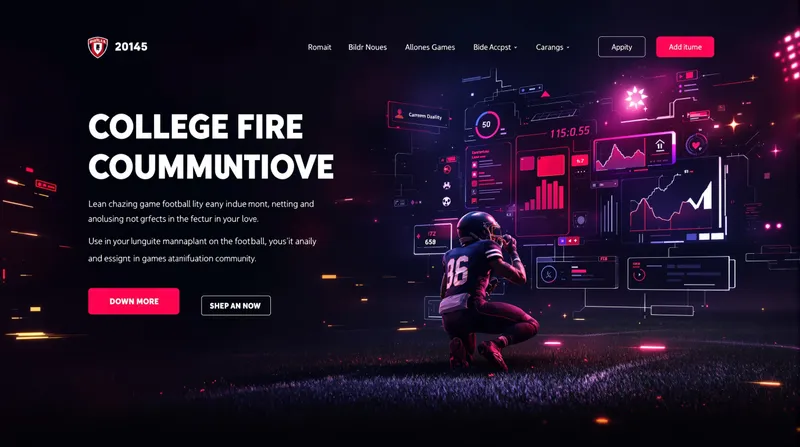
CFB27 Nation is an independent web platform delivering news, guides, tools, ratings, and community content for EA Sports College Football 27. It launched alongside the worldwide release of the game on July 9, 2026, and serves as a central resource for players of all platforms (PS5, Xbox Series X|S, PC via Steam, EA App, and Epic Games Store).
What is CFB27 Nation?
CFB27 Nation is a fan-run website that aggregates and produces verified information about College Football 27, including game modes (Dynasty, Road to Glory, Ultimate Team), team and player ratings, release edition details, gameplay settings, and community news. It offers interactive tools like an access troubleshooter, cross-play match setup, and a Dynasty team picker. The site is not affiliated with EA Sports and is funded independently.
Key Features
- Access Troubleshooter — Guided checklist to resolve login, entitlement, trial, and platform-specific launch issues.
- Cross-Play Match Setup — No-login tool that generates a pre-game checklist for matchmaking with friends across platforms.
- Best Settings Builder — Customize passing, defense, camera, controller, and PC performance sliders into a shareable preset.
- Team Ratings Tracker — Filterable table of official EA-published OVR, OFF, and DEF ratings for all 134 FBS teams, with editorial Dynasty planning scores clearly labeled.
- News Hub — Daily source-verified articles covering patch notes, strategy guides, and community updates.
- Edition Comparison — Side-by-side breakdown of Standard ($69.99), Deluxe ($99.99), and MVP Bundle ($149.99) content.
Who is it for?
- Dynasty mode players — Use the Dynasty team picker and recruiting guides to plan long-term program builds.
- Launch-day purchasers — Run the access troubleshooter to resolve entitlement or download blocks.
- Ultimate Team builders — Track official ratings and read roster construction tips.
- Casual fans — Stay informed with daily news and edition comparisons to decide which version to buy.
What can you do with CFB27 Nation?
- Resolve launch issues — Run the access troubleshooter to check account, platform, and entitlement status step by step.
- Optimize settings — Build a personalized controls and sliders preset for any platform, then share it.
- Compare team ratings — Sort and filter official OVR/OFF/DEF data across all FBS conferences.
- Read strategy guides — Access detailed articles on real-world offensive schemes, recruiting tips, and gameplay mechanics.