

Uninstalr Review
We've tested Uninstalr, a lightweight Windows uninstaller with batch removal, leftover detection, broad app support, and a genuinely useful free edition.
Author: Turbo0 · July 12, 2026 · Reviews
Welcome to this Uninstalr review 😊!
Windows can remove programs on its own, but uninstalling several apps, finding old leftovers, and checking what will be deleted still takes more work than it should. Many third-party uninstallers add another problem: busy interfaces or useful features reserved for paid plans.
Uninstalr takes a more focused approach. Created by Finnish developer Jouni Flemming, it is a lightweight Windows utility built around batch removal, unattended uninstalling, and a custom engine that previews what it plans to delete. I reviewed the current website, feature pages, screenshots, benchmark methodology, and pricing; I could not run the Windows-only app in this macOS environment. Let's dive in! 🚀
Getting Started & Uninstalr First Impressions
There is no account or onboarding funnel before download. The website identifies the current release as Uninstalr 3.1, a 7.8 MB download updated on July 8, 2026, with support for Windows 7, 8, 10, and 11. Both portable and setup versions are available.
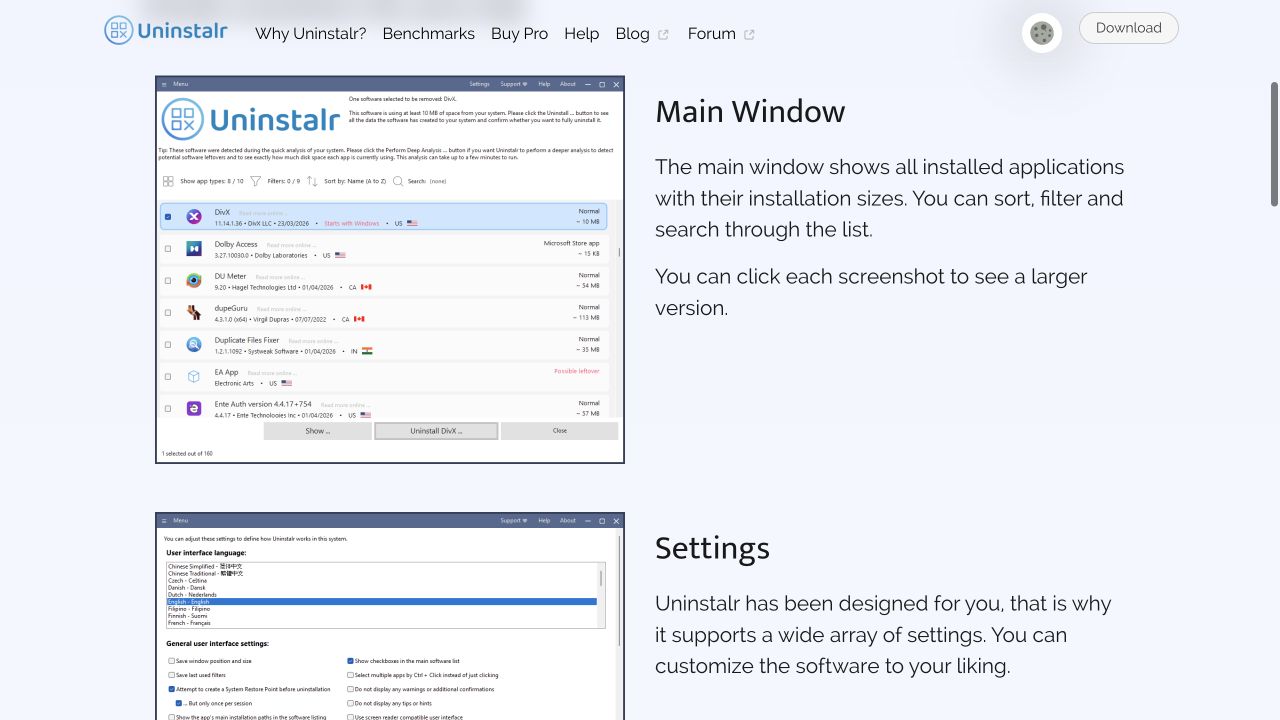 A focused view of Uninstalr's main application list and the beginning of its settings panel.
The interface is deliberately classic rather than glossy. Installed apps appear in one searchable, sortable, filterable list, with calculated installation sizes. The official screenshots also show light and dark modes, detailed settings, installation monitoring, and a preview of removal paths. If you value clarity over visual novelty, the layout looks refreshingly direct 😎.
For more independent software discoveries, you can also browse the Turbo0 product directory and our latest software reviews.
Uninstalr Batch Removal & Cleanup Features
The headline feature is batch uninstalling: select several applications and remove them in one operation. Uninstalr says its custom engine can perform unattended removal even when an application's own uninstaller does not support silent operation.
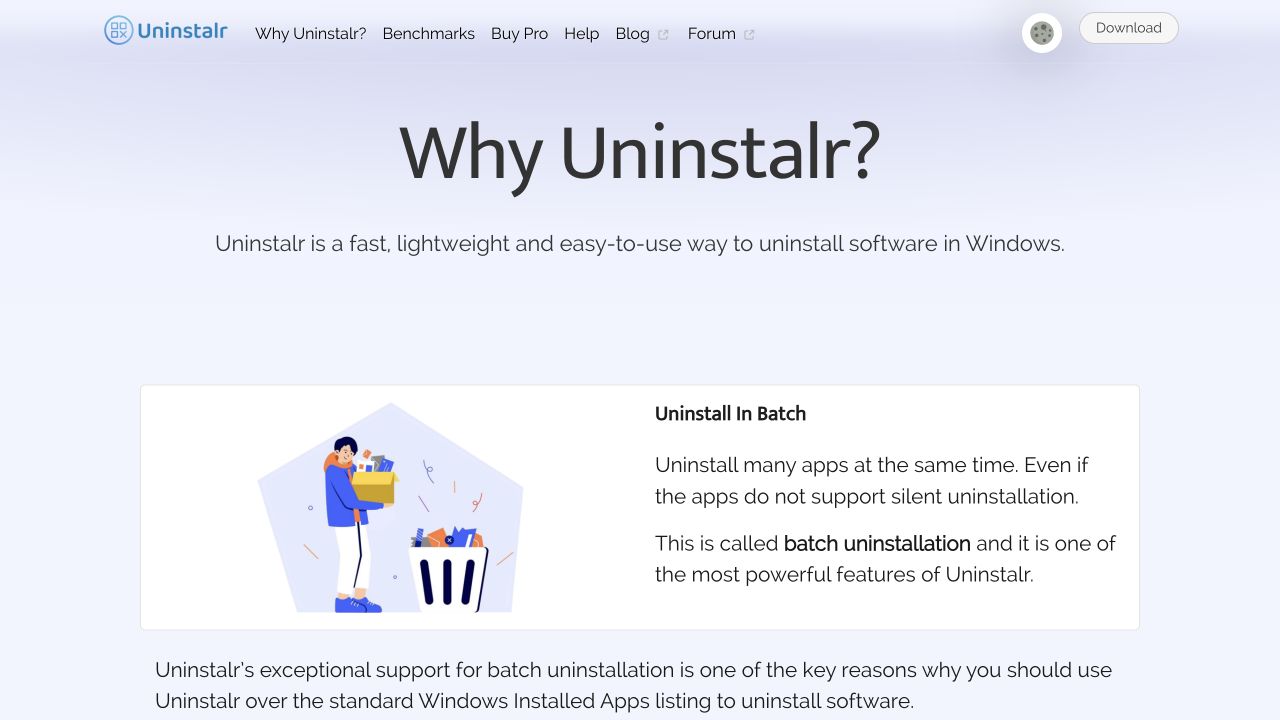 Uninstalr highlights batch removal as a way to uninstall several Windows apps in one operation.
- Removal preview: See the file and registry paths scheduled for deletion and exclude individual items before continuing.
- Leftover detection: Look for remnants from software removed in the past.
- Installation monitoring: Record data created by a newly installed program.
- Size correction: Recalculate app sizes instead of relying only on Windows' often incomplete values.
- Broad detection: Recognize 15 app categories, including Microsoft Store and portable apps plus Steam, Epic, GOG, Battle.net, Riot, EA, and other game platforms.
- Local processing: The site says the country-of-origin feature and other app analysis run locally without sending that data elsewhere.
That combination is more substantial than a prettier wrapper around Windows Settings. I especially like the preview-and-exclude step: cleanup tools are powerful, so showing the proposed changes before acting is the right design choice 💡.
Uninstalr Benchmarks & Alternatives
Uninstaller claims are difficult to evaluate without a Windows test machine. Uninstalr at least publishes its methodology and comparisons against alternatives including Revo Uninstaller, Geek Uninstaller, BCUninstaller, HiBit, Wise, and others.
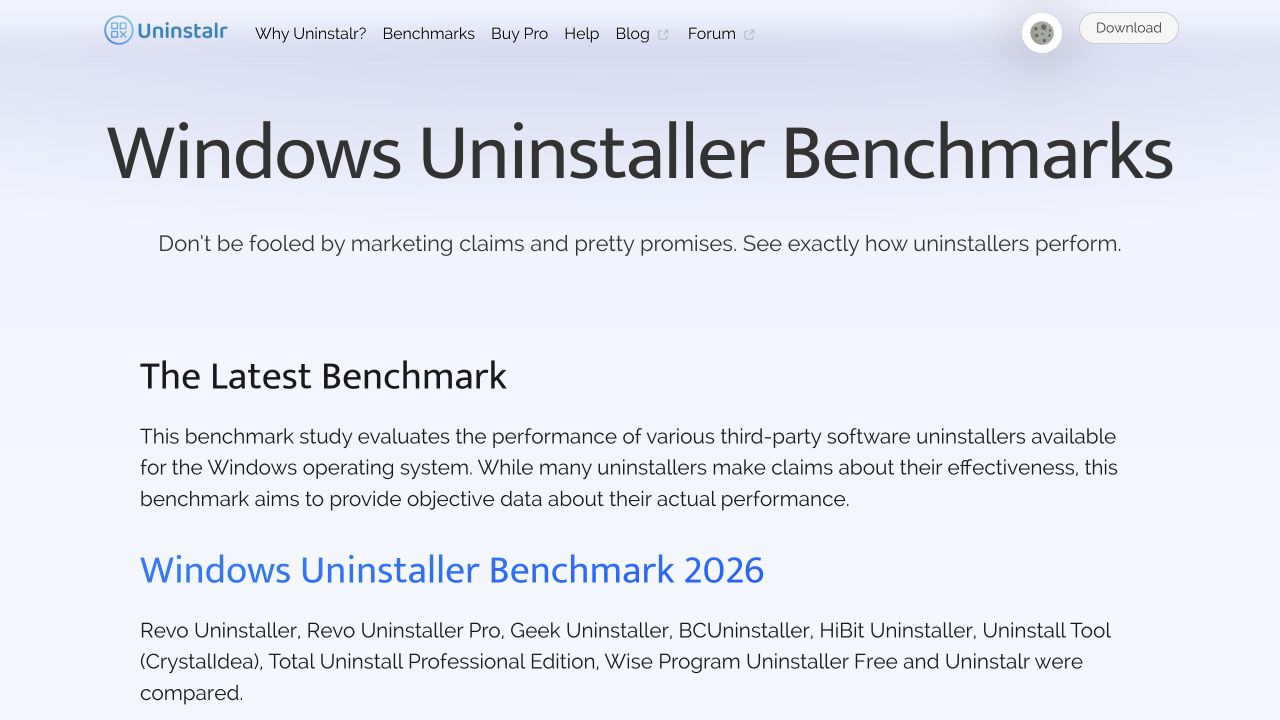 Uninstalr's benchmark hub introduces its 2026 comparison and the uninstallers included in the study.
The 2026 benchmark describes three tests: detecting portable apps and old leftovers, measuring files and registry entries left after uninstalling selected programs, and removing an app after its own uninstaller has been deleted. The company publishes comparisons dating back to 2023, which is useful for seeing how its testing evolved.
Still, these are vendor-run benchmarks, not an independent lab result. I would treat them as transparent supporting evidence rather than the final word. Compared with Revo or Geek Uninstaller, Uninstalr's clearest differentiators on paper are its extensive unattended batch removal and one-list coverage of conventional, portable, store, package-manager, and game-platform apps 👀.
Uninstalr Pricing
The standard edition is freeware, and the pricing page explicitly says it has no trials, nag screens, spyware, or core features locked behind a paywall. Uninstalr Pro costs $39 once for one computer.
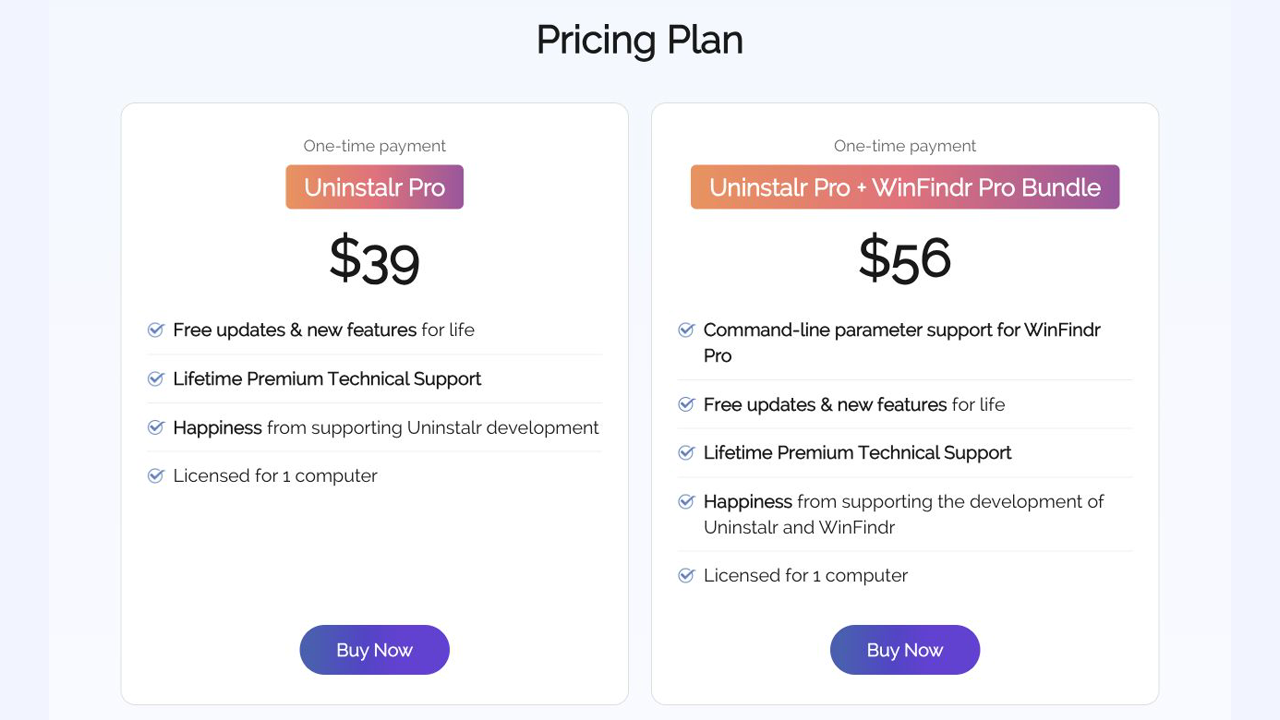 The focused Uninstalr pricing view compares the $39 Pro license with the $56 Uninstalr Pro and WinFindr Pro bundle.
- Freeware: The main uninstaller features, without a time-limited trial.
- Uninstalr Pro ($39 one-time): Lifetime updates and new features, lifetime premium technical support, and a direct line for feature requests; licensed for one computer.
- Uninstalr Pro + WinFindr Pro ($56 one-time): Adds WinFindr Pro and its command-line parameter support; also licensed for one computer.
The site states that purchases have an unconditional 30-day money-back guarantee. Since the core software is already free, Pro is primarily a support-and-development purchase rather than an unlock fee. That is unusually easy to evaluate: try the actual tool first, then pay if priority support or funding its continued development matters to you 🙌🏻.
Conclusion
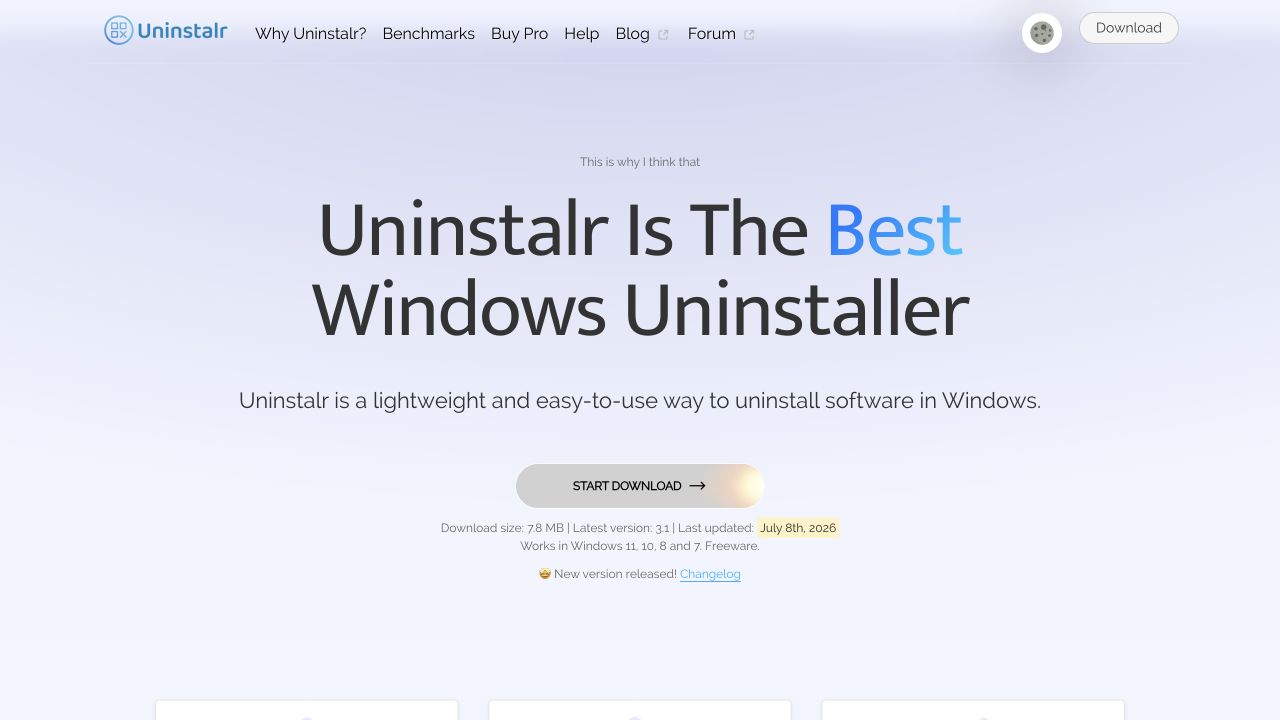 Uninstalr's homepage hero presents the lightweight Windows uninstaller, download details, and current version.
That's the end of this Uninstalr review!
Uninstalr looks best suited to Windows users who periodically clean up many applications, manage portable software or multiple game launchers, or want more visibility than Windows' built-in removal screen provides. Its focused interface, batch workflow, removal preview, and generous freeware model make a strong first impression. My conclusion is based on verified product pages and official screenshots, not a hands-on Windows uninstall run.
What I loved:
- 🚀 Batch removal: Multiple apps can be queued instead of removed one by one.
- 🛡️ Preview before deletion: Users can inspect and exclude proposed removal paths.
- 🧩 Broad app coverage: Store, portable, package-manager, and game-platform apps share one list.
- ⚡ Lightweight package: The current download is listed at only 7.8 MB.
- 💡 Useful free edition: Core functionality is not presented as a short trial.
Points to consider:
- 🪟 Windows only: It is not an option for macOS or Linux users.
- 🧪 Vendor-run evidence: The published benchmarks are detailed, but independent testing would add confidence.
- ⚠️ Power requires care: The developer itself recommends following the on-screen guidance and creating backups before cleanup.
If you use Windows and want a focused alternative to uninstalling apps individually, download the free edition of Uninstalr and inspect its preview carefully before confirming any removal. The free-first model makes it easy to decide whether it fits your workflow 🚀.