

Welcome to this Snapveil review 😊!
The party ends, but collecting everyone's pictures can take another week. You ask in the group chat, receive a few favorites, and still miss the moments captured on other people's phones.
Snapveil puts those contributions into one event gallery. Its founders, Daniel Wagner and Jens Schwoon, started the product in Münster in 2025 around that familiar problem.
I explored the live website, signup screen, interactive feature presentation, guides, pricing, and privacy policy on September 6, 2026. This is a public-product walkthrough: I did not create an account, upload guest photos, or purchase an AI plan. The screenshots show real website pages, including the vendor's interface illustrations. Let's look at what the workflow offers! 🚀
Getting Started with Snapveil
The organizer's signup screen offers Google sign-in or an email-based account. The email-updates checkbox was unchecked when I visited. The guest journey is separate: Snapveil describes joining through an event link without a full account.
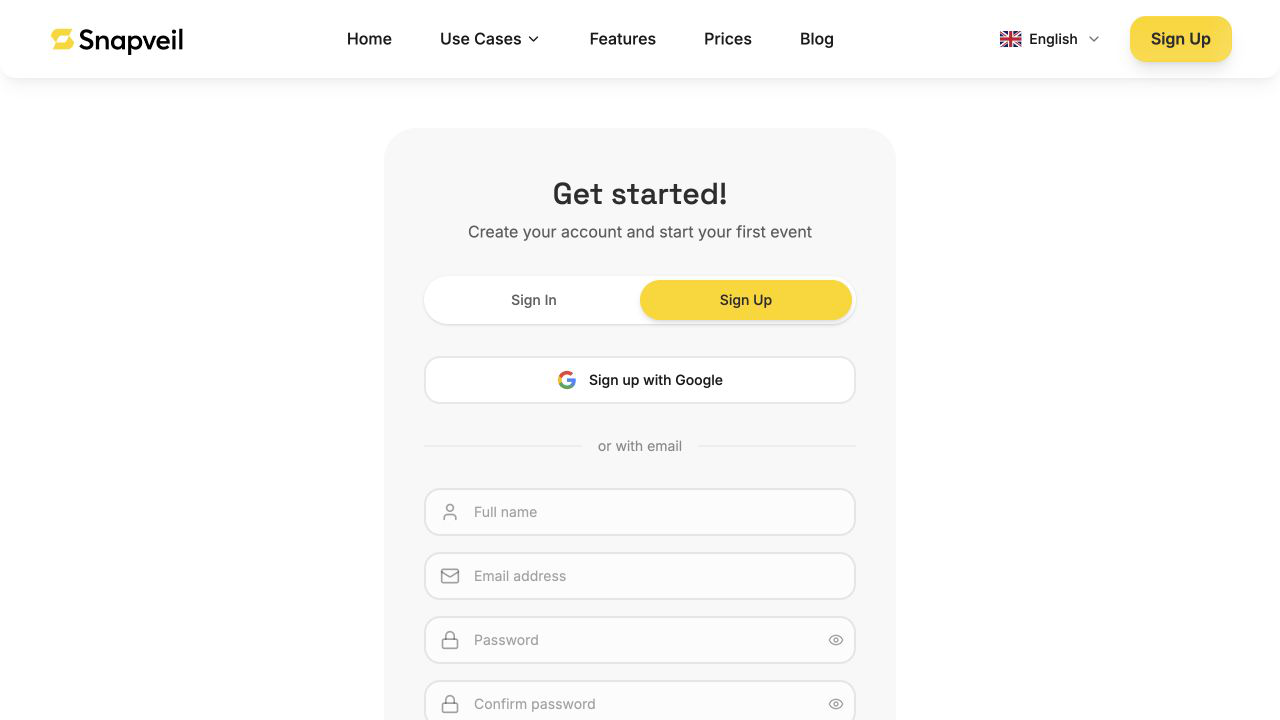 Snapveil's live organizer signup page; no account was created for this review.
The gallery setup guide describes entering an event name and date, then distributing its link or code. This is a hosted destination for one occasion, rather than a gallery plugin to install on your own website.
That focused starting point appeals to me. For a birthday or wedding, I want a clear place to send people, without making another website project. You can also find Snapveil in the Turbo0 directory.
Snapveil QR Code Sharing: Make Contributing Obvious
The practical idea is a printed table card guests can scan with their phone camera. A matching web link gives you another way to distribute access before or after the event. The official QR guide describes both opening the same upload destination, without requiring a separate app.
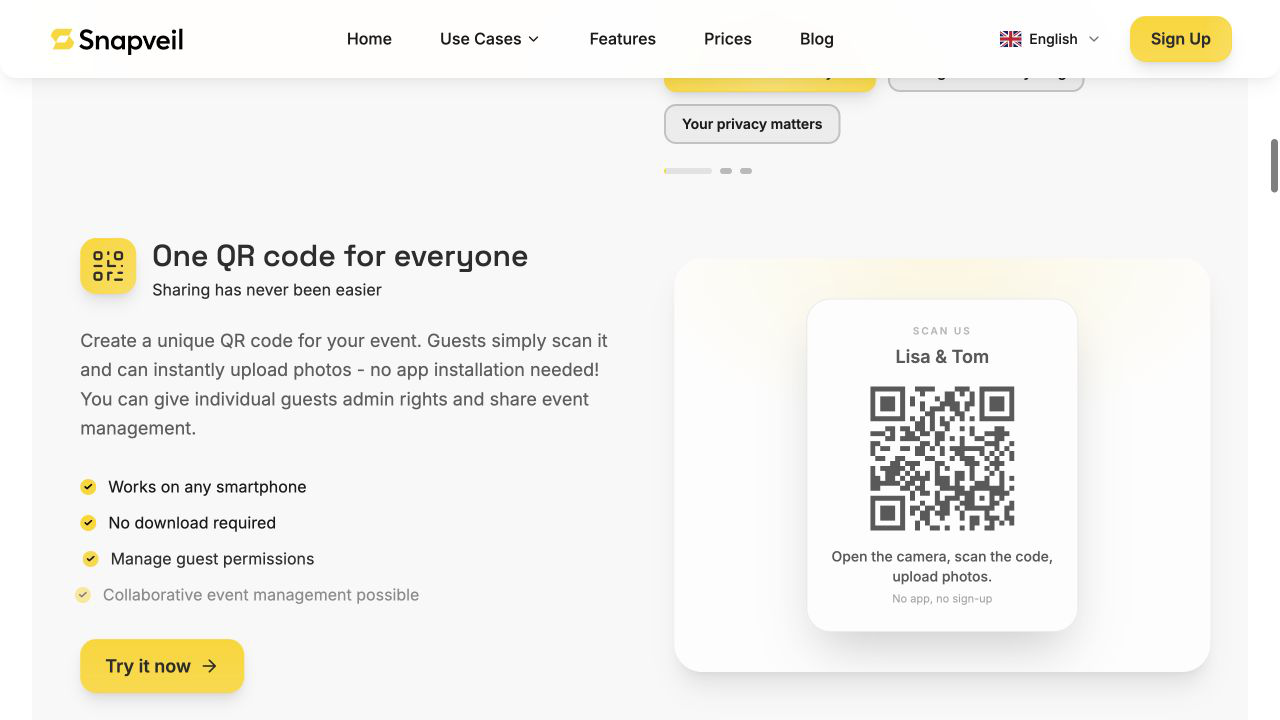 A real screenshot of Snapveil's public QR-sharing illustration, not a code created during this review.
I would put the code near the welcome sign and on tables, with a short instruction explaining what to upload. A tool can remove the installation step; it cannot make guests remember to contribute. A reminder during the event still matters.
The code also does not automatically extract anybody's camera roll. Guests choose the photos they upload. That distinction makes the promise easier to understand and explain to attendees.
Snapveil AI Search: Find a Moment by Description
The Pro + AI presentation shows a short descriptive query returning photos with tags. Snapveil says it combines image categorization, searchable labels, and readable locations derived from photo GPS metadata. Its homepage also describes multilingual tagging.
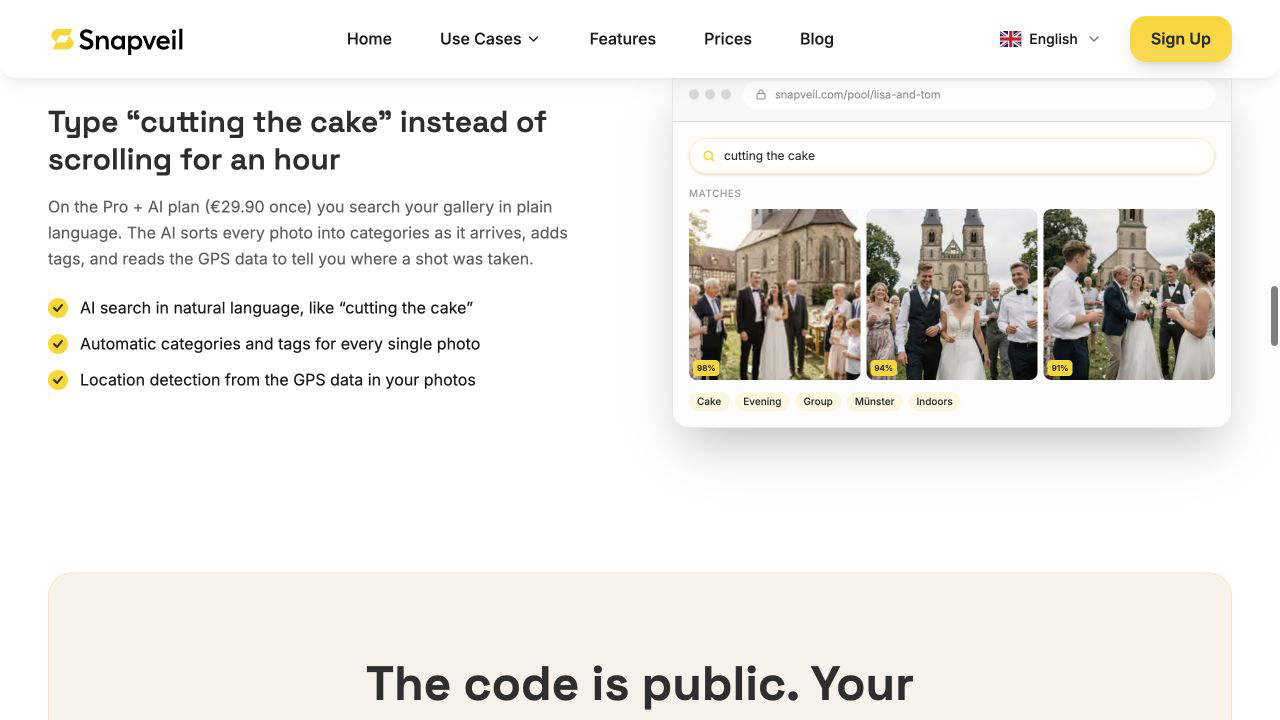 The official QR-sharing guide illustrates AI search; the pictured percentages are demonstration values, not our accuracy measurements.
I can see the appeal once several guests have contributed hundreds of shots. Searching for an activity could be more convenient than remembering which person took the photo or which album holds it.
Still, this illustration cannot establish retrieval quality. I would check a mix of indoor, outdoor, and low-light pictures before relying on AI to find every important moment. Location filtering also depends on the source images carrying usable location information. Search is the feature to evaluate, not an accuracy guarantee.
Albums and Exports: Finish the Job After the Event
Collection is only half the workflow. Snapveil's guide shows named albums, visible photo counts, and a download-quality selector. The paid-plan descriptions include duplicate checking on Pro and bulk downloads with original-quality files.
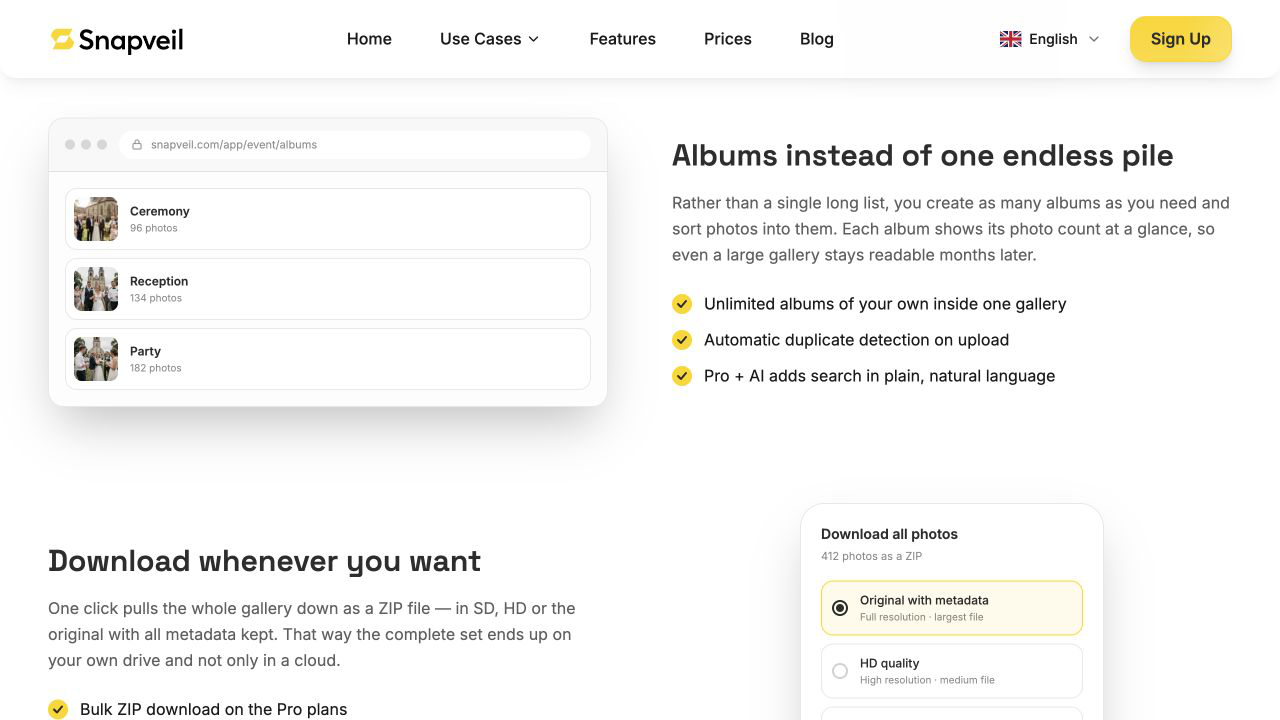 Snapveil's gallery guide shows album groups above an export illustration; these are public examples.
I like having an obvious finishing step: organize the useful pictures, export a complete copy, and keep it somewhere you control. That matters more to me than leaving a beautiful gallery online indefinitely.
The free plan allows SD downloads; original-quality and bulk-download needs are reasons to consider a paid event. For edits after exporting, the image-editing tools on Turbo0 cover the next part of the workflow. Snapveil's role here is collecting and organizing the source material.
Snapveil Privacy and Storage: Read Beyond the Badge
The gallery presentation emphasizes access controls, with password protection listed on paid plans. I would decide who should upload, view, or download before distributing the event link.
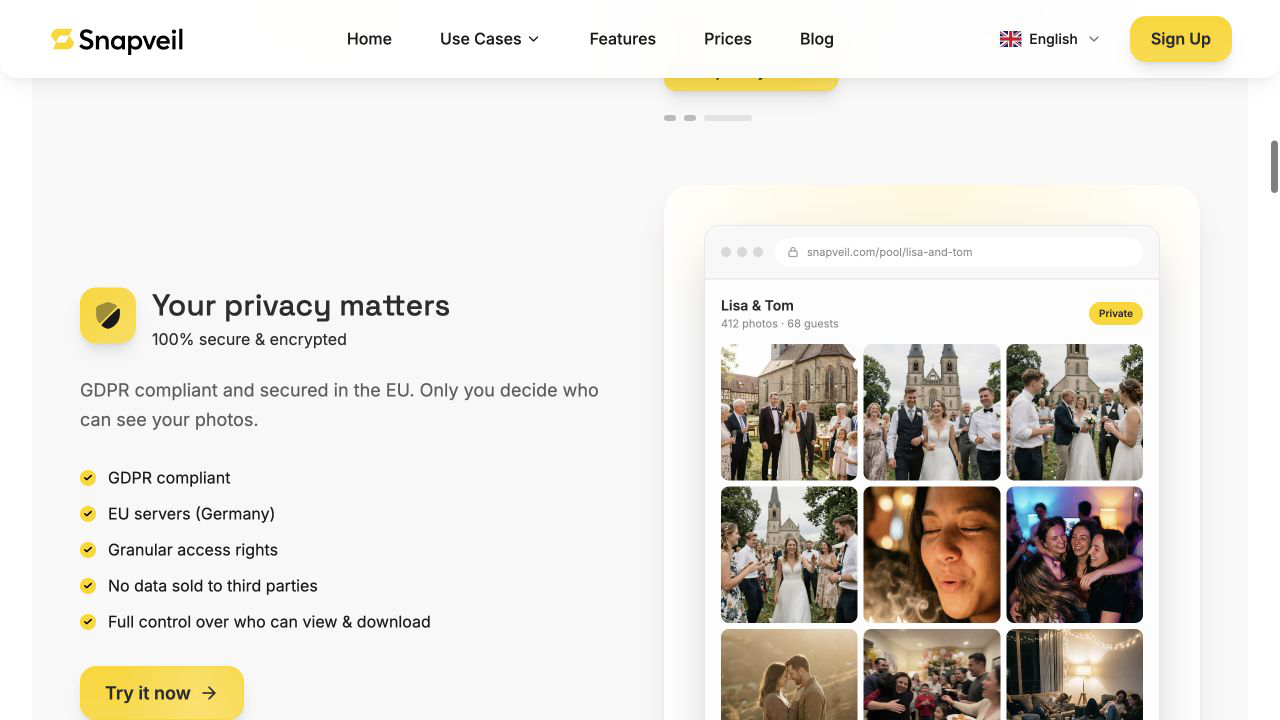 The website's gallery illustration explains its privacy positioning; it is not an authenticated dashboard from our account.
The live privacy policy lists Cloudflare, Stripe, Google sign-in, LocationIQ, and AI processors. Private sharing therefore does not mean that no service provider processes the data. It also describes optional face grouping as disabled by default. That is a policy statement, not a feature I tested.
Storage is finite: Free lasts about two months, and paid events one year, according to the live FAQ. The policy says expired event content is deleted. Plan your export before expiry, even if you intend to pay for an extension later. I did not independently audit security or hosting.
Snapveil Pricing and Alternatives
The live pricing section displayed these one-time, per-event prices on September 6, 2026:
| Plan | Price per event | Main limits and additions |
|---|---|---|
| Free | €0 | 250 photos, two months, SD downloads |
| Pro | €9.90 | 2,000 photos, 12 months, original quality, bulk downloads, password protection, permissions, albums, duplicate checking |
| Pro + AI | €29.90 | 10,000 photos, AI categorization/search, location recognition, custom subdomain and colors, original-quality and bulk downloads |
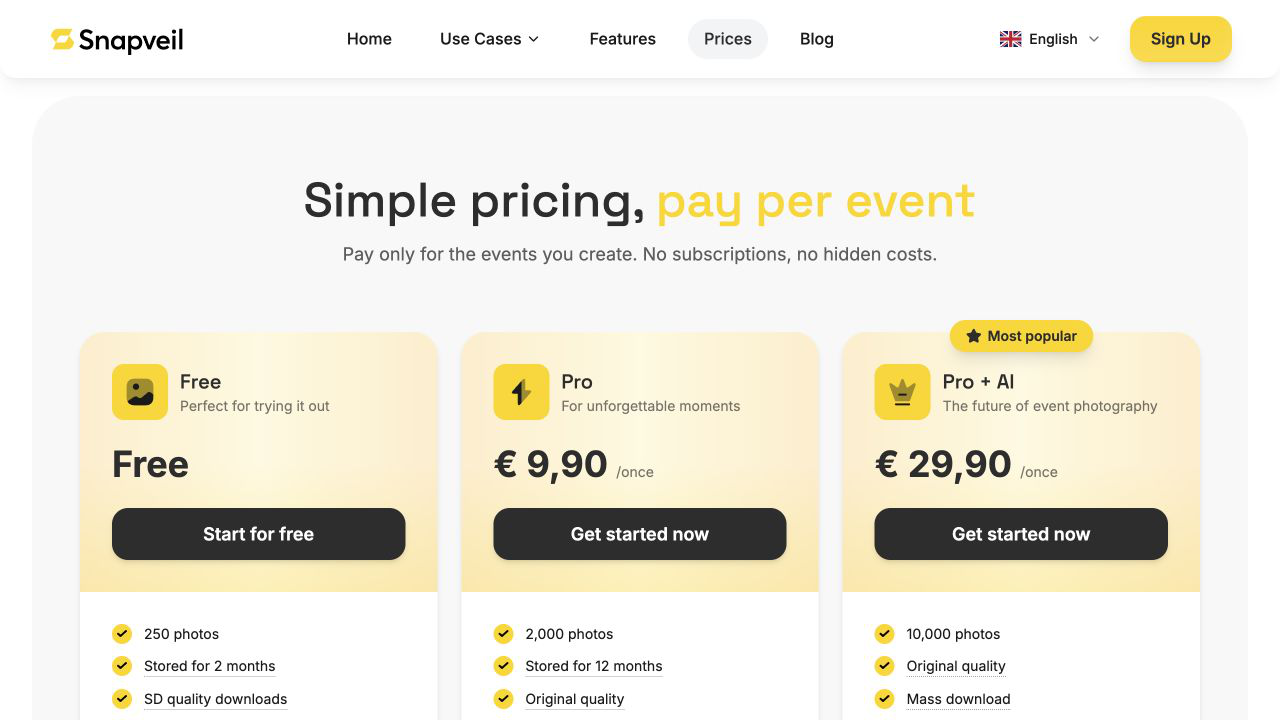 Prices captured from the live homepage; the FAQ confirms one-year storage for both paid plans. Extensions are advertised from €9.90.
For occasional events, paying once is an understandable fit. I would start by comparing my expected photo count and export needs, then decide whether search justifies the AI tier.
Among Snapveil alternatives, Google Photos shared albums are worth comparing if your group already uses Google Photos. A physical photo booth addresses another need: a dedicated capture activity, often with prints. A phone-upload gallery does not recreate that experience.
Conclusion
That's the end of this Snapveil review!
The public walkthrough presents a coherent sequence: give guests somewhere to contribute, organize the results, then save a copy. I find that more persuasive than the AI label alone.
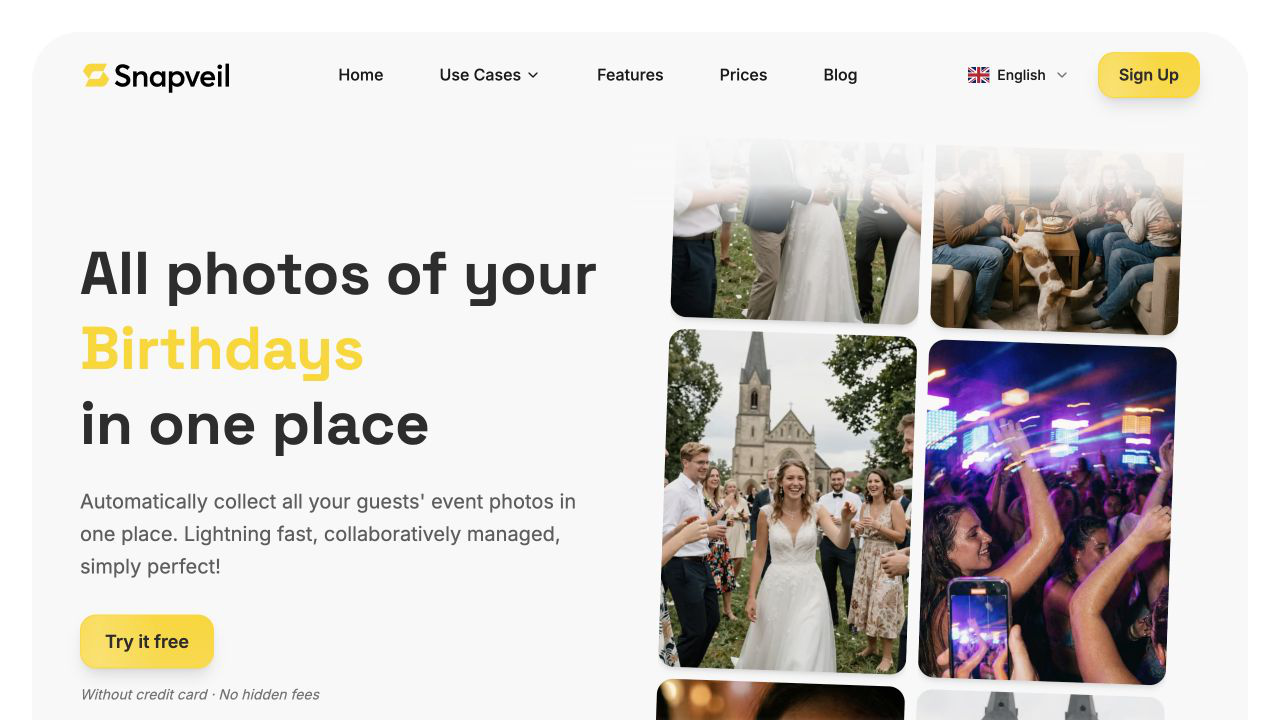 Snapveil's homepage puts collecting event photos at the center of its pitch.
What I loved:
- 📷 A specific problem: Gathering the pictures that would otherwise stay scattered.
- 🔗 Two ways in: A code for the venue and a link for later reminders.
- 🗂️ A complete workflow: Organization and export have a place after collection.
- 💶 Occasional-use pricing: A purchase tied to the event being planned.
Points to consider:
- ⏳ Plan limits: Check photo counts, download quality, and the storage deadline.
- 🔎 AI needs a trial: Public illustrations cannot prove search accuracy on your photos.
- 🌍 Language and availability: The site lists German and English; its Professionals offering is still a notification signup, not a demonstrated available product.
For couples, birthday hosts, and small event organizers, I would begin with a rehearsal using a few willing guests. If that works for your group, try Snapveil for your next occasion and choose the plan around what you need to keep. 📷